Cloud Browser: your own Chrome in the cloud, signed in for your AI
Sign in to your apps once in a Chrome that Cotlet runs for you 24/7. ChatGPT, Claude or any agent then works in them: in the chat, on a schedule, or as your own API endpoint.
 Claude
This is your Cloud Browser
It opens in the console: tabs, an address bar, and a badge with the AI that is connected.
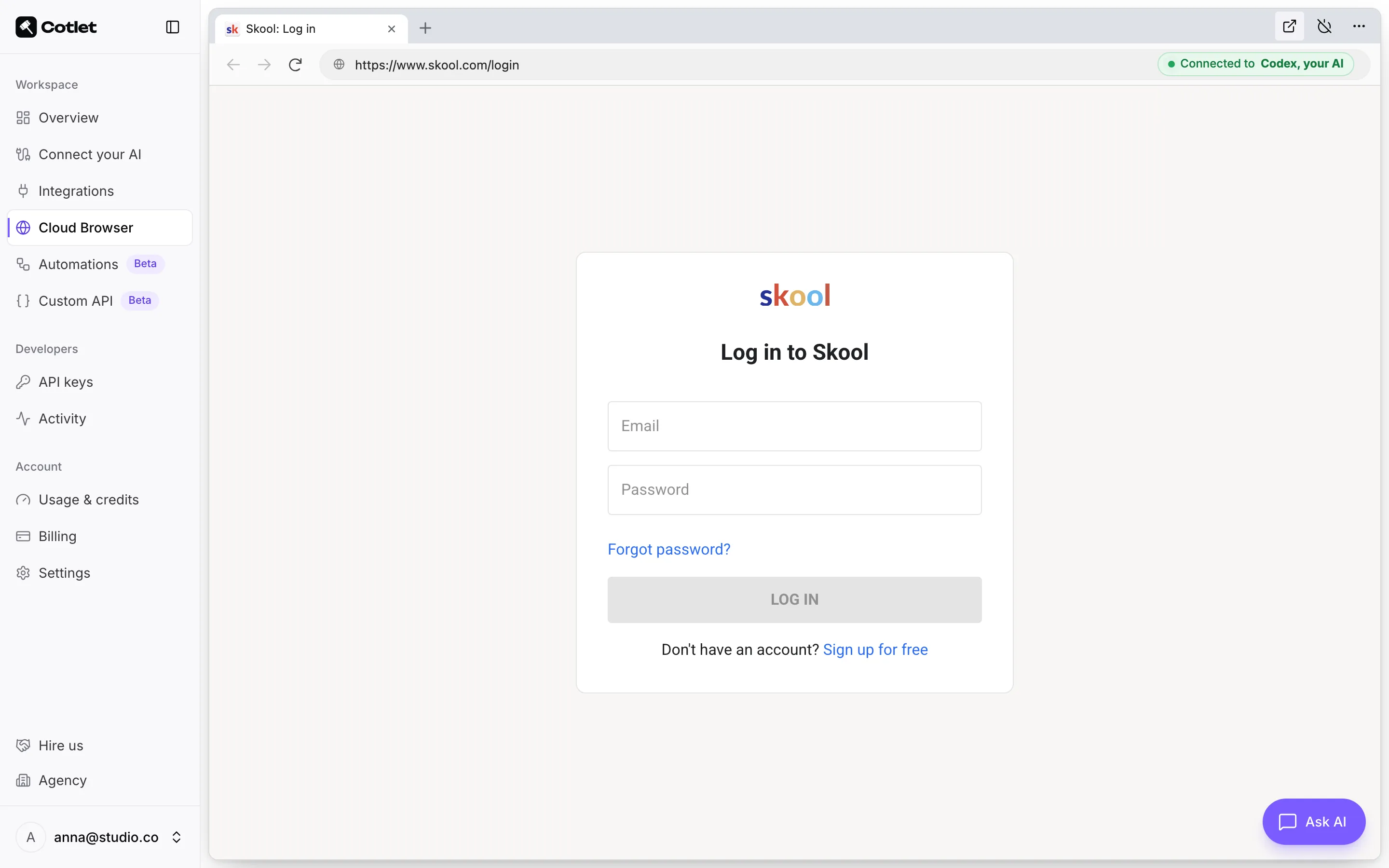
A real browser, not a script
It works in any web app you can sign in to, the way you would.
-
Tabs, like your Chrome
Keep up to 8 apps open as tabs in one browser.
-
Signed in 24/7
It runs in the cloud, so your laptop can sleep.
-
Watch it work
Open the window in the console and see every step your AI takes.
-
Your country
A residential IP in one of 45 countries, with a matching time zone.
-
From your phone too
Sign in and check your browser from any device.
-
Reset any time
A reset gives you a new machine and signs you out everywhere.
What can your AI do in it?
Everything you do in a browser, step by step, on the pages as they are now.
- Open a page and read its text with every button and field numbered.
- Click, type, choose from lists and fill whole forms.
- Upload a file you gave it, download a report.
- Take a screenshot of boards and canvases.
- Ask you in the chat before it sends, posts or deletes anything.
> Export this week's bookings

● cotlet_browser_open  booking app
● cotlet_browser_read  42 elements
● cotlet_browser_click [12] Export
● cotlet_browser_download
  bookings.csv, 14 rows

● Done. 14 bookings this week,
  saved as bookings.csv.
Three ways to use it
Start in the chat. Keep what you repeat.
Your login stays yours
You sign in yourself. Your AI gets only what you allow.
-
No password saved
Password saving is off. You type it on the app's own page.
-
Encrypted profile
The browser profile is stored encrypted, in our EU data centre.
-
Read only or read and write
You choose it for each AI or API key you connect.
-
Sign out to stop
Sign out of an app and your AI loses access to it.
What does it cost?
Pay as you go with credits. No subscription.
- a day for your Cloud Browser, any number of apps
- 50 credits
- a minute while your AI drives it
- 5 credits
- free credits in a 7-day trial, no card
- 500
Credit packs and examples are on Pricing.
Works with the AI you already use
Cotlet connects to your AI over MCP, the standard way AI apps add tools.
-
 ChatGPT
-
 Claude
-
 Claude Code
-
 Codex
-
 Cursor
-
 Meta Muse
-
 n8n
-
 Any MCP client
Cloud Browser questions
Is it my own browser?
Yes. Each account gets its own Chrome in the cloud, with its own profile, IP and tabs. Nobody else works in it.
Do I need to keep my computer on?
No. The browser runs in the cloud and stays signed in, so your AI can work in it while your laptop sleeps.
Can my AI sign in for me?
Yes, with the email and password you give it in the chat. It asks you for a two-factor code when the app needs one. Cotlet does not keep them.
Which apps does it work with?
Web apps you can sign in to in a browser, except blocked sites such as banks. Our catalog shows how agents work in many of them.
What happens if an app signs me out?
Your AI sees it at the next step and asks you to sign in again in your Cloud Browser.
Open your Cloud Browser
Free 7-day trial with 500 credits. Sign in to your apps once and let your AI do the clicking.