
 API MCP
 HR & recruiting
Personio
Time off, employees and attendance in Personio, handled by your agent.
13 endpoints
JobAdder's API is gated behind JobAdder's approval and your plan, so a recruiter cannot connect an agent on their own. Sign in to JobAdder once in your own Cloud Browser, and your AI agent does the work there for you. The same tools work over MCP for agents and as a REST API for scripts.
Not affiliated with JobAdder.
| What you need | JobAdder's API | GitHub MCP server | Cotlet |
|---|---|---|---|
| Screening, ratings, notes, tasks | No | No | Yes, 12 tools |
| Acts as you, signed in 24/7 | No | No | Yes, Cloud Browser |
| Fixed for you when JobAdder changes | N/A | No | Yes, tested every 6h |
| Runs with your laptop off | N/A | No | Yes, hosted |
Checked Oct 22, 2026. Sources: JobAdder: API terms · JobAdder: plans and pricing · JobAdder API (partner help center) · JobAdder on Zapier
AI agents connect over MCP, scripts call the REST API. Both reach the same 12 tools with one API key.
Add Cotlet to your agent once. JobAdder and every other app you connect show up as its tools.
 Claude
  ChatGPT
  OpenClaw
  Hermes
  GrokBot
  Cursor
  n8n
n8n  Any MCP client
 claude mcp add --transport http cotlet \
https://cotlet.dev/mcp/v1 \
--header "Authorization: Bearer $COTLET_API_KEY"{
"mcpServers": {
"cotlet": {
"url": "https://cotlet.dev/mcp/v1",
"headers": {
"Authorization": "Bearer ${COTLET_API_KEY}"
}
}
}
}# ~/.codex/config.toml
[mcp_servers.cotlet]
url = "https://cotlet.dev/mcp/v1"
bearer_token_env_var = "COTLET_API_KEY"Paste the snippet for your client. The same server and key serve every app you connect, so you do this once.
Every tool is an endpoint under /api/v1/jobadder with its own method and path, such as PATCH /api/v1/jobadder/applications/{application_id}/status, with the same API key. Our open-source repo has ready scripts to start from.
12 tools on your own JobAdder account. Agents call them as operations of the MCP tools jobadder_read and jobadder_write; scripts call each one at its own REST endpoint, with the same inputs and answers.
| Tool | What it does | Access |
|---|---|---|
| search_candidates | Candidates matching a name, email, phone or resume keyword. | read |
| get_candidate | One candidate record with skills, employment history, applications and recent notes. | read |
| search_jobs | Jobs matching a title or keyword, with company and status. | read |
| get_job | One job with its description, company, contact and status. | read |
| list_job_applications | Applications on one job with candidate, status, rating and date. | read |
| list_placements | Placements, optionally of one job, with candidate, start date and status. | read |
| list_tasks | Your JobAdder tasks by view: active, priority, unscheduled, overdue or complete. | read |
| add_candidate_note | Add a text note to a candidate record. | writeasks first |
| rate_application | Set the rating out of 5 on a job application. | write |
| update_application_status | Move a job application to another status of its workflow. | writeasks first |
| create_candidate | Create a candidate record with name and contact details. | writeasks first |
| create_task | Create a task for you, optionally linked to a candidate. | writeasks first |
Scroll the table for all 12 tools.
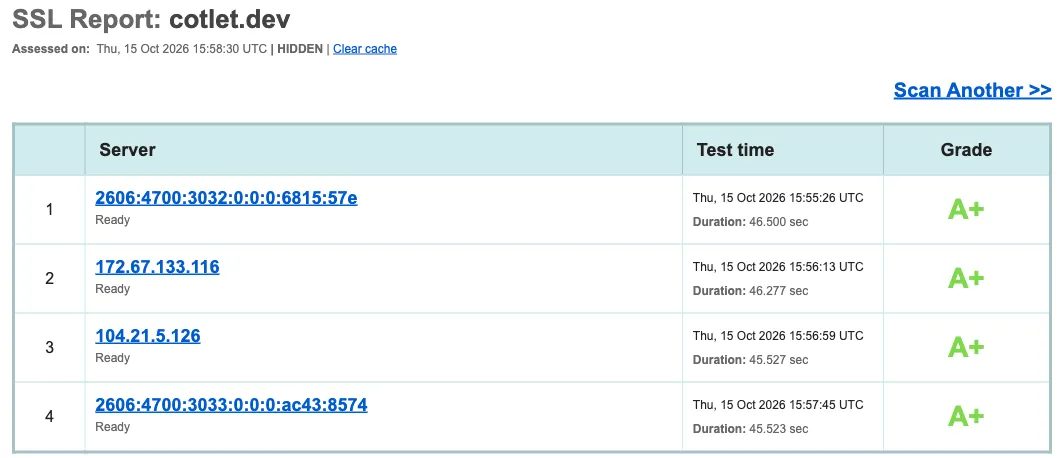
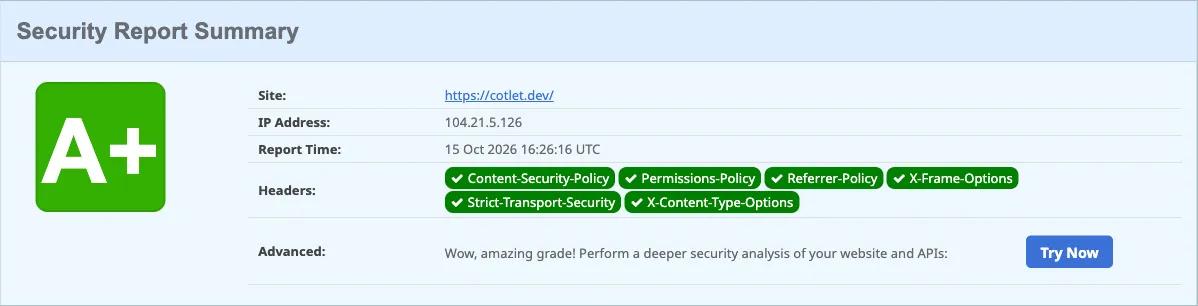
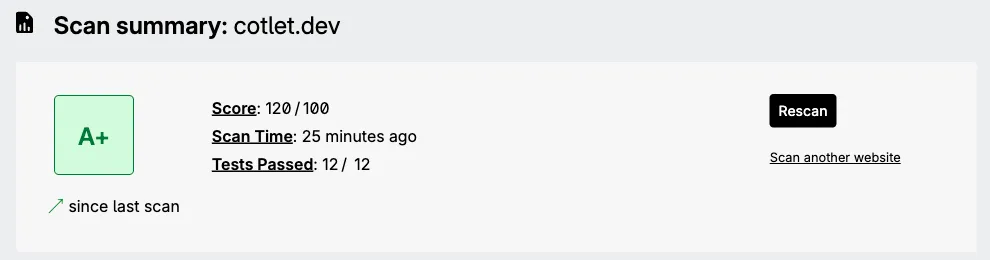
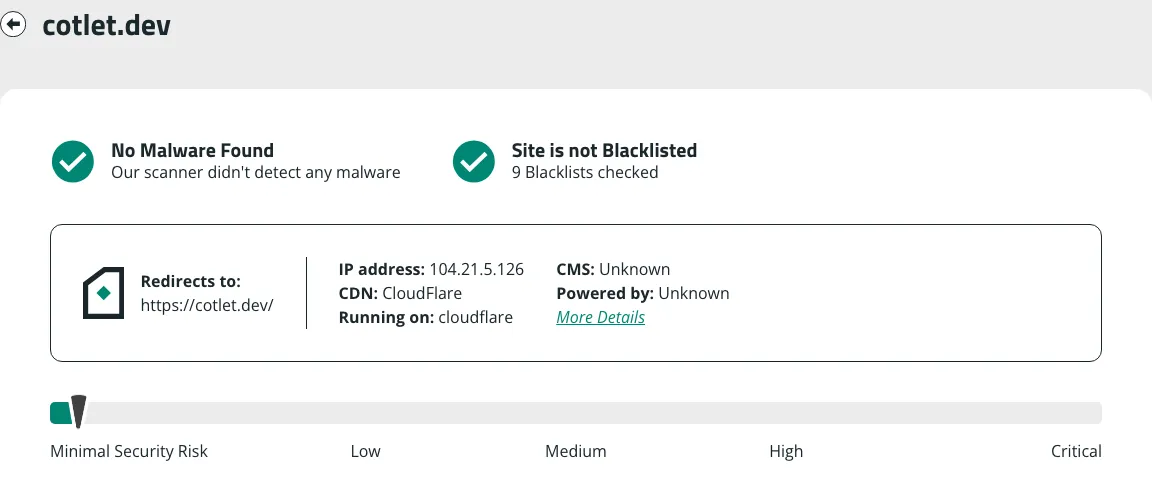
You sign in yourself in your own Cloud Browser, we never save your password, and anything that reaches your readers waits for your OK. The browser profile is encrypted in the EU. Independent scanners grade cotlet.dev A+.
One price for both: a tool call costs the same over MCP or REST. Free 7-day trial with 2,000 credits, no card needed. Then one-time credit packs, no subscription, valid 12 months. Most calls use 25 credits, and your Cloud Browser uses 50 credits a day while JobAdder is enabled for agents, so 20 calls a day come to 550 credits.
| Credits | Price, one time | Calls at 25 credits | Per 1,000 credits |
|---|---|---|---|
| 5,000 | $29 | 200 | $5.80 |
| 15,000 | $79 | 600 | $5.27 |
| 32,000 | $149 | 1,280 | $4.66 |
| 60,000 | $249 | 2,400 | $4.15 |
Only successful calls use credits; failed calls and timeouts cost nothing. At a balance of 0 calls pause, never a surprise charge. Authenticate with the Authorization: Bearer header.
JobAdder has a REST API, but not for every account (checked 22 Oct 2026). Access goes through JobAdder's API Partner terms, its pricing page lists API access on Essential and Pro and not on Lite, and there is no official MCP server.
Sign up free, open JobAdder under Integrations in the console and press Request access. Your free trial starts with your account, no card needed.
No, only the way in. Cotlet builds each integration as a REST API and puts an MCP server on top, so both have the same 12 tools, the same inputs and answers, one API key and one price. AI agents such as Claude, ChatGPT or Cursor use MCP; scripts, cron jobs and HTTP steps in n8n, Make or Zapier use the REST API.
Your own Chrome that Cotlet runs for you in the EU, around the clock. You open it from the console, sign in to JobAdder yourself and press Enable for agents. Your agent's calls go through it, from its IP with its cookies, so JobAdder sees the browser you signed in with. Password saving is off and the profile is stored encrypted with AES-256-GCM.
Not on anything that reaches other people: add_candidate_note, update_application_status, create_candidate, create_task wait for your OK by default. You can switch that off per tool for scheduled runs.
No. Cotlet works in your own JobAdder login and does not use the API. JobAdder's pricing page lists API access on Essential and Pro and calls the API + Sandbox add-on not available on Lite. What you can see and change still follows your user's permissions in JobAdder.
No tool sends an email or an SMS. A status change can still trigger an action in JobAdder, such as an automatic reply, because JobAdder lets a status update trigger actions. That is why update_application_status waits for your OK by default.
Pick one if you want the code on your own computer and do not mind the upkeep: you install it, sign it in and fix it when JobAdder changes. Pick Cotlet if you want it hosted and kept working for you.
Yes. Add https://cotlet.dev/mcp/v1 in n8n's MCP Client node, or call the REST endpoints from an HTTP step in Make or Zapier.
Cotlet is run by Take Group, a Polish software company working since 2019. Take Group runs about 3,200 websites on its own systems and has its own DevOps team for infrastructure security. We built and used integrations like this inside the company for years before opening them as Cotlet.
No. Cotlet is independent and not affiliated with JobAdder.
API MCP HR & recruiting
Time off, employees and attendance in Personio, handled by your agent.
13 endpoints
 API MCP
 HR & recruiting
Candidates, interviews and pipeline stages in Ashby, run by your agent.
12 endpoints
HR & recruiting
Employees, time off and onboarding in BambooHR, done by your agent.
13 endpoints
Free 7-day trial with 2,000 credits, no card needed.
May we use Google Analytics to see which pages help people? It sets cookies only if you accept. No ads, and we never sell data. Cookie policy