How to connect GotPhoto to ChatGPT, Claude and any AI agent
GotPhoto has no official MCP server or ChatGPT app, and its API is for lab partners and Enterprise (checked 28 Nov 2026). Let AI work your jobs and orders.
Cotlet team 10 min read
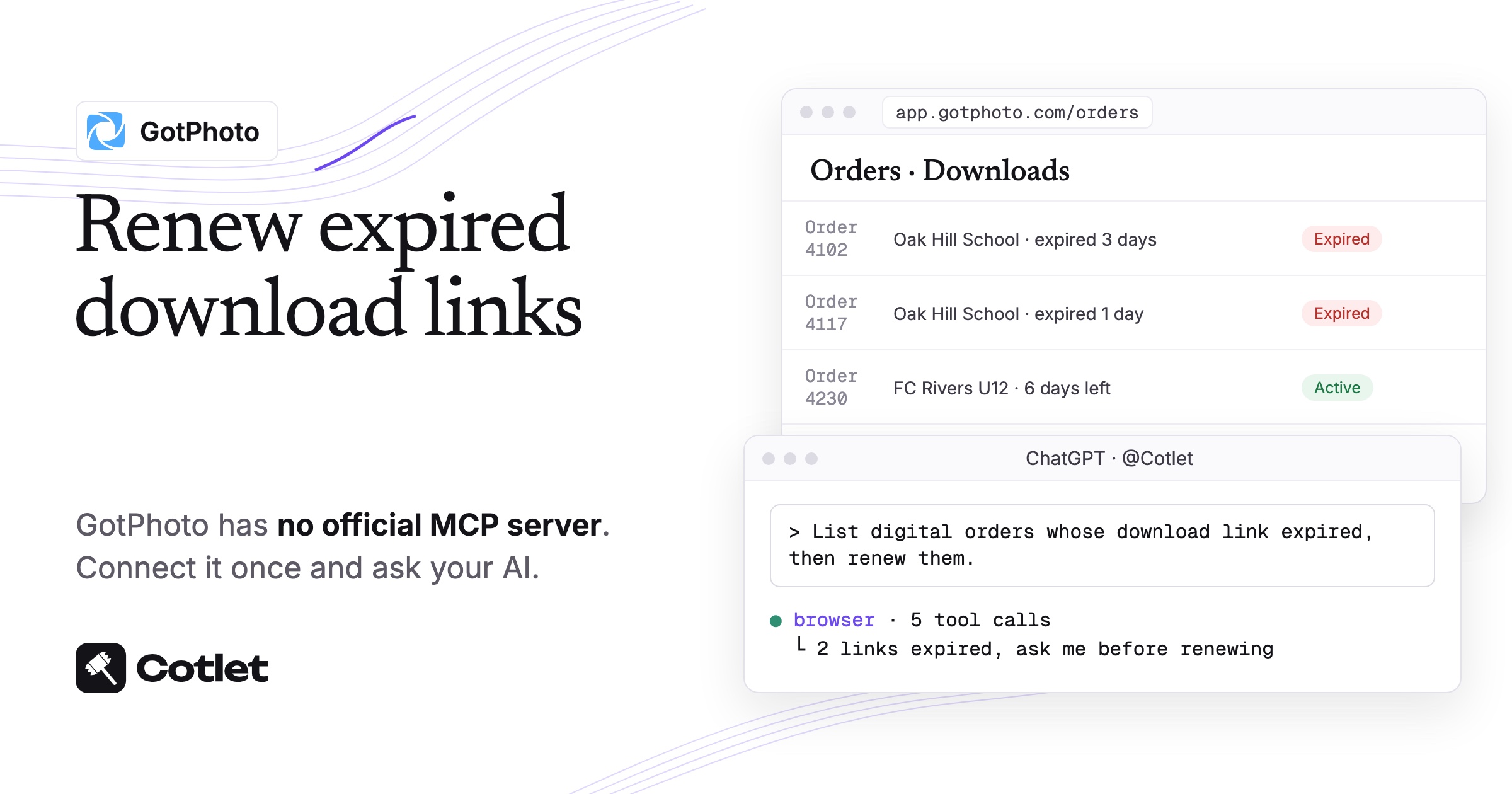
Forty schools means forty jobs, thousands of orders and a pile of parents writing that their download link is dead. As of 28 Nov 2026, GotPhoto has no MCP server, no ChatGPT app and no Claude connector. It documents an Admin API v4, but access is for recognized Lab partners and Enterprise customers. A photographer on a regular plan has no key. Cotlet seats an AI agent in a Cloud Browser that is logged in to your GotPhoto and lets it use the pages you already know.
This is for school, sports and event photographers who run their jobs in GotPhoto. Parents and students who order are not the audience. If you shoot the occasional wedding, the same screens apply, but the product is built around picture days and events.
GotPhoto jobs you can give the AI
Ask for the outcome. The agent locates the GotPhoto page, reads it and fills it in when you approve.
| GotPhoto page | The AI’s task |
|---|---|
| Order details, Downloads | Lists digital orders whose download link expired and renews them |
| Communication, Cart Reminders | Shows which jobs have the most open carts and checks that reminders are on |
| Student Data Export | Reads the red and yellow flags and lists the students to fix |
| Names lists | Looks for duplicates, missing emails and students with no photo |
| Manual Revision | Lists orders waiting for review and releases the ones with no crop issue |
| Jobs and Orders | Puts a season’s jobs in a sheet with orders and revenue |
| Production tab | Lists self-fulfilled products you must make this week |
Reading changes nothing. Renewing a link, changing an audience or archiving a job waits for your approval. Other requests are on the GotPhoto MCP page.
What GotPhoto provides to outside tools
Status on 28 November 2026:
- API: partners only. The help center says API access is available exclusively to recognized Lab partners and Enterprise customers on a custom plan, and you ask your account manager for credentials. The developer portal documents Admin API v4. The page loads with JavaScript, so we did not read its content.
- ChatGPT and Claude: no connector. No GotPhoto server shows up in the MCP Registry, and gotphoto.com/mcp is a 404 page.
- Zapier, Make, n8n: no app. GotPhoto is missing on Zapier and Make (both 404), and on n8n.
The GotPhoto access review shows how each point scores and where it comes from.
What you need first
- A GotPhoto account with at least one job and some orders.
- A login that works in a browser. The tagging apps on a phone are a separate tool.
- A ChatGPT or Claude account.
- A Cotlet account, free to try (pricing).
Step 1: sign in to GotPhoto in your Cloud Browser
In the Cloud Browser, go to app.gotphoto.com and log in on GotPhoto’s page. Your password is typed there and goes nowhere else. Sessions are stored encrypted, and one click turns the agent off (security).
Step 2: connect GotPhoto to ChatGPT, Claude or another AI agent
Select your agent below. You do this once, and each new chat then reaches GotPhoto.
Pick your AI above to see its steps.
How to connect GotPhoto to ChatGPT
Do this on chatgpt.com in your browser. Cotlet then works in the ChatGPT desktop and phone apps too.
- Open Plugins in ChatGPT and click Add.
- Click Add custom MCP server. Not in the menu? Turn on Developer mode in Settings, Security and login, then come back.
- Paste the name
Cotletand the server URLhttps://cotlet.dev/mcp/v1/connect. Keep Authentication on OAuth. - Tick “I understand and want to continue” and click Create as a plugin.
- Click Connect Cotlet. A Cotlet page opens, click Allow access.
- In a new chat, type
@Cotletand pick it from the list. - Ask ChatGPT: “Are you signed in to Cotlet through MCP?” Then try a first GotPhoto task: “In GotPhoto, list digital orders whose download link has expired, with the customer and the job. Renew nothing.”

ChatGPT, Plugins page, November 2026.
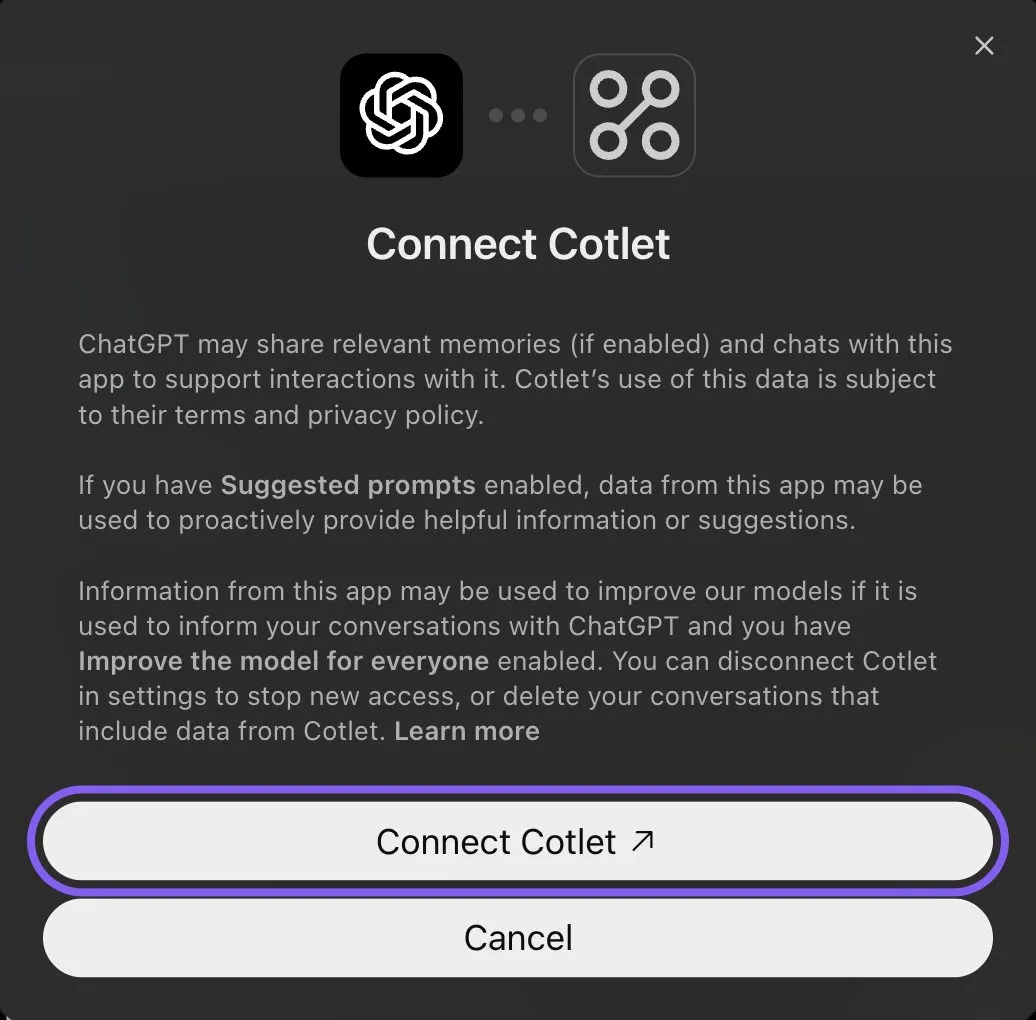
ChatGPT, connecting the Cotlet plugin, November 2026.
ChatGPT asks “Allow ChatGPT to use Cotlet?” before some steps. Pick Always allow, or the chat waits for your click. On a Business, Enterprise or Edu workspace, an admin has to allow custom MCP servers first.
How to connect GotPhoto to Claude
- Open Connectors in Claude and click Add. In the desktop app it is under Customize, Connectors.
- Click Add custom connector.
- Paste the name
Cotletand the URLhttps://cotlet.dev/mcp/v1/connect, then click Continue. - Keep the settings and click Add.
- A Cotlet page opens. Click Allow access.
- In a chat, click the plus button, then Connectors, and turn Cotlet on.
- Ask Claude: “Are you signed in to Cotlet through MCP?”, then “In GotPhoto, rank my jobs by open carts and show whether cart reminders are on for each. Change nothing.”. Claude asks before it uses a Cotlet tool the first time. Click Allow.

Claude, Add custom connector form, November 2026.

Cotlet consent page after you add the connector in Claude, November 2026.
Claude’s free plan allows one custom connector. On a Team or Enterprise plan, an owner adds Cotlet in Organization settings, Connectors, and you click Connect next to it.
How to connect GotPhoto to Claude Code
Add Cotlet without a key, then sign in once in the browser:
claude mcp add --transport http cotlet https://cotlet.dev/mcp/v1/connectRun /mcp in Claude Code, pick cotlet and sign in to Cotlet. Prefer an API key, for example on a server? Create one in the Cotlet console and use:
claude mcp add --transport http cotlet https://cotlet.dev/mcp/v1 \
  --header "Authorization: Bearer $COTLET_API_KEY"
How to connect GotPhoto to Codex
Create an API key in the Cotlet console, put it in the COTLET_API_KEY environment variable and add this to ~/.codex/config.toml:
[mcp_servers.cotlet]
url = "https://cotlet.dev/mcp/v1"
bearer_token_env_var = "COTLET_API_KEY"
How to connect GotPhoto to Cursor
Create an API key in the Cotlet console, put it in the COTLET_API_KEY environment variable and add this to ~/.cursor/mcp.json:
{
  "mcpServers": {
    "cotlet": {
      "url": "https://cotlet.dev/mcp/v1",
      "headers": { "Authorization": "Bearer ${env:COTLET_API_KEY}" }
    }
  }
}
How to connect GotPhoto to Grok
Grok takes custom MCP servers on grok.com, per xAI’s connectors documentation (checked 8 November 2026).
- Open grok.com/connectors and click New Connector.
- Pick Custom and paste the server URL
https://cotlet.dev/mcp/v1/connect. - Sign in to Cotlet when Grok asks, then click Allow access.
- Ask Grok: “Are you signed in to Cotlet through MCP?”
On Grok Business, an admin adds the connector first in the xAI console, under Grok Business, Connectors. The Grok chat inside X has no custom connector menu.
How to connect GotPhoto to Hermes Agent
Add Cotlet to ~/.hermes/config.yaml in the format of the Hermes MCP config reference:
mcp_servers:
  cotlet:
    url: "https://cotlet.dev/mcp/v1"
    headers:
      Authorization: "Bearer ${COTLET_API_KEY}"
    trust: untrusted
Put COTLET_API_KEY in ~/.hermes/.env and check it with hermes mcp test cotlet. With trust: untrusted, Hermes runs reads at once and asks before every write. More on Hermes in our post on the Hermes Agent browser.
How to connect GotPhoto to n8n
Use the MCP Client node, or the MCP Client Tool inside an AI Agent node:
- Server Transport: HTTP Streamable
- MCP Endpoint URL:
https://cotlet.dev/mcp/v1 - Authentication: Bearer Auth, with your Cotlet API key as the token
- Tools: let the AI Agent node use Cotlet’s browser tools; it reads Cotlet’s GotPhoto guide first and works in your signed-in GotPhoto account
Use it for work that should run on its own, such as a daily list of orders with expired download links.
Any other MCP client
Point the client at https://cotlet.dev/mcp/v1 over Streamable HTTP, with the header Authorization: Bearer <your Cotlet API key>. A client that supports OAuth sign-in can use https://cotlet.dev/mcp/v1/connect instead and needs no key. The full reference is in the MCP docs.
Three GotPhoto jobs to try first
See the list, then decide what to change.
Renew the download links that expired
List digital orders whose download link expired and renew each one. Then tell me which customers I should email.
GotPhoto explains how to renew expired download links from the order details. Across a whole season that is hundreds of clicks. The agent finds the expired orders, renews each after your approval and hands you the list of customers to write to.
Check the open carts per job
Which jobs have the most open carts? Check that cart reminders are on for each and show me the email text.
Cart reminders are set per job. The agent ranks the jobs by open carts, flags any job with reminders off and shows the message parents would get. You decide what to switch on.
Fix the student data before you export it
Check the student data export for red and yellow flags and list the students to fix.
The export preview marks missing student data with red flags and missing photos with yellow flags. The agent reads the preview, lists each flagged student and says what is missing, so you fix the names list once and not after the lab complains.
Later in the week
- Check the names list for the next job: duplicates, missing emails, students with no photo.
- Release orders from Manual Revision that have no crop issues.
- Put this season’s jobs in a sheet with orders, revenue and fees.
- List completed jobs older than 90 days and archive them after you confirm.
Price
A new account has 2,000 credits for 7 days, no card required. Packs begin at $29, are valid for a year and charge only calls that succeed (pricing). Your GotPhoto plan stays untouched.
FAQ
Can I get a GotPhoto API key?
GotPhoto says API access is exclusively for recognized Lab partners and Enterprise customers, and others ask their account manager. Cotlet skips the key and uses the login you already have.
Is there an official GotPhoto MCP server?
We found none in the MCP Registry or on gotphoto.com.
Can ChatGPT or Claude renew expired download links for me?
Yes, with your approval. The agent lists the orders with an expired link, renews them and tells you who to contact.
Can AI help before a picture day?
It can check a names list for duplicates and missing emails, and make sure cart reminders are on before orders start. You make the final calls.
Can AI do the repeat chores in GotPhoto?
Yes, the ones that return every season: expired links, open carts, revision queues and old jobs. Payments and plan changes stay in your hands.
Is GotPhoto behind Cotlet?
No. They are two separate companies.
Clear the dead links before the next season
The expired link job is a good first run. Open a free account, sign in to GotPhoto and send it. The catalog has other apps.