How to connect ShootQ to ChatGPT, Claude and any AI agent
ShootQ has no official MCP server or ChatGPT app, and its API only sends leads in (checked 28 Nov 2026). Let ChatGPT or Claude read your leads and contracts.
Cotlet team 9 min read
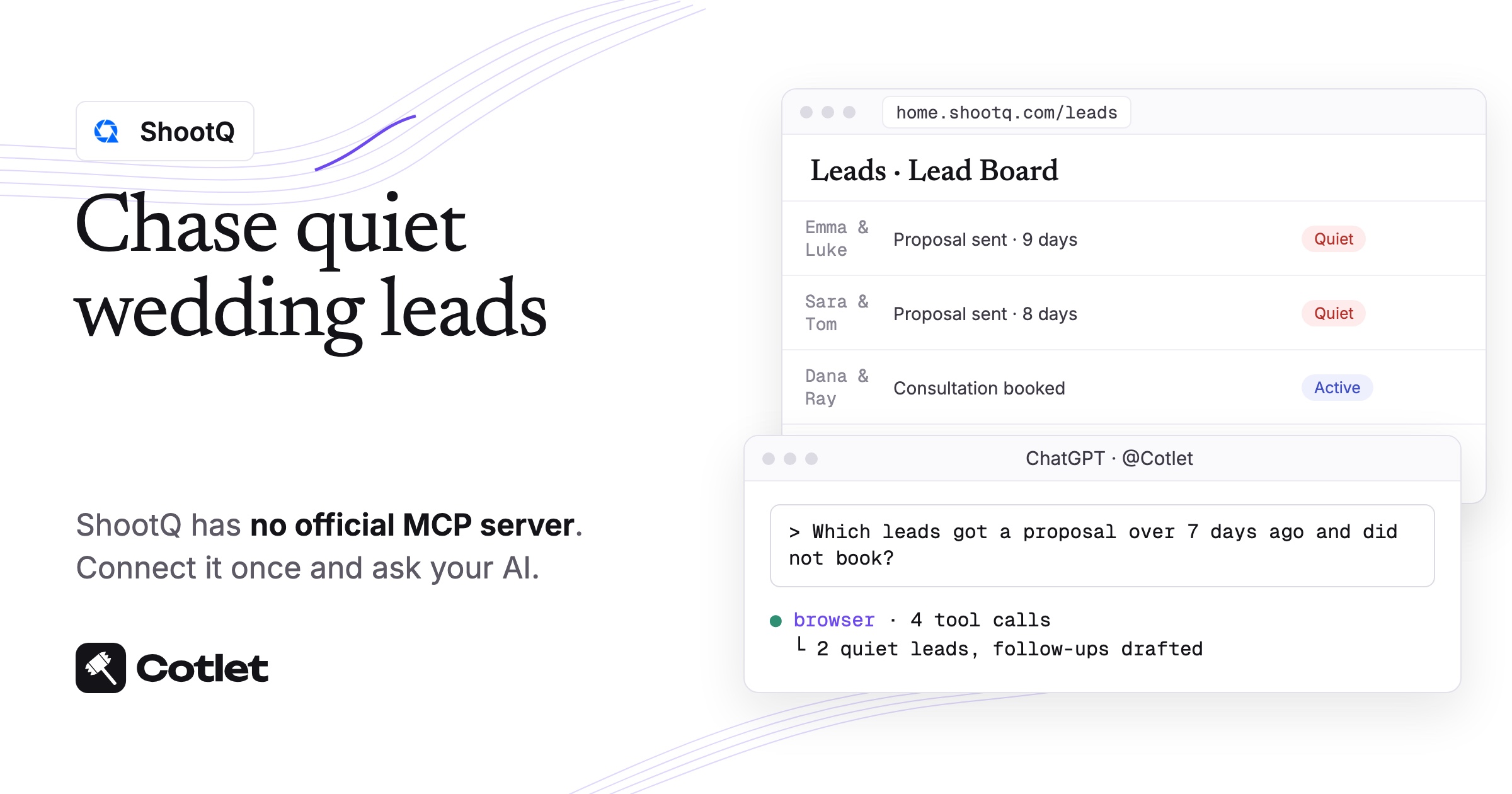
Winter is when next summer’s couples email you. Nine inquiries sit on your Lead Board. Four got a proposal last week and went silent, and one contract still has no signature with the wedding five months out. As of 28 Nov 2026, ShootQ has no MCP server, no ChatGPT app and no Claude connector. Its developer API only pushes new leads in and cannot read your jobs, contracts or invoices. Through Cotlet, an AI agent sits in a Cloud Browser that is already logged in to your ShootQ and reads those screens on request.
It is for owners of wedding and portrait studios who run leads, proposals, contracts and invoices in ShootQ. Your clients and their client site are out of scope.
Which ShootQ screens the AI can work
Describe the question. The agent goes to the ShootQ screen that answers it.
| ShootQ area | Request it can handle |
|---|---|
| Leads, Lead Board | Lists inquiries with no reply, by wedding date, with days waiting and source |
| Lead workflows | Finds leads whose proposal is a week old with no booking and shows the next step |
| Jobs, Documents | Lists contracts sent and not signed, and unanswered questionnaires |
| Jobs, Invoices | Shows past due invoices, amount and days late, and which got an automatic reminder |
| Calendar | Finds days when two jobs overlap for the same photographer |
| Settings, Booking module | Shows session dates, spots taken and who booked this week |
| Contacts | Builds a sheet of booked contacts with date, package and paid amount |
Reading changes nothing. A reply, a reminder or a resent contract waits for your approval, and payments stay blocked. Other requests are on the ShootQ MCP page.
What ShootQ offers for integrations
As of 28 November 2026:
- API: leads in only. The developer site lets a form submit a lead to ShootQ through home.shootq.com/api/v1/. A third-party API report card says it reads no jobs, contracts, invoices or clients and has no webhooks.
- MCP: none from ShootQ. The MCP Registry has 0 results, and we found no ChatGPT or Claude app.
- Zapier, Make, n8n: nothing. ShootQ pages on Zapier and Make return 404, and n8n lists no ShootQ node.
- Contacts: import only. The bulk import guide covers CSV in, and it describes no export.
The ShootQ access review lists the source of each line.
What you need first
- A ShootQ studio login for home.shootq.com.
- Leads and jobs already in the account, so there is data to read.
- Either ChatGPT or Claude.
- A Cotlet sign-up, which costs nothing for the first week (pricing).
Step 1: sign in to ShootQ in your Cloud Browser
Open home.shootq.com in the Cloud Browser and sign in as the studio owner. Enter the password on ShootQ’s login form and nowhere else. What stays behind is an encrypted session, and one click cuts the agent off (security).
Step 2: connect ShootQ to ChatGPT, Claude or another AI agent
Select the agent you chat with. One setup covers all future chats with ShootQ.
Pick your AI above to see its steps.
How to connect ShootQ to ChatGPT
Do this on chatgpt.com in your browser. Cotlet then works in the ChatGPT desktop and phone apps too.
- Open Plugins in ChatGPT and click Add.
- Click Add custom MCP server. Not in the menu? Turn on Developer mode in Settings, Security and login, then come back.
- Paste the name
Cotletand the server URLhttps://cotlet.dev/mcp/v1/connect. Keep Authentication on OAuth. - Tick “I understand and want to continue” and click Create as a plugin.
- Click Connect Cotlet. A Cotlet page opens, click Allow access.
- In a new chat, type
@Cotletand pick it from the list. - Ask ChatGPT: “Are you signed in to Cotlet through MCP?” Then try a first ShootQ task: “In ShootQ, which leads got a proposal more than 7 days ago and did not book? Show the stage. Send nothing.”

ChatGPT, Plugins page, November 2026.
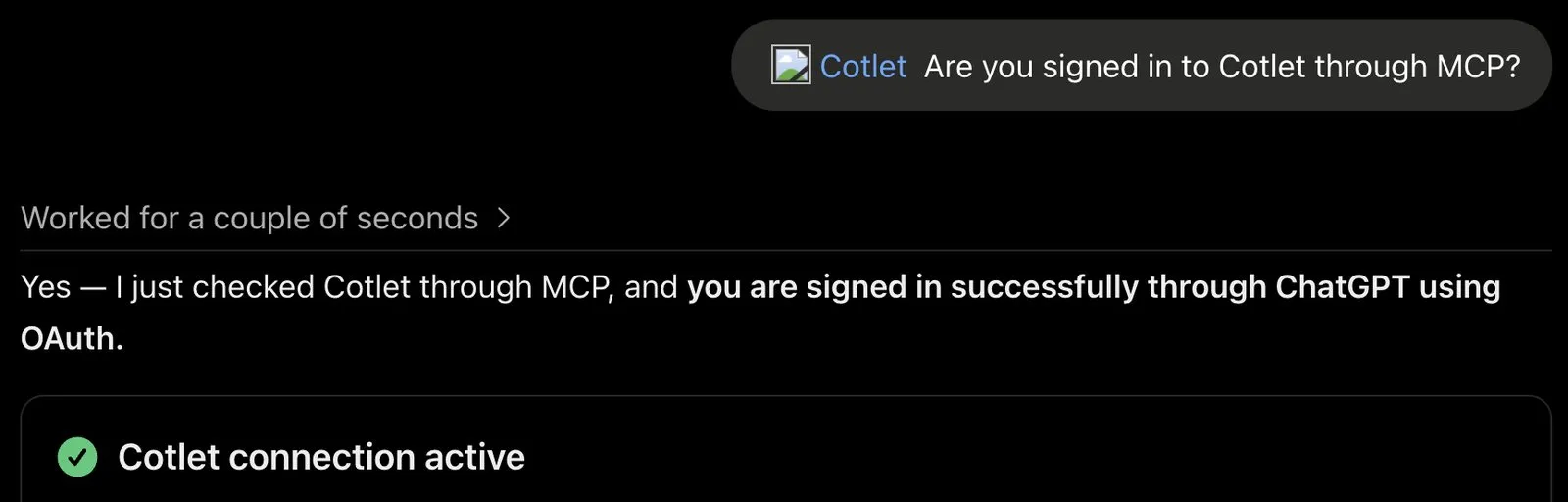
ChatGPT confirming the Cotlet connection, November 2026.
ChatGPT asks “Allow ChatGPT to use Cotlet?” before some steps. Pick Always allow, or the chat waits for your click. On a Business, Enterprise or Edu workspace, an admin has to allow custom MCP servers first.
How to connect ShootQ to Claude
- Open Connectors in Claude and click Add. In the desktop app it is under Customize, Connectors.
- Click Add custom connector.
- Paste the name
Cotletand the URLhttps://cotlet.dev/mcp/v1/connect, then click Continue. - Keep the settings and click Add.
- A Cotlet page opens. Click Allow access.
- In a chat, click the plus button, then Connectors, and turn Cotlet on.
- Ask Claude: “Are you signed in to Cotlet through MCP?”, then “In ShootQ, list contracts sent in the last 30 days that are not signed, with the client and the wedding date. Change nothing.”. Claude asks before it uses a Cotlet tool the first time. Click Allow.

Claude, Add custom connector form, November 2026.

Claude, chat menu, Connectors, November 2026.
Claude’s free plan allows one custom connector. On a Team or Enterprise plan, an owner adds Cotlet in Organization settings, Connectors, and you click Connect next to it.
How to connect ShootQ to Claude Code
Add Cotlet without a key, then sign in once in the browser:
claude mcp add --transport http cotlet https://cotlet.dev/mcp/v1/connectRun /mcp in Claude Code, pick cotlet and sign in to Cotlet. Prefer an API key, for example on a server? Create one in the Cotlet console and use:
claude mcp add --transport http cotlet https://cotlet.dev/mcp/v1 \
  --header "Authorization: Bearer $COTLET_API_KEY"
How to connect ShootQ to Codex
Create an API key in the Cotlet console, put it in the COTLET_API_KEY environment variable and add this to ~/.codex/config.toml:
[mcp_servers.cotlet]
url = "https://cotlet.dev/mcp/v1"
bearer_token_env_var = "COTLET_API_KEY"
How to connect ShootQ to Cursor
Create an API key in the Cotlet console, put it in the COTLET_API_KEY environment variable and add this to ~/.cursor/mcp.json:
{
  "mcpServers": {
    "cotlet": {
      "url": "https://cotlet.dev/mcp/v1",
      "headers": { "Authorization": "Bearer ${env:COTLET_API_KEY}" }
    }
  }
}
How to connect ShootQ to Grok
Grok takes custom MCP servers on grok.com, per xAI’s connectors documentation (checked 8 November 2026).
- Open grok.com/connectors and click New Connector.
- Pick Custom and paste the server URL
https://cotlet.dev/mcp/v1/connect. - Sign in to Cotlet when Grok asks, then click Allow access.
- Ask Grok: “Are you signed in to Cotlet through MCP?”
On Grok Business, an admin adds the connector first in the xAI console, under Grok Business, Connectors. The Grok chat inside X has no custom connector menu.
How to connect ShootQ to Hermes Agent
Add Cotlet to ~/.hermes/config.yaml in the format of the Hermes MCP config reference:
mcp_servers:
  cotlet:
    url: "https://cotlet.dev/mcp/v1"
    headers:
      Authorization: "Bearer ${COTLET_API_KEY}"
    trust: untrusted
Put COTLET_API_KEY in ~/.hermes/.env and check it with hermes mcp test cotlet. With trust: untrusted, Hermes runs reads at once and asks before every write. More on Hermes in our post on the Hermes Agent browser.
How to connect ShootQ to n8n
Use the MCP Client node, or the MCP Client Tool inside an AI Agent node:
- Server Transport: HTTP Streamable
- MCP Endpoint URL:
https://cotlet.dev/mcp/v1 - Authentication: Bearer Auth, with your Cotlet API key as the token
- Tools: let the AI Agent node use Cotlet’s browser tools; it reads Cotlet’s ShootQ guide first and works in your signed-in ShootQ account
Use it for work that should run on its own, such as a weekly list of leads that went quiet after a proposal.
Any other MCP client
Point the client at https://cotlet.dev/mcp/v1 over Streamable HTTP, with the header Authorization: Bearer <your Cotlet API key>. A client that supports OAuth sign-in can use https://cotlet.dev/mcp/v1/connect instead and needs no key. The full reference is in the MCP docs.
Three ShootQ jobs to try first
Read first, then decide.
Chase leads that went quiet
Which leads got a proposal more than 7 days ago and did not book? Show the stage and the next workflow step, and draft a follow-up. Send nothing yet.
Lead workflows send automated emails and set tasks, but they cannot tell you who has gone cold. The agent reads the Lead Board, lists the quiet ones with their stage and writes a follow-up for each. You choose what goes out.
Catch contracts nobody signed
List contracts sent in the last 30 days that are not signed, with the client and the wedding date. Draft a reminder for each.
The Documents tab filters for unsigned contracts, overdue invoices and open questionnaires. The agent reads that list, adds wedding dates so you see which are urgent, and drafts the nudge.
Find double bookings before they happen
Compare the calendar of the next 30 days with my shoots and meetings and list days where two jobs overlap for the same photographer.
With a second shooter on the team, overlaps hide in the calendar. The agent scans 30 days and names each clash. It changes nothing.
Later in the week
- Reply drafts for the three oldest inquiries, sorted by wedding date.
- Weddings in the next 60 days whose questionnaire is still empty.
- A sheet of contacts with a booked job in the last two years and any missing emails.
- The sessions on your booking page and how many spots are left.
Price
Week one is free and cardless: 2,000 credits. After that a pack from $29 lasts twelve months, with no charge for a call that fails (pricing). ShootQ billing stays exactly as is.
FAQ
Can I hand ChatGPT a ShootQ API key?
The one API ShootQ has submits a new inquiry from a form. It reads none of your jobs, contracts or invoices.
Is there a ShootQ MCP server or ChatGPT app?
Not from ShootQ. Cotlet works in your own login instead.
Can ChatGPT or Claude send ShootQ contracts and invoices?
It can prepare them and show them to you. Sending reaches your client, so it waits for your OK.
Does ShootQ connect to Zapier, Make or n8n?
We found no app there. The pages on Zapier and Make return 404.
Is ShootQ still maintained?
Its blog and help center carry posts from late 2025, so the product is active. Older Reddit threads about it date from 2015 to 2018.
Is Cotlet made by ShootQ?
No. They are different companies.
Answer your quiet leads by tonight
A single question lists them. Create a free account at Cotlet, sign in to ShootQ and type the question. More tools wait in the catalog.