
 Not signed in
  iSpring Learn (iSpring LMS)

 Sign in to iSpring Learn
 API MCP
 Courses & training
Udemy
Coupons, course updates, announcements and revenue for instructors.
11 endpoints
The iSpring Learn API is a Business subscription feature that you call with your own code, and Zapier has no progress report action. Sign in to iSpring Learn once in your own Cloud Browser, and your AI agent does the work there for you. The same tools work over MCP for agents and as a REST API for scripts.
Not affiliated with iSpring Learn (iSpring LMS).
| What you need | iSpring Learn (iSpring LMS)'s API | GitHub MCP server | Cotlet |
|---|---|---|---|
| Enrollments, progress reports, resets, bulk users | No | No | Yes, 12 tools |
| Acts as you, signed in 24/7 | No | No | Yes, Cloud Browser |
| Fixed for you when iSpring Learn (iSpring LMS) changes | N/A | No | Yes, tested every 6h |
| Runs with your laptop off | N/A | No | Yes, hosted |
Checked Oct 20, 2026. Sources: iSpring Help: REST API · iSpring Learn REST API (OpenAPI file) · iSpring Learn on Zapier MCP · iSpring LMS pricing
AI agents connect over MCP, scripts call the REST API. Both reach the same 12 tools with one API key.
Add Cotlet to your agent once. iSpring Learn (iSpring LMS) and every other app you connect show up as its tools.
 Claude
  ChatGPT
  OpenClaw
  Hermes
  GrokBot
  Cursor
  n8n
n8n  Any MCP client
 claude mcp add --transport http cotlet \
https://cotlet.dev/mcp/v1 \
--header "Authorization: Bearer $COTLET_API_KEY"{
"mcpServers": {
"cotlet": {
"url": "https://cotlet.dev/mcp/v1",
"headers": {
"Authorization": "Bearer ${COTLET_API_KEY}"
}
}
}
}# ~/.codex/config.toml
[mcp_servers.cotlet]
url = "https://cotlet.dev/mcp/v1"
bearer_token_env_var = "COTLET_API_KEY"Paste the snippet for your client. The same server and key serve every app you connect, so you do this once.
Every tool is an endpoint under /api/v1/ispring with its own method and path, such as POST /api/v1/ispring/users/enroll, with the same API key. Our open-source repo has ready scripts to start from.
12 tools on your own iSpring Learn (iSpring LMS) account. Agents call them as operations of the MCP tools ispring_read and ispring_write; scripts call each one at its own REST endpoint, with the same inputs and answers.
| Tool | What it does | Access |
|---|---|---|
| list_courses | Courses in Learning Content, with title and the number of people enrolled. | read |
| list_departments | Departments of the account with their parent department. | read |
| list_groups | User groups of the account with their member count. | read |
| list_users | Users with login, email, department, groups and status. | read |
| list_enrollments | Who is enrolled in one course, with status, start date and due date. | read |
| get_learner_progress | The Learner Progress report: totals by status and one row per enrollment. | read |
| enroll_users | Enroll users in one or more courses with a start date and a due date. | writeasks first |
| cancel_enrollment | Cancel the enrollments you list, the same as on the course's Enrollments tab. | writeasks first |
| reset_enrollment | Reset the progress of enrollments so learners can take the course again. | writeasks first |
| add_users_by_email | Add users from a list of email addresses to a department and optional groups. | writeasks first |
| deactivate_users | Deactivate users now or on a date. Their history stays in reports. | writeasks first |
| activate_users | Set inactive users back to Active. | write |
Scroll the table for all 12 tools.
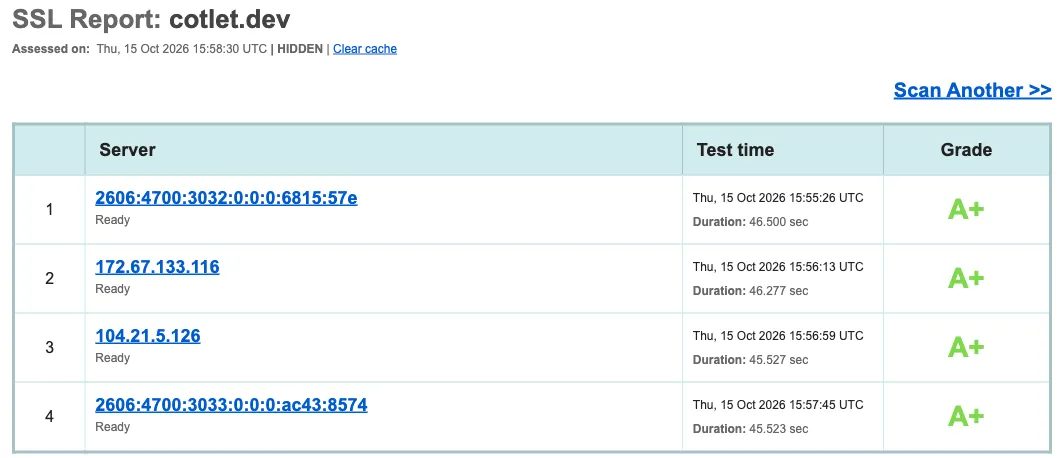
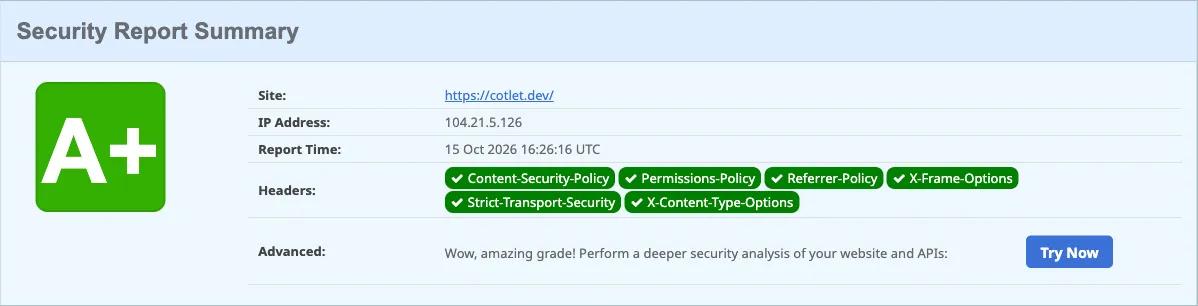
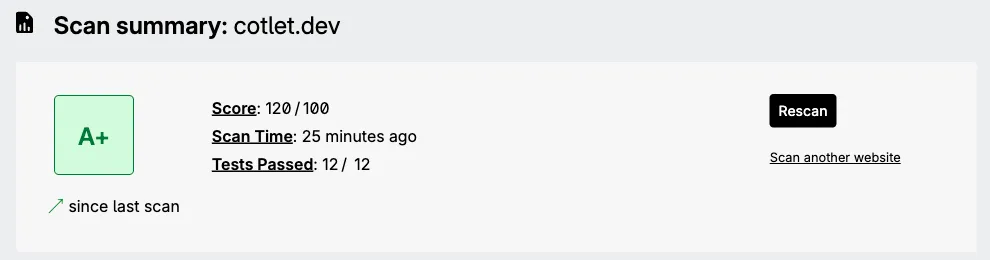
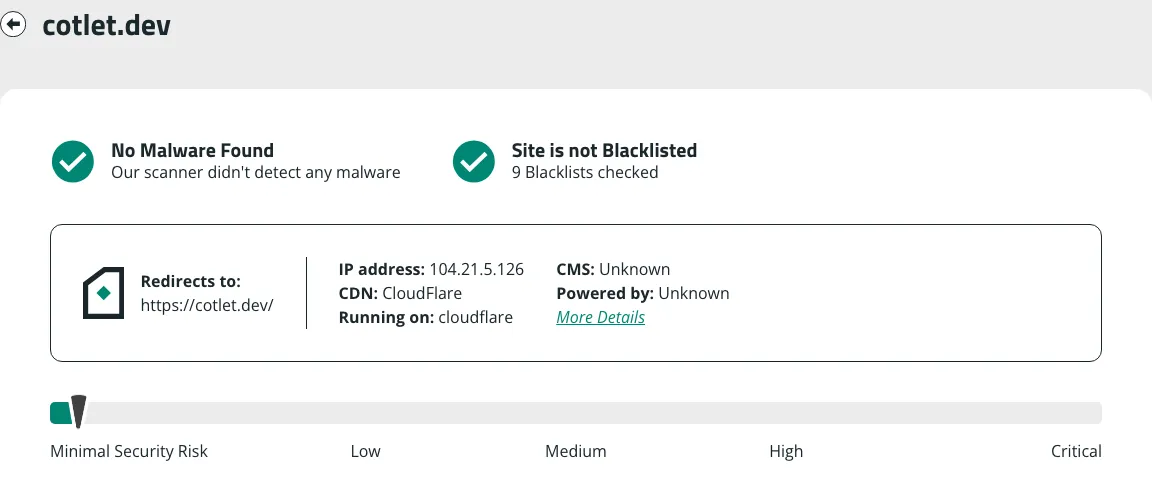
You sign in yourself in your own Cloud Browser, we never save your password, and anything that reaches your readers waits for your OK. The browser profile is encrypted in the EU. Independent scanners grade cotlet.dev A+.
One price for both: a tool call costs the same over MCP or REST. Free 7-day trial with 2,000 credits, no card needed. Then one-time credit packs, no subscription, valid 12 months. Most calls use 25 credits, and your Cloud Browser uses 50 credits a day while iSpring Learn (iSpring LMS) is enabled for agents, so 20 calls a day come to 550 credits.
| Credits | Price, one time | Calls at 25 credits | Per 1,000 credits |
|---|---|---|---|
| 5,000 | $29 | 200 | $5.80 |
| 15,000 | $79 | 600 | $5.27 |
| 32,000 | $149 | 1,280 | $4.66 |
| 60,000 | $249 | 2,400 | $4.15 |
Only successful calls use credits; failed calls and timeouts cost nothing. At a balance of 0 calls pause, never a surprise charge. Authenticate with the Authorization: Bearer header.
iSpring Learn has a REST API, but only with the Business subscription, and no official MCP server (checked 20 Oct 2026). The API covers users, departments, courses, enrollments and results, so an agent needs custom code and a token; the Zapier app covers users, departments and enrollments but has no progress or report actions.
Sign up free, open iSpring Learn (iSpring LMS) under Integrations in the console and press Request access. Your free trial starts with your account, no card needed.
No, only the way in. Cotlet builds each integration as a REST API and puts an MCP server on top, so both have the same 12 tools, the same inputs and answers, one API key and one price. AI agents such as Claude, ChatGPT or Cursor use MCP; scripts, cron jobs and HTTP steps in n8n, Make or Zapier use the REST API.
Your own Chrome that Cotlet runs for you in the EU, around the clock. You open it from the console, sign in to iSpring Learn (iSpring LMS) yourself and press Enable for agents. Your agent's calls go through it, from its IP with its cookies, so iSpring Learn (iSpring LMS) sees the browser you signed in with. Password saving is off and the profile is stored encrypted with AES-256-GCM.
Not on anything that reaches other people: enroll_users, cancel_enrollment, reset_enrollment, add_users_by_email, deactivate_users wait for your OK by default. You can switch that off per tool for scheduled runs.
Not for Cotlet. iSpring Learn labels its REST API as available with the Business subscription, and Cotlet works in your own administrator account instead of the API. Your role still counts: the Account Owner and Account Administrators reach all departments, and a Department Administrator only the departments they manage and their sub-departments.
It covers the web administrator portal of iSpring Learn, not the iSpring Suite authoring tools. Authoring or editing course content, learning tracks, trainings, appraisals and gamification are not part of these tools.
Pick one if you want the code on your own computer and do not mind the upkeep: you install it, sign it in and fix it when iSpring Learn (iSpring LMS) changes. Pick Cotlet if you want it hosted and kept working for you.
Yes. Add https://cotlet.dev/mcp/v1 in n8n's MCP Client node, or call the REST endpoints from an HTTP step in Make or Zapier.
Cotlet is run by Take Group, a Polish software company working since 2019. Take Group runs about 3,200 websites on its own systems and has its own DevOps team for infrastructure security. We built and used integrations like this inside the company for years before opening them as Cotlet.
No. Cotlet is independent and not affiliated with iSpring Learn (iSpring LMS).
API MCP Courses & training
Coupons, course updates, announcements and revenue for instructors.
11 endpoints
 API MCP
 Courses & training
Course content, coupons, emails and comments on any plan.
15 endpoints
 API MCP
 Courses & training
Products, checkouts, refunds and affiliates for sellers.
15 endpoints
Free 7-day trial with 2,000 credits, no card needed.
May we use Google Analytics to see which pages help people? It sets cookies only if you accept. No ads, and we never sell data. Cookie policy