How to connect HotSchedules to ChatGPT, Claude and any AI agent
HotSchedules has no official MCP server, and its API goes through Fourth partners (checked 26 Nov 2026). Let ChatGPT or Claude clear time off and swaps.
Cotlet team 11 min read
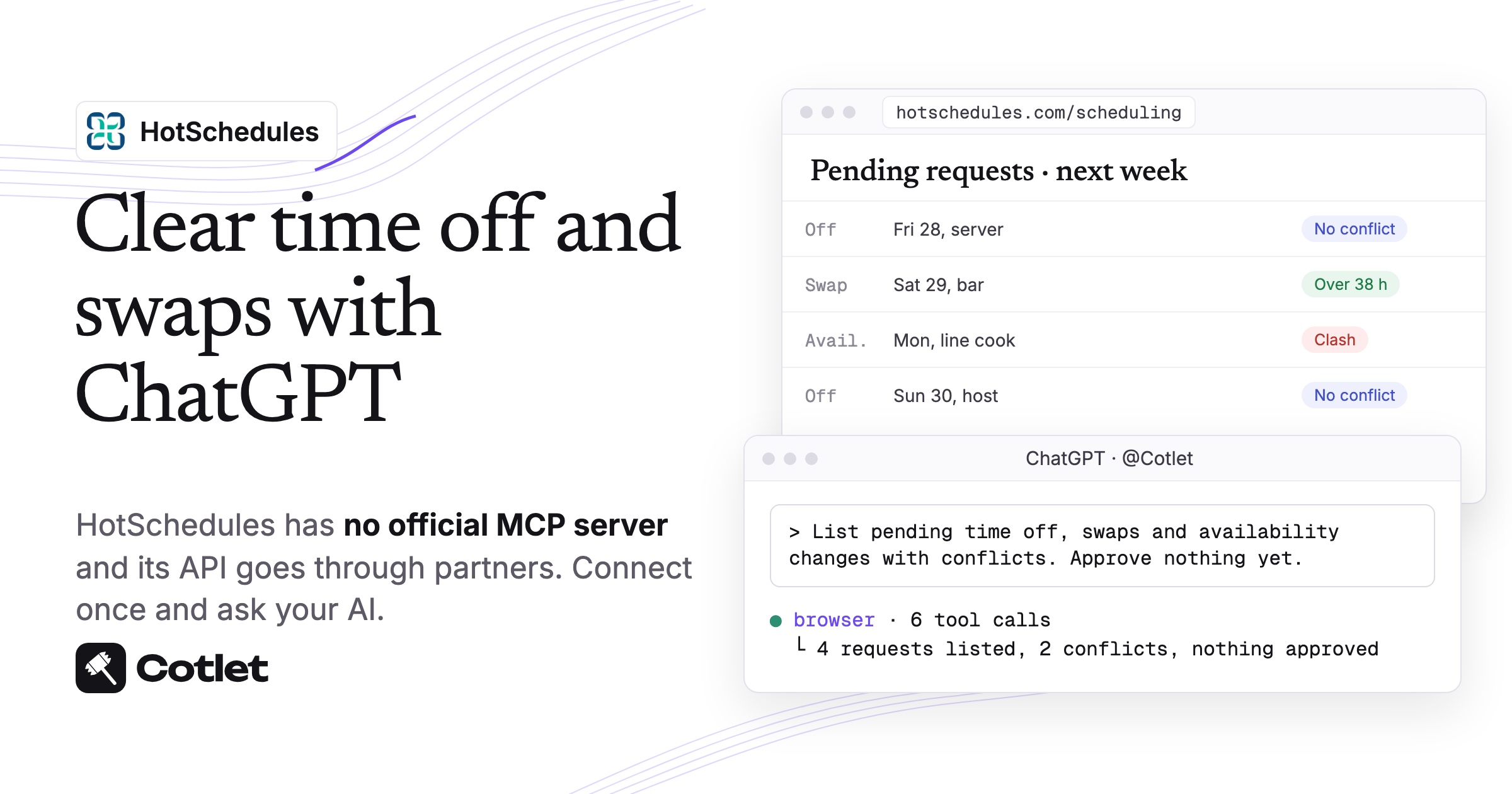
Sunday night, and the new schedule goes out in the morning. Three people asked for Friday off, two shift swaps wait for you, and one of your locations ran over its labor budget last week. Every number is inside HotSchedules, spread over four screens. Checked on 26 November 2026: HotSchedules offers no MCP server and no app inside ChatGPT or Claude, and Fourth hands its API to partner companies only. A manager login still gives an AI a way in. You sign in one time inside a browser that Cotlet hosts for you, and from then on the AI reads the pages you read. Expect ten minutes and no code.
This post is for the owner, general manager or shift manager who builds the schedule in HotSchedules, alone or for a group of restaurants. Your staff who only check their shifts use the HotSchedules mobile app, and they do not need any of this. Cotlet is for the person who runs the schedule and wants the lists made for them.
What ChatGPT and Claude can do in HotSchedules once connected
You say what you want to know. The AI walks the Scheduling, Labor and Time Off screens like a new assistant manager would.
| Where in HotSchedules | What the AI does |
|---|---|
| Scheduling, templates | Applies your Weekend template to next week and lists the shifts still open and people over 38 hours |
| Scheduling, auto scheduling | Runs Auto Schedule for servers and bartenders and shows what it filled, without publishing |
| Time off and requests | Puts pending time off, swaps and availability changes in one list with the conflicts |
| Labor and sales reports | Lists labor dollars and labor percent per location against budget and forecast |
| Time and attendance | Reads the payroll report for a pay period and lists overtime and missing clock outs |
| Employees | Compares your employee list with one you paste from the POS and lists who is missing or on the wrong job code |
Reading changes nothing. Approving a swap, publishing a schedule or sending a message to the team waits for your yes, and payments stay blocked. Longer list of jobs: the HotSchedules MCP server page. If a sheet or an n8n flow needs the same data, the HotSchedules API page shows how to build your own endpoint.
Does HotSchedules have AI, an API or an official ChatGPT app?
As of 26 November 2026:
- The AI is Fourth’s own. Fourth iQ covers forecasting and an iQ App for Managers. It sits inside the product, so ChatGPT and Claude cannot use it.
- The API goes through partners. Fourth’s help article on partner integrations says partner companies build them and you start by contacting your Fourth representative.
- The developer portal needs your customer. The Schedules and Time & Attendance APIs on developer.fourth.com say the mutual Fourth customer must request credentials on the partner’s behalf. A single restaurant does not get a key by itself.
- The older routes are narrow. A SOAP web services document exists for client integrations, and the SCIM API only handles user accounts.
- No official connector. Searching the MCP Registry for HotSchedules finds nothing, and both chat directories come back empty. Two outside companies offer custom connectors on request, and neither is from Fourth.
So the official routes lead to a partner contract or an assistant inside the app. A hosted server working inside your login reaches the schedule without any contract change. Every route is compared on Does HotSchedules have an API or MCP server?.
Before you start
- A HotSchedules manager login. An employee login does not show Scheduling or Labor.
- The name of your Weekend or standard template, so you can say it in a prompt.
- Your overtime line, for example 38 hours, written in one sentence.
- ChatGPT or Claude. The free Claude tier allows one custom connector, which is enough here.
- A Cotlet account. The first week is free and Cotlet asks for no card (pricing).
Step 1: sign in to HotSchedules in your Cloud Browser
Inside the Cloud Browser from your Cotlet console, load hotschedules.com/hs/login.jsp. Accounts moved to Fourth sign in through single sign-on, so use whichever door your company already has. You enter the username and password yourself.
HotSchedules alone sees the password. Cotlet keeps an encrypted session on its side, and one console switch cuts the AI off immediately. If HotSchedules signs you out, a new link arrives. Read the security page for more.
Step 2: connect HotSchedules to ChatGPT, Claude or another AI agent
Cotlet’s address goes into your AI tool a single time. The HotSchedules session you saved takes care of every later request, and the password is never involved. Select your tool.
Pick your AI above to see its steps.
How to connect HotSchedules to ChatGPT
Do this on chatgpt.com in your browser. Cotlet then works in the ChatGPT desktop and phone apps too.
- Open Plugins in ChatGPT and click Add.
- Click Add custom MCP server. Not in the menu? Turn on Developer mode in Settings, Security and login, then come back.
- Paste the name
Cotletand the server URLhttps://cotlet.dev/mcp/v1/connect. Keep Authentication on OAuth. - Tick “I understand and want to continue” and click Create as a plugin.
- Click Connect Cotlet. A Cotlet page opens, click Allow access.
- In a new chat, type
@Cotletand pick it from the list. - Ask ChatGPT: “Are you signed in to Cotlet through MCP?” Then try a first HotSchedules task: “List all pending time off requests and shift swaps in HotSchedules for next week, with the people they affect. Approve nothing.”

ChatGPT, Plugins page, November 2026.
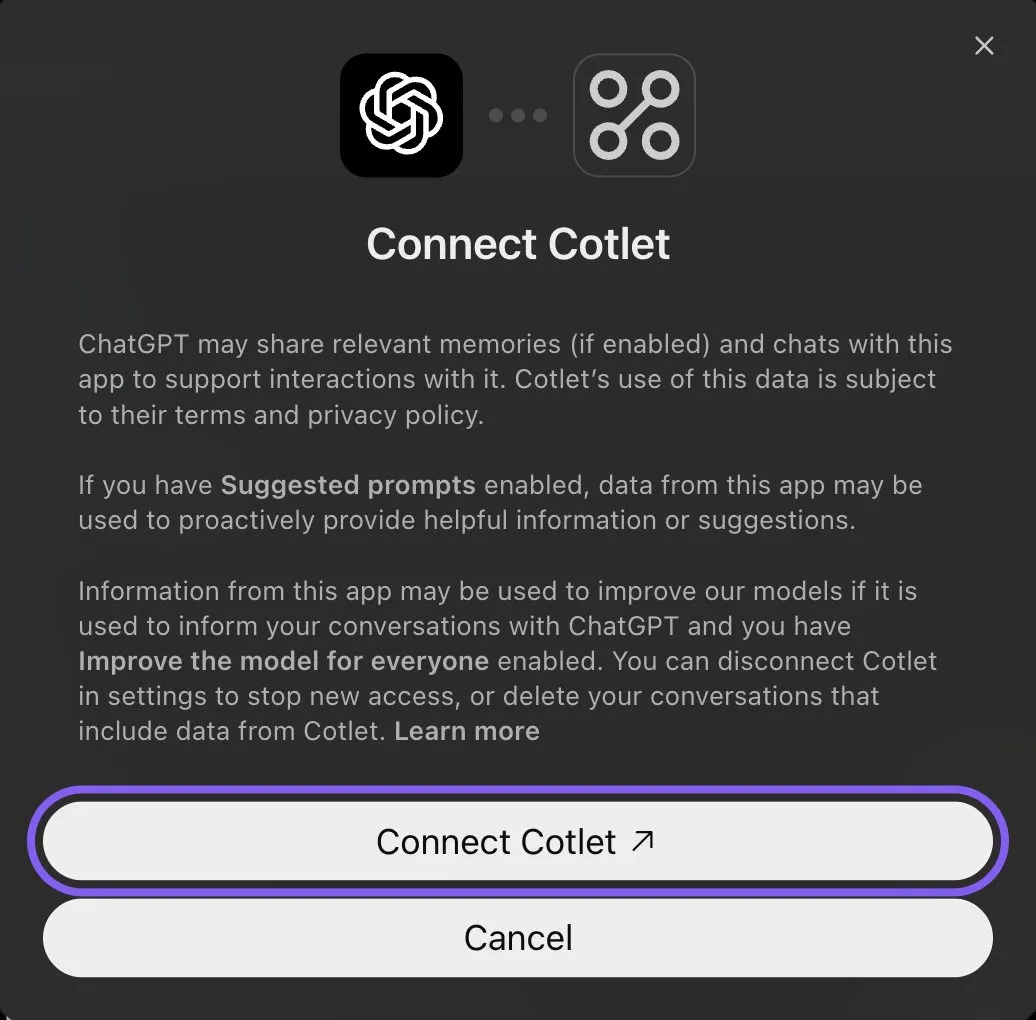
ChatGPT, connecting the Cotlet plugin, November 2026.
ChatGPT asks “Allow ChatGPT to use Cotlet?” before some steps. Pick Always allow, or the chat waits for your click. On a Business, Enterprise or Edu workspace, an admin has to allow custom MCP servers first.
How to connect HotSchedules to Claude
- Open Connectors in Claude and click Add. In the desktop app it is under Customize, Connectors.
- Click Add custom connector.
- Paste the name
Cotletand the URLhttps://cotlet.dev/mcp/v1/connect, then click Continue. - Keep the settings and click Add.
- A Cotlet page opens. Click Allow access.
- In a chat, click the plus button, then Connectors, and turn Cotlet on.
- Ask Claude: “Are you signed in to Cotlet through MCP?”, then “Pull this week’s labor percent for each of my HotSchedules locations against budget and flag the ones over.”. Claude asks before it uses a Cotlet tool the first time. Click Allow.

Claude, Customize, Connectors, November 2026.

Cotlet consent page after you add the connector in Claude, November 2026.
Claude’s free plan allows one custom connector. On a Team or Enterprise plan, an owner adds Cotlet in Organization settings, Connectors, and you click Connect next to it.
How to connect HotSchedules to Claude Code
Add Cotlet without a key, then sign in once in the browser:
claude mcp add --transport http cotlet https://cotlet.dev/mcp/v1/connectRun /mcp in Claude Code, pick cotlet and sign in to Cotlet. Prefer an API key, for example on a server? Create one in the Cotlet console and use:
claude mcp add --transport http cotlet https://cotlet.dev/mcp/v1 \
  --header "Authorization: Bearer $COTLET_API_KEY"
How to connect HotSchedules to Codex
Create an API key in the Cotlet console, put it in the COTLET_API_KEY environment variable and add this to ~/.codex/config.toml:
[mcp_servers.cotlet]
url = "https://cotlet.dev/mcp/v1"
bearer_token_env_var = "COTLET_API_KEY"
How to connect HotSchedules to Cursor
Create an API key in the Cotlet console, put it in the COTLET_API_KEY environment variable and add this to ~/.cursor/mcp.json:
{
  "mcpServers": {
    "cotlet": {
      "url": "https://cotlet.dev/mcp/v1",
      "headers": { "Authorization": "Bearer ${env:COTLET_API_KEY}" }
    }
  }
}
How to connect HotSchedules to Grok
Grok takes custom MCP servers on grok.com, per xAI’s connectors documentation (checked 8 November 2026).
- Open grok.com/connectors and click New Connector.
- Pick Custom and paste the server URL
https://cotlet.dev/mcp/v1/connect. - Sign in to Cotlet when Grok asks, then click Allow access.
- Ask Grok: “Are you signed in to Cotlet through MCP?”
On Grok Business, an admin adds the connector first in the xAI console, under Grok Business, Connectors. The Grok chat inside X has no custom connector menu.
How to connect HotSchedules to Hermes Agent
Add Cotlet to ~/.hermes/config.yaml in the format of the Hermes MCP config reference:
mcp_servers:
  cotlet:
    url: "https://cotlet.dev/mcp/v1"
    headers:
      Authorization: "Bearer ${COTLET_API_KEY}"
    trust: untrusted
Put COTLET_API_KEY in ~/.hermes/.env and check it with hermes mcp test cotlet. With trust: untrusted, Hermes runs reads at once and asks before every write. More on Hermes in our post on the Hermes Agent browser.
How to connect HotSchedules to n8n
Use the MCP Client node, or the MCP Client Tool inside an AI Agent node:
- Server Transport: HTTP Streamable
- MCP Endpoint URL:
https://cotlet.dev/mcp/v1 - Authentication: Bearer Auth, with your Cotlet API key as the token
- Tools: let the AI Agent node use Cotlet’s browser tools; it reads Cotlet’s HotSchedules guide first and works in your signed-in HotSchedules account
Use it for work that should run on its own, such as a Monday morning list of locations over their labor budget.
Any other MCP client
Point the client at https://cotlet.dev/mcp/v1 over Streamable HTTP, with the header Authorization: Bearer <your Cotlet API key>. A client that supports OAuth sign-in can use https://cotlet.dev/mcp/v1/connect instead and needs no key. The full reference is in the MCP docs.
Three HotSchedules jobs to try first
Start with the list you build by hand every week.
Time off and swaps in one list
List all pending time off requests, shift swaps and availability changes for next week. Show who each one affects and any conflict with the schedule. Approve nothing yet.
HotSchedules keeps time off, swaps and availability in separate places under Time Off and Requests. The AI opens each one and returns a single table: person, request, shifts touched, and whether it clashes with a posted shift. You decide row by row. Nothing is approved until you answer.
Labor against budget, per location
Pull this week’s labor dollars and labor percent for each location against its labor budget and forecast. Flag the locations that went over.
Labor and sales numbers sit in the Labor and Sales Reports section, one location at a time. The AI reads them for every location you can open and gives you one ranked list with the overage in dollars. Run it every Monday and you know which kitchen to call first.
Overtime before the payroll export
Export the payroll report for the last pay period and list employees with overtime or missing clock outs.
The payroll export is generated per period under Time and Attendance. The AI creates it, reads it and lists people with hours above your line and punches that never closed. You fix the punches in HotSchedules yourself, so the file you send to payroll is already clean.
What it costs
Skip the call to your Fourth contact: the contract stays untouched. Cotlet is pay as you go, with no subscription. The smallest pack is $29 for 5,000 credits and lasts a year. One call that works takes 10 to 100 credits, and one that fails takes none. A new account starts with 500 credits for seven days. Once the trial ends, keeping the browser open to agents takes 50 credits a day (pricing).
FAQ
Does HotSchedules have an API or MCP server I can use for my restaurant?
HotSchedules has no official MCP server. Its API goes through Fourth to partner companies, and a single restaurant cannot get keys by itself. Cotlet works in your manager account in a browser instead.
Can ChatGPT or Claude approve shift swaps in HotSchedules for me?
It lists them and prepares a recommendation for each. The approval itself happens after you say yes, since it changes the posted schedule.
Can it apply a template and fill the open shifts?
Yes. It applies the template you name to next week, runs Auto Schedule if you ask, and shows what is still open. Publishing waits for you.
Can it stop me entering a new hire three times?
It can compare the HotSchedules employee list with the list you paste from your POS. It shows who is missing or on the wrong job code. You make the fixes or tell it to.
Can it remind the team about tomorrow’s shifts?
It drafts one message per person scheduled and sends only after your OK.
Can it write a weekly logbook summary?
Yes. It reads the week’s logbook entries and writes a short summary by day. It changes no entry.
Is Cotlet part of Fourth or HotSchedules?
No. Cotlet is an independent company that works only through your own login.
Try it before the next schedule goes out
Your swaps, time off and labor are in HotSchedules already. Open a free Cotlet week, log in once in the Cloud Browser and ask for Sunday night’s lists. Running other restaurant software too? See the catalog.


