How to connect Innago to ChatGPT, Claude and any AI agent
Innago's API goes through its team and it has no official MCP server (checked 26 Nov 2026). Let ChatGPT chase late rent and total your Schedule E.
Cotlet team 11 min read
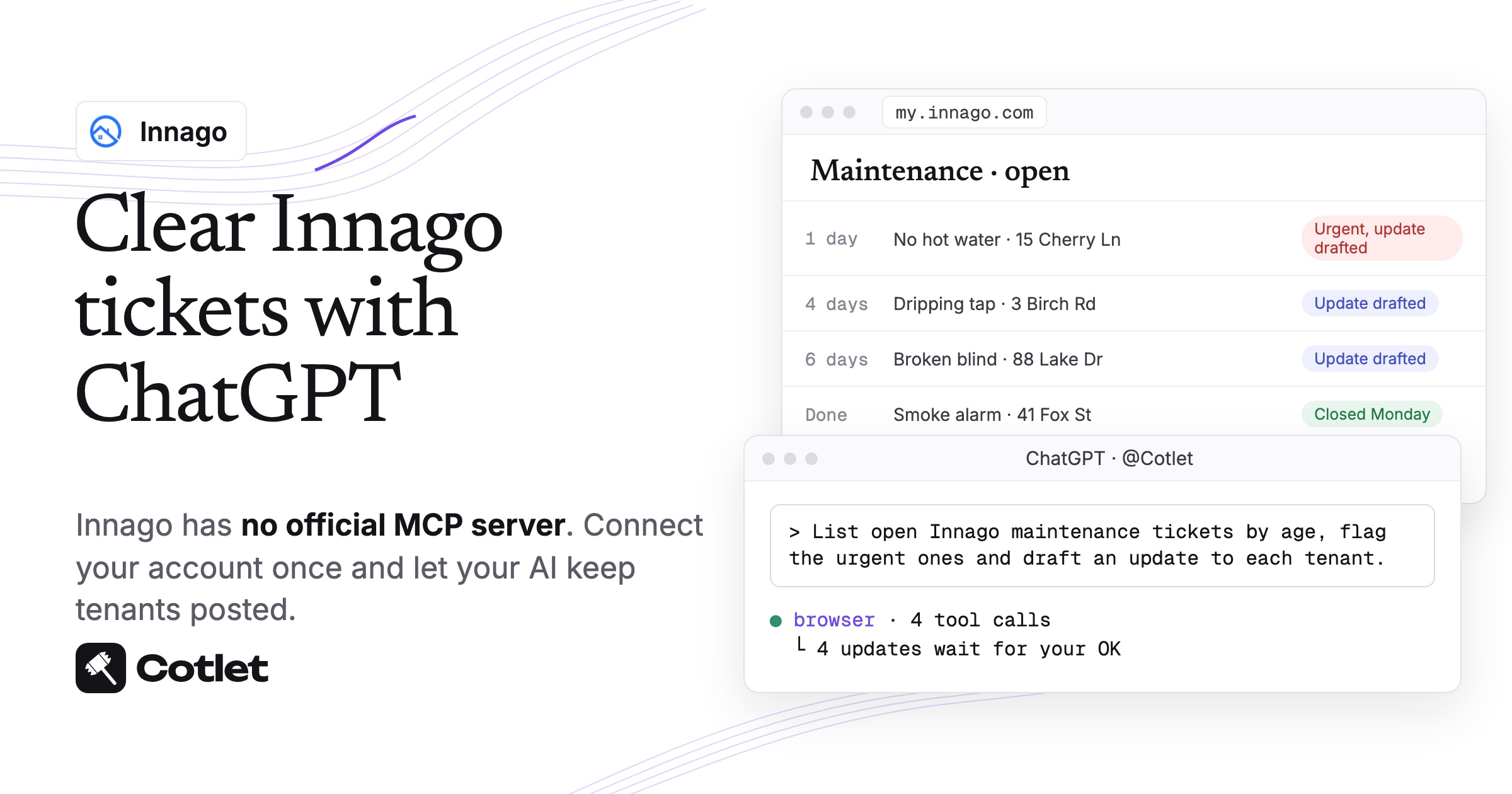
Innago has no official MCP server, and on 26 November 2026 there was no Innago app inside ChatGPT or Claude either. Its API docs are public, but the FAQ sends anyone who wants access to Innago’s team, and no key you can create yourself was found. To let ChatGPT, Claude or another AI agent work with your invoices, payments, maintenance tickets and leases anyway, connect Innago through Cotlet. Sign in to my.innago.com once inside your own Cloud Browser, and the AI uses the same screens you do. It takes about ten minutes and no programming.
Innago is free property management software for landlords, paid for by tenant fees: rent invoices and online payments, leases and e-signatures, applications and screening, maintenance tickets, expenses and reports. The people who look for an AI connection are mostly small landlords and part-time property managers with somewhere between two and fifty units. Cotlet is built for that side of Innago, the person who runs the portfolio. Tenants still pay and file tickets in their own Innago portal, as before.
What ChatGPT and Claude can do in Innago once connected
Most landlords point the assistant at these parts of Innago first:
| Area of Innago | What the AI handles |
|---|---|
| Invoices and payments | Lists unpaid invoices with late fees, drafts a reminder per tenant |
| Maintenance | Lists open tickets by age and urgency, drafts an update to the tenant |
| Leases | Finds leases ending in 60 days and drafts renewals |
| Applications | Compares this week’s applicants and screening results |
| Reports and expenses | Totals income and expenses per property for the tax year |
| Ledger | Copies a month of invoices and payments into a sheet |
Messages to tenants and changes to invoices, leases or tickets wait for your OK. Reading reports and building lists changes nothing in Innago.
What each screen allows is on the Innago MCP server page. For data that should land in n8n or a sheet on a schedule, see Innago API with Cotlet. Sources for the facts below are on Does Innago have an API or MCP server?.
Does Innago have AI, an API or an official ChatGPT app?
Innago is friendlier to developers than many landlord apps, but the door is still a conversation. As of 26 November 2026:
- An API with public docs. docs.innago.com documents expenses, invoices, leases, maintenance, payments and properties with a Bearer token.
- Access through Innago’s team. The Innago FAQ says Innago “offers API access for users who want to build custom integrations” and to “reach out to our team directly” about it. No settings page where a landlord creates a key was found.
- Nothing for AI assistants. Innago lists no official MCP server, ChatGPT app or Claude connector, and the official MCP Registry search for Innago comes back empty.
- No automation apps. Zapier, Make and n8n have no Innago entry; the integrations page and the FAQ point to QuickBooks and similar tools instead.
So if you have a developer and patience, ask Innago’s team for API access. If you want ChatGPT or Claude working in your account this week, a hosted MCP server inside your signed-in session is the way.
Before you connect
- The landlord account you open at my.innago.com.
- Your units, tenants and leases entered in Innago, since the agent only reads what is there.
- How strict your late policy is, so the reminder sounds like you.
- An AI chat: ChatGPT, or Claude, where even the free tier has room for Cotlet’s one connector.
- A Cotlet account; the opening week is on the house (pricing).
Step 1: sign in to Innago in your Cloud Browser
Cotlet’s console opens a Web browser for you (cotlet.dev/app/browser/web). Browse to my.innago.com, which redirects to Innago’s sign-in. Log in, and complete any code prompt on that page.
Your Innago password is seen by Innago’s form alone. Cotlet stores none of it; only the logged-in session remains, inside an encrypted browser profile that belongs to you. The console has an off switch for the agent. If Innago drops the session, the assistant stops and asks you to log in again through a link. Read security for the rest.
Step 2: connect Innago to ChatGPT, Claude or another AI agent
Select your AI below to see the few clicks it takes.
Pick your AI above to see its steps.
How to connect Innago to ChatGPT
Do this on chatgpt.com in your browser. Cotlet then works in the ChatGPT desktop and phone apps too.
- Open Plugins in ChatGPT and click Add.
- Click Add custom MCP server. Not in the menu? Turn on Developer mode in Settings, Security and login, then come back.
- Paste the name
Cotletand the server URLhttps://cotlet.dev/mcp/v1/connect. Keep Authentication on OAuth. - Tick “I understand and want to continue” and click Create as a plugin.
- Click Connect Cotlet. A Cotlet page opens, click Allow access.
- In a new chat, type
@Cotletand pick it from the list. - Ask ChatGPT: “Are you signed in to Cotlet through MCP?” Then try a first Innago task: “Which Innago maintenance tickets have been open for more than 5 days?”
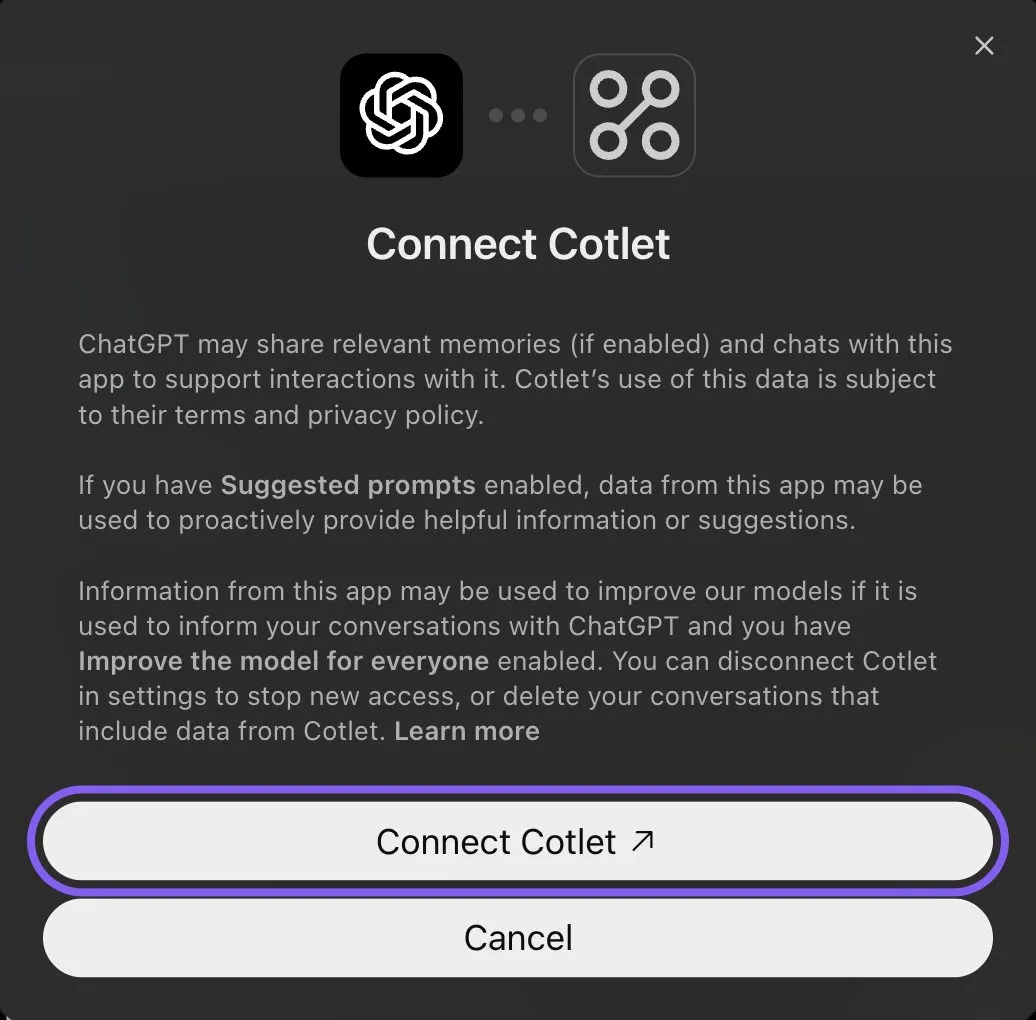
ChatGPT, connecting the Cotlet plugin, November 2026.
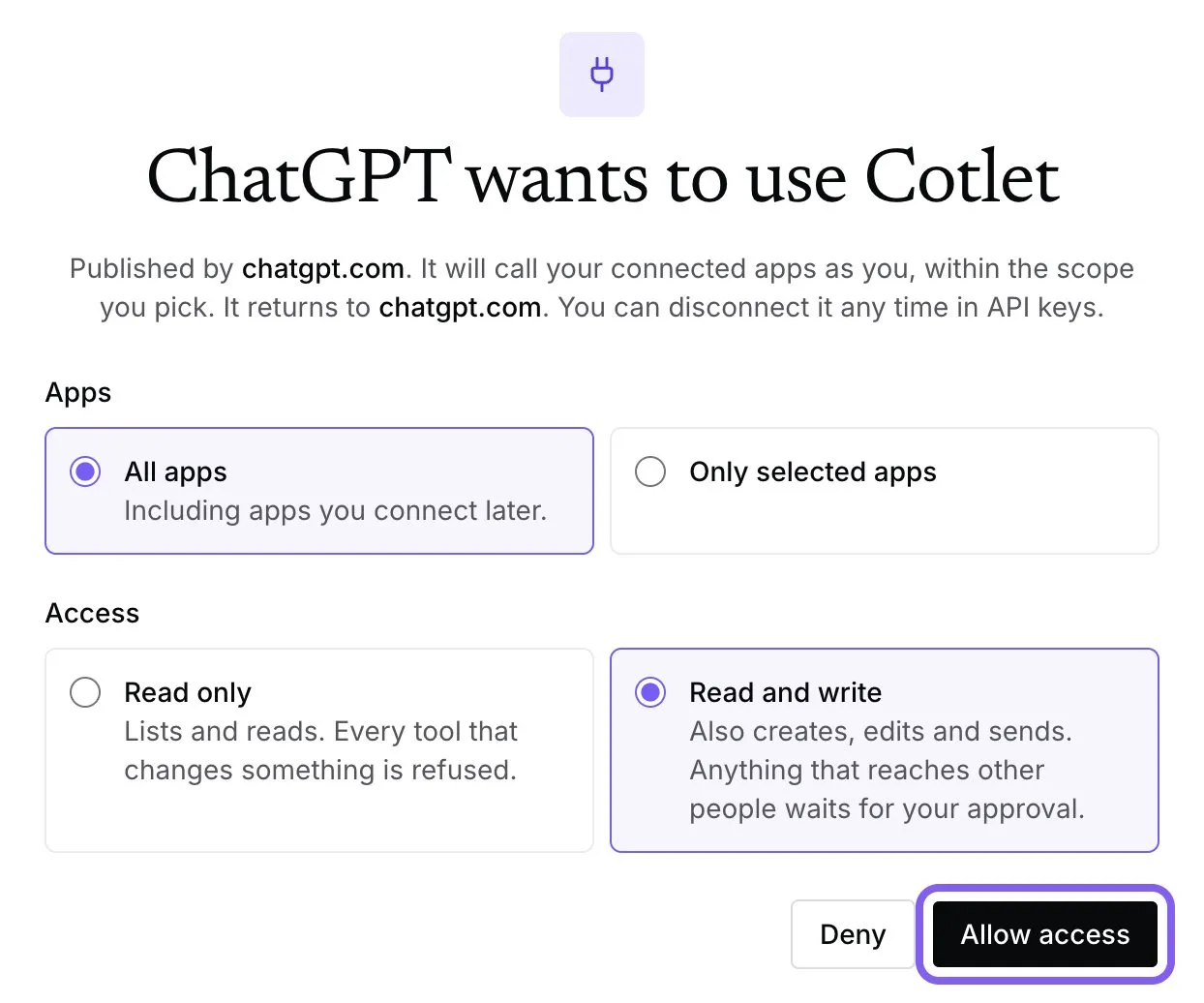
Cotlet consent page after you connect it in ChatGPT, November 2026.
ChatGPT asks “Allow ChatGPT to use Cotlet?” before some steps. Pick Always allow, or the chat waits for your click. On a Business, Enterprise or Edu workspace, an admin has to allow custom MCP servers first.
How to connect Innago to Claude
- Open Connectors in Claude and click Add. In the desktop app it is under Customize, Connectors.
- Click Add custom connector.
- Paste the name
Cotletand the URLhttps://cotlet.dev/mcp/v1/connect, then click Continue. - Keep the settings and click Add.
- A Cotlet page opens. Click Allow access.
- In a chat, click the plus button, then Connectors, and turn Cotlet on.
- Ask Claude: “Are you signed in to Cotlet through MCP?”, then “Give me income and expenses per property from Innago for this year.”. Claude asks before it uses a Cotlet tool the first time. Click Allow.

Claude, Add custom connector, last screen, November 2026.

Claude, chat menu, Connectors, November 2026.
Claude’s free plan allows one custom connector. On a Team or Enterprise plan, an owner adds Cotlet in Organization settings, Connectors, and you click Connect next to it.
How to connect Innago to Claude Code
Add Cotlet without a key, then sign in once in the browser:
claude mcp add --transport http cotlet https://cotlet.dev/mcp/v1/connectRun /mcp in Claude Code, pick cotlet and sign in to Cotlet. Prefer an API key, for example on a server? Create one in the Cotlet console and use:
claude mcp add --transport http cotlet https://cotlet.dev/mcp/v1 \
  --header "Authorization: Bearer $COTLET_API_KEY"
How to connect Innago to Codex
Create an API key in the Cotlet console, put it in the COTLET_API_KEY environment variable and add this to ~/.codex/config.toml:
[mcp_servers.cotlet]
url = "https://cotlet.dev/mcp/v1"
bearer_token_env_var = "COTLET_API_KEY"
How to connect Innago to Cursor
Create an API key in the Cotlet console, put it in the COTLET_API_KEY environment variable and add this to ~/.cursor/mcp.json:
{
  "mcpServers": {
    "cotlet": {
      "url": "https://cotlet.dev/mcp/v1",
      "headers": { "Authorization": "Bearer ${env:COTLET_API_KEY}" }
    }
  }
}
How to connect Innago to Grok
Grok takes custom MCP servers on grok.com, per xAI’s connectors documentation (checked 8 November 2026).
- Open grok.com/connectors and click New Connector.
- Pick Custom and paste the server URL
https://cotlet.dev/mcp/v1/connect. - Sign in to Cotlet when Grok asks, then click Allow access.
- Ask Grok: “Are you signed in to Cotlet through MCP?”
On Grok Business, an admin adds the connector first in the xAI console, under Grok Business, Connectors. The Grok chat inside X has no custom connector menu.
How to connect Innago to Hermes Agent
Add Cotlet to ~/.hermes/config.yaml in the format of the Hermes MCP config reference:
mcp_servers:
  cotlet:
    url: "https://cotlet.dev/mcp/v1"
    headers:
      Authorization: "Bearer ${COTLET_API_KEY}"
    trust: untrusted
Put COTLET_API_KEY in ~/.hermes/.env and check it with hermes mcp test cotlet. With trust: untrusted, Hermes runs reads at once and asks before every write. More on Hermes in our post on the Hermes Agent browser.
How to connect Innago to n8n
Use the MCP Client node, or the MCP Client Tool inside an AI Agent node:
- Server Transport: HTTP Streamable
- MCP Endpoint URL:
https://cotlet.dev/mcp/v1 - Authentication: Bearer Auth, with your Cotlet API key as the token
- Tools: let the AI Agent node use Cotlet’s browser tools; it reads Cotlet’s Innago guide first and works in your signed-in Innago account
Use it for work that should run on its own, such as a list of unpaid Innago invoices on the 2nd of each month, with drafts for you to approve.
Any other MCP client
Point the client at https://cotlet.dev/mcp/v1 over Streamable HTTP, with the header Authorization: Bearer <your Cotlet API key>. A client that supports OAuth sign-in can use https://cotlet.dev/mcp/v1/connect instead and needs no key. The full reference is in the MCP docs.
Each one is a task landlords on Reddit and BiggerPockets say they still do by hand.
Follow up late rent on the 2nd
List tenants in Innago with an unpaid rent invoice this month, with the amount and the late fee. Draft a short reminder for each and wait for my OK before sending.
Innago sends its own automatic reminders, but a late tenant often needs a personal note. The AI reads the unpaid invoices, adds the late fee and writes one message per tenant in your voice. You approve the ones to send, and they go out from Innago.
Get Schedule E numbers without a spreadsheet night
Pull this year’s income and expenses per property from Innago, grouped the way Schedule E asks, and list the vendors I paid more than $600.
Tax season means turning a year of rent and receipts into one form per property. The AI reads the reports and expenses in Innago, groups them by property and category, and flags the vendors who may need a 1099. Your accountant still signs off. You hand over a clean table instead of a box of exports.
Keep maintenance tickets from going stale
List every open maintenance ticket in Innago by property and how many days it has been open. Flag the urgent ones and draft an update to each tenant.
Tickets sit in Innago while you wait for a plumber, and the tenant hears nothing. The AI sorts them by age, marks anything about water, heat or safety as urgent, and drafts an update for each tenant. Changing a ticket status also waits for you, because the tenant sees it.
What it costs
Innago is free for landlords, and that stays so. Cotlet charges through credit packs you buy once: 5,000 credits for $29, valid twelve months, renewing never. Roughly 10 credits go on each request that works and none on one that fails; the Cloud Browser adds 50 a day while Innago is switched on. You can run a full week before paying (pricing).
FAQ
Can AI chase late rent in Innago for me?
Yes. Your AI reads unpaid invoices and late fees in your signed-in Innago account and drafts a reminder for each tenant. It sends them only after your OK.
Where is the Innago API documentation?
At docs.innago.com. It covers expenses, invoices, leases, maintenance, payments and properties. Innago’s FAQ says to contact its team about getting access.
Does Innago have an API I can use without a developer?
Not on its own. The API needs code and access from Innago’s team. Without a developer, your AI works in your own Innago account and puts invoices, payments and tickets in a sheet, or you save that as an endpoint.
Does Innago integrate with QuickBooks?
Innago lists QuickBooks among its integrations. For anything else, such as a monthly ledger in Google Sheets, the AI reads the invoices and payments and writes them out for you.
How do I get my Innago numbers for Schedule E?
Ask the AI for income and expenses per property for the tax year. It reads Innago’s reports and expenses and returns one table per property.
Is Cotlet an Innago product?
No. Cotlet is independent and has no partnership with Innago. The AI signs in as you, in your own Cloud Browser.
Hand the 2nd of the month to an assistant
Innago collects the rent for you. An assistant can chase the gaps and keep tenants updated on repairs. Register at Cotlet, sign in to Innago through your Cloud Browser and attach ChatGPT or Claude. Comparing landlord apps? TurboTenant is listed in the catalog.


