How to connect Ko-fi to ChatGPT, Claude and any AI agent
Ko-fi has no official MCP server or ChatGPT app and no API to read orders (checked 27 Nov 2026). See how ChatGPT or Claude can work in your Ko-fi shop.
Cotlet team 9 min read
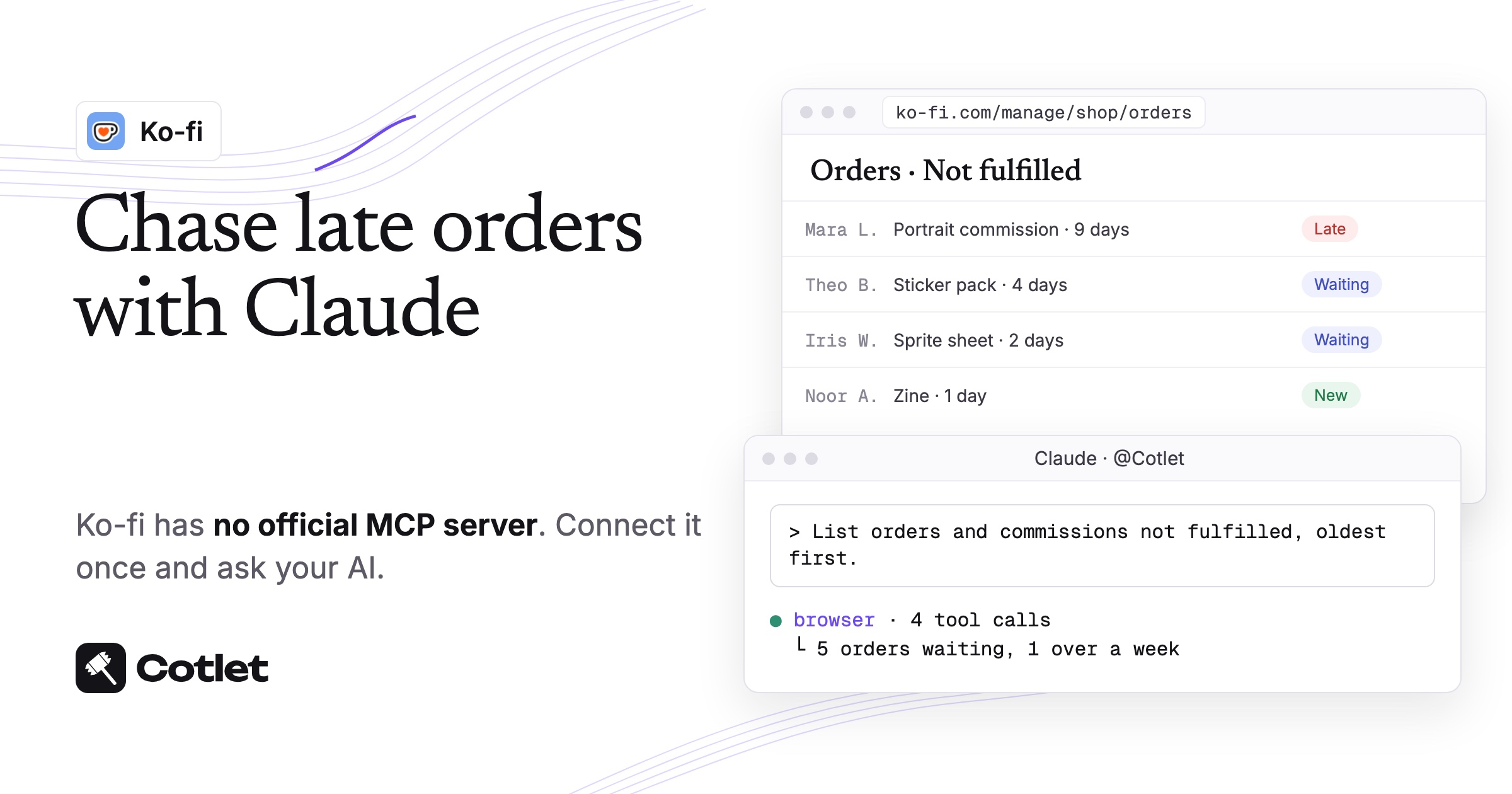
A commission has sat unfulfilled for nine days, and the buyer has just opened a dispute. You only found out because PayPal told you. Ko-fi, as of 27 Nov 2026, offers no MCP server and nothing for ChatGPT or Claude to plug into. Its one developer feature is a payment webhook, which leaves an AI no way to read orders or supporters. The workaround is a browser: the agent sits in your own Cloud Browser, already logged in to Ko-fi, and walks the shop, order and supporter pages while you draw.
This is for creators who earn on Ko-fi: an illustrator taking commissions, a writer with a membership, a game developer selling a pack. The people who tip or buy from you are out of scope.
What ChatGPT and Claude can do in Ko-fi once connected
Say what you want done. The agent works out which Ko-fi page holds it.
| Where in Ko-fi | What you get |
|---|---|
| Orders and Commissions | Lists every order and commission not yet fulfilled, with the buyer and days waiting |
| Shop items | Shows which items are scheduled, which are not public, and which went live |
| Payments | Collects the month’s fees per payment in a table for your accountant |
| My Supporters | Lists who tipped or joined this week and drafts a thank-you for each |
| Memberships | Groups members by tier with start date and monthly income |
| Posts | Prepares next week’s post with the extra file attached |
| Goals | Reads your goal progress and the supporters who agreed to be shown |
Looking changes nothing. Anything addressed to a supporter, or any edit to a shop item, is held until you say yes. Further ideas are on the MCP page for Ko-fi, and the API page shows how to turn one of them into your own endpoint.
Does Ko-fi have AI, an API or an official ChatGPT app?
State on 27 November 2026:
- Webhook: yes, for payments only. According to the Ko-fi help center, Ko-fi sends payment information to a URL you set on the Webhooks page when a tip, a membership payment or a shop order happens.
- API to read data: none found. Nothing lists supporters, orders or posts after the fact. A webhook only announces new payments.
- Zapier: yes. Ko-fi has a Zapier app with a trigger for a new payment. It cannot fetch an old order.
- Chat connector: none. Searching the MCP Registry for Ko-fi turns up unrelated servers only.
That leaves your browser tabs as the only place the full picture lives. Each point is scored in the Ko-fi access review.
Before you start
- A Ko-fi page that already has something in it: an item, a commission or a supporter.
- Your Ko-fi email and password, typed on Ko-fi’s page.
- A chat assistant you already use, ChatGPT or Claude.
- A Cotlet account on the trial (pricing).
Step 1: sign in to Ko-fi in your Cloud Browser
Inside the Cloud Browser, go to ko-fi.com/account/login and log in as you normally would. A verification code, if Ko-fi sends one, is yours to type. Cotlet never receives the password, the login is stored encrypted, and a switch in the console ends the agent’s access at any time (security).
Step 2: connect Ko-fi to ChatGPT, Claude or another AI agent
This is a one-time job for the pairing. After it, each new chat can reach your Ko-fi pages.
Pick your AI above to see its steps.
How to connect Ko-fi to ChatGPT
Do this on chatgpt.com in your browser. Cotlet then works in the ChatGPT desktop and phone apps too.
- Open Plugins in ChatGPT and click Add.
- Click Add custom MCP server. Not in the menu? Turn on Developer mode in Settings, Security and login, then come back.
- Paste the name
Cotletand the server URLhttps://cotlet.dev/mcp/v1/connect. Keep Authentication on OAuth. - Tick “I understand and want to continue” and click Create as a plugin.
- Click Connect Cotlet. A Cotlet page opens, click Allow access.
- In a new chat, type
@Cotletand pick it from the list. - Ask ChatGPT: “Are you signed in to Cotlet through MCP?” Then try a first Ko-fi task: “In Ko-fi, list shop orders and commissions that are not fulfilled, with the supporter and days waiting. Change nothing.”

ChatGPT, Plugins page, November 2026.
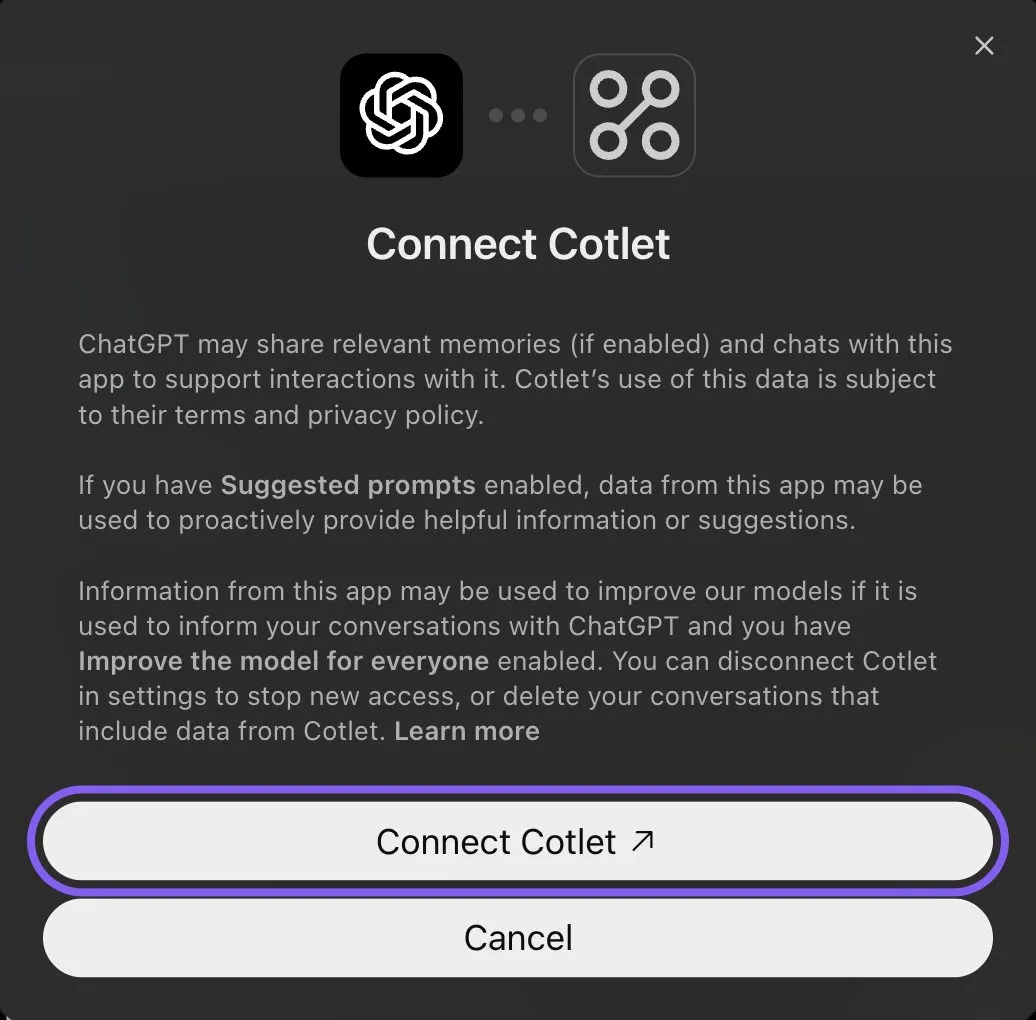
ChatGPT, connecting the Cotlet plugin, November 2026.
ChatGPT asks “Allow ChatGPT to use Cotlet?” before some steps. Pick Always allow, or the chat waits for your click. On a Business, Enterprise or Edu workspace, an admin has to allow custom MCP servers first.
How to connect Ko-fi to Claude
- Open Connectors in Claude and click Add. In the desktop app it is under Customize, Connectors.
- Click Add custom connector.
- Paste the name
Cotletand the URLhttps://cotlet.dev/mcp/v1/connect, then click Continue. - Keep the settings and click Add.
- A Cotlet page opens. Click Allow access.
- In a chat, click the plus button, then Connectors, and turn Cotlet on.
- Ask Claude: “Are you signed in to Cotlet through MCP?”, then “In Ko-fi, list my members by tier with start date and total monthly membership income. Change nothing.”. Claude asks before it uses a Cotlet tool the first time. Click Allow.

Claude, Customize, Connectors, Add menu, November 2026.

Cotlet consent page after you add the connector in Claude, November 2026.
Claude’s free plan allows one custom connector. On a Team or Enterprise plan, an owner adds Cotlet in Organization settings, Connectors, and you click Connect next to it.
How to connect Ko-fi to Claude Code
Add Cotlet without a key, then sign in once in the browser:
claude mcp add --transport http cotlet https://cotlet.dev/mcp/v1/connectRun /mcp in Claude Code, pick cotlet and sign in to Cotlet. Prefer an API key, for example on a server? Create one in the Cotlet console and use:
claude mcp add --transport http cotlet https://cotlet.dev/mcp/v1 \
  --header "Authorization: Bearer $COTLET_API_KEY"
How to connect Ko-fi to Codex
Create an API key in the Cotlet console, put it in the COTLET_API_KEY environment variable and add this to ~/.codex/config.toml:
[mcp_servers.cotlet]
url = "https://cotlet.dev/mcp/v1"
bearer_token_env_var = "COTLET_API_KEY"
How to connect Ko-fi to Cursor
Create an API key in the Cotlet console, put it in the COTLET_API_KEY environment variable and add this to ~/.cursor/mcp.json:
{
  "mcpServers": {
    "cotlet": {
      "url": "https://cotlet.dev/mcp/v1",
      "headers": { "Authorization": "Bearer ${env:COTLET_API_KEY}" }
    }
  }
}
How to connect Ko-fi to Grok
Grok takes custom MCP servers on grok.com, per xAI’s connectors documentation (checked 8 November 2026).
- Open grok.com/connectors and click New Connector.
- Pick Custom and paste the server URL
https://cotlet.dev/mcp/v1/connect. - Sign in to Cotlet when Grok asks, then click Allow access.
- Ask Grok: “Are you signed in to Cotlet through MCP?”
On Grok Business, an admin adds the connector first in the xAI console, under Grok Business, Connectors. The Grok chat inside X has no custom connector menu.
How to connect Ko-fi to Hermes Agent
Add Cotlet to ~/.hermes/config.yaml in the format of the Hermes MCP config reference:
mcp_servers:
  cotlet:
    url: "https://cotlet.dev/mcp/v1"
    headers:
      Authorization: "Bearer ${COTLET_API_KEY}"
    trust: untrusted
Put COTLET_API_KEY in ~/.hermes/.env and check it with hermes mcp test cotlet. With trust: untrusted, Hermes runs reads at once and asks before every write. More on Hermes in our post on the Hermes Agent browser.
How to connect Ko-fi to n8n
Use the MCP Client node, or the MCP Client Tool inside an AI Agent node:
- Server Transport: HTTP Streamable
- MCP Endpoint URL:
https://cotlet.dev/mcp/v1 - Authentication: Bearer Auth, with your Cotlet API key as the token
- Tools: let the AI Agent node use Cotlet’s browser tools; it reads Cotlet’s Ko-fi guide first and works in your signed-in Ko-fi account
Use it for work that should run on its own, such as a daily list of orders waiting too long.
Any other MCP client
Point the client at https://cotlet.dev/mcp/v1 over Streamable HTTP, with the header Authorization: Bearer <your Cotlet API key>. A client that supports OAuth sign-in can use https://cotlet.dev/mcp/v1/connect instead and needs no key. The full reference is in the MCP docs.
Three Ko-fi jobs to try first
All three only read. Writing comes after you trust the output.
Find orders that are about to become disputes
List shop orders and commissions that are not fulfilled, with the supporter and days waiting, oldest first.
Ko-fi has a help article on unfulfilled commissions and shop orders for the buyer’s side of this problem. The agent opens Orders and Commissions, reads each row and gives you the longest waits first. Nothing is marked as fulfilled.
Get the month’s fees ready for your accountant
List this month’s Ko-fi fees per payment with date and amount in a table I can give my accountant.
Webhooks only tell you about a payment as it lands, so a month of fees is not something a script can pull afterwards. The agent reads the Payments list and builds the table. You get one block of rows to paste into a sheet.
Read who pays what each month
List my members by tier with their start date and the total monthly income from memberships.
The agent reads the Memberships screen and adds the tiers up. You see in one answer which tier carries the income.
Later in the week
- Draft a thank-you for every supporter from the last seven days, and send after you read them.
- Prepare next week’s post with its extra file and set the publishing date you give.
- Show which shop items are scheduled but still not public.
What it costs
New accounts get 7 days and 2,000 credits, no card required. After the trial you buy a pack from $29 that lasts a year, and a call that fails costs nothing (pricing). Nothing changes on the Ko-fi side.
FAQ
Can I connect Ko-fi to ChatGPT with an API key?
No. We found no API for reading supporters, orders or posts, and no official MCP server. Ko-fi has a payment webhook and a Zapier app. Cotlet skips keys altogether and acts inside your logged in session.
Can I use the Ko-fi webhook instead?
For payment alerts, yes. A webhook pushes each new payment to a URL. It cannot tell you which commissions are still open, and it needs a server that receives it.
Can ChatGPT or Claude read my Ko-fi orders and supporters?
Yes, through your own login. Messages to supporters and changes to shop items wait for your approval.
Is Cotlet affiliated with Ko-fi?
No. They are separate companies.
Try it on your own Ko-fi page
The late orders list takes one message. Open a trial, log in to Ko-fi and send it.