How to connect LoopNet to ChatGPT, Claude and any AI agent
LoopNet has no public API and no official MCP server (checked 26 Nov 2026). Let ChatGPT or Claude sort your listing leads and draft owner reports.
Cotlet team 12 min read
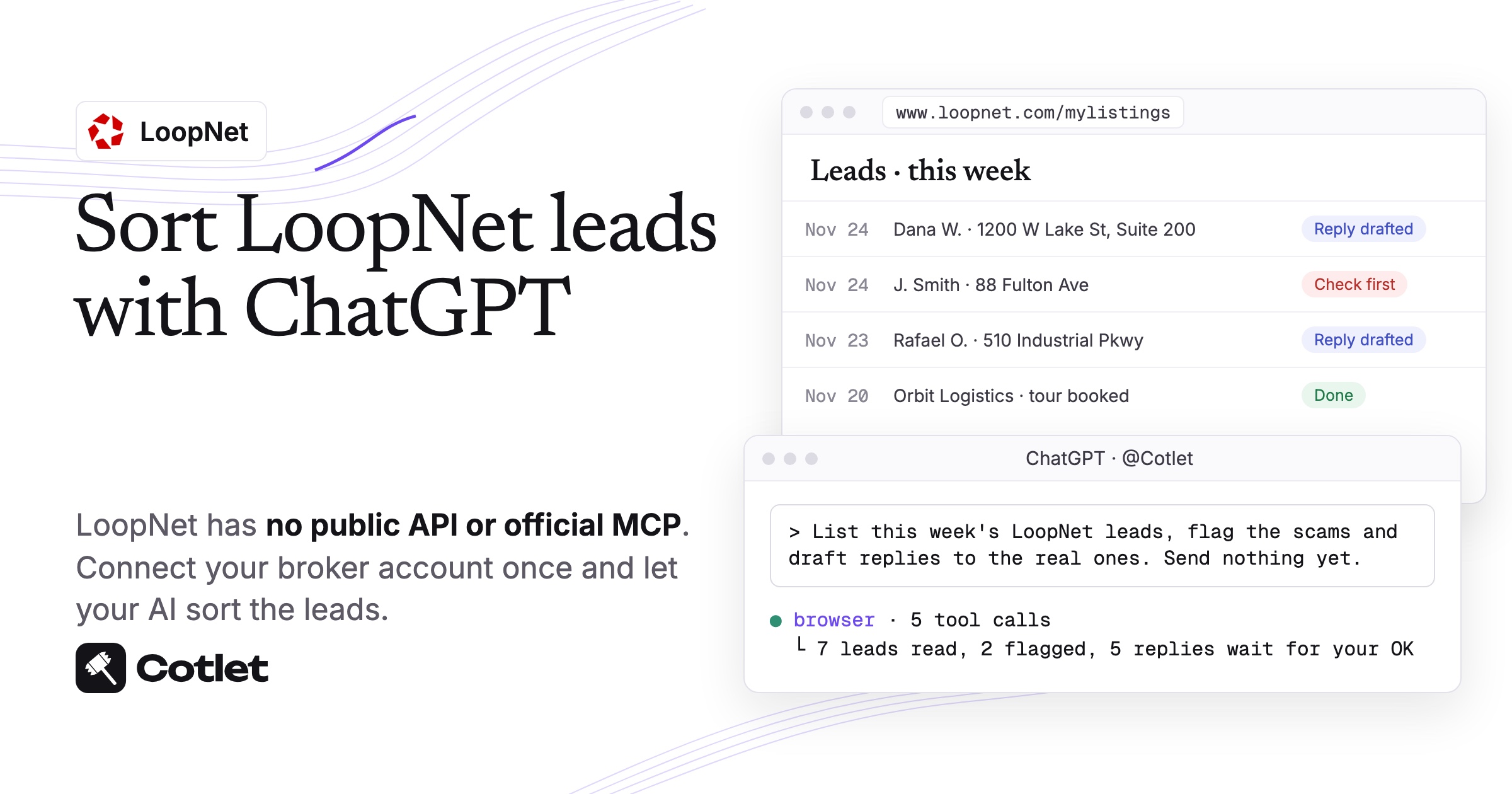
LoopNet has no public API, no official MCP server and no ChatGPT or Claude app for brokers, as checked on 26 November 2026. CoStar licenses its data to large companies, and the one community MCP server on GitHub only searches public listings. You can still put an AI agent to work on your own LoopNet account. Sign in to loopnet.com once inside a Cloud Browser that Cotlet runs for you, and ChatGPT or Claude reads your leads, listings and performance reports on the same pages you open. Setup takes about ten minutes and no code.
The people typing this question are usually commercial brokers with a handful of office, retail or industrial listings, plus owners who market their own buildings. Leads arrive by email from LoopNet, CityFeet and Showcase, and some of them are wire scams. Owners want a number every Friday. Cotlet is built for that broker or owner side of the account. Tenants and investors browsing space keep using LoopNet the usual way.
What ChatGPT and Claude can do in LoopNet once connected
Ask in one sentence. The AI does the clicking in LoopNet:
| Part of LoopNet | What the AI handles |
|---|---|
| Leads | Reads every lead per listing, flags the ones that look like scams, drafts replies to real tenants |
| My Listings | Lists active listings with size, asking rent and status, finds empty or stale fields |
| Listing performance | Pulls views, leads and favorites for a week or a month |
| Saved searches | Checks your searches each morning and lists new matches with the broker’s contact |
| CDX Mail | Drafts a campaign for a new listing to your contact list |
| Listing edits | Changes asking rent or marks a suite leased |
A price change, a reply to a lead and a CDX Mail campaign all wait for your OK first, because a tenant, an investor or the whole market sees them. Lists and reports change nothing.
The screens and the approvals are on the LoopNet MCP server page. If you would rather call your LoopNet data from n8n or a script, the LoopNet API page shows endpoints you can build.
Does LoopNet have AI, an API or an official ChatGPT app?
As of 26 November 2026, a LoopNet broker has fewer official routes than most software users expect:
- No public API. LoopNet offers no API to brokers or owners. CoStar data goes out through enterprise licensing deals, per the LoopNet API report card. LoopLink, the paid widget that shows your listings on your own website, is not an API.
- No official MCP server or chat app. No LoopNet app sits in ChatGPT or Claude. The community LoopnetMCP project searches public listings and never sees your leads.
- No Zapier, Make or n8n app. All three return no LoopNet app. Brokers who want leads in a CRM parse the alert emails instead.
- A leads export, one listing at a time. The Leads page of each listing has an Export button, per the LoopNet help center. With ten listings that is ten downloads.
So the fastest way to give ChatGPT or Claude your leads is a hosted MCP server that works inside your own signed-in session. The full check of each route sits on Does LoopNet have an API or MCP server?.
Before you start
- The email and password of the LoopNet or CoStar account that owns your listings.
- Access to the listings you want covered. A team member who sees only some listings gives the AI only those.
- A short note on how you judge a lead: company name, a real phone, a sensible move-in date.
- ChatGPT or Claude. The free Claude plan fits one custom connector, and Cotlet needs only one.
- A Cotlet account. The free week needs no card (pricing).
Step 1: sign in to LoopNet in your Cloud Browser
Your Cloud Browser opens from the Cotlet console. Type loopnet.com in its address bar, click Sign In at the top right and use the login that holds your listings. Brokers who work mostly in CoStar can use that same login here. Wait until My Listings shows your properties, then leave the tab open.
LoopNet asks for your password on its own form, so Cotlet never receives it. What stays is the signed-in session, kept in an encrypted profile tied to your Cotlet account. When LoopNet ends that session, the AI pauses and hands you a sign-in link. More on how this works is on the security page.
Step 2: connect LoopNet to ChatGPT, Claude or another AI agent
Your AI talks to LoopNet through Cotlet’s MCP address, entered once in its settings. Each client has its own menu for that, so pick yours from the tiles.
Pick your AI above to see its steps.
How to connect LoopNet to ChatGPT
Do this on chatgpt.com in your browser. Cotlet then works in the ChatGPT desktop and phone apps too.
- Open Plugins in ChatGPT and click Add.
- Click Add custom MCP server. Not in the menu? Turn on Developer mode in Settings, Security and login, then come back.
- Paste the name
Cotletand the server URLhttps://cotlet.dev/mcp/v1/connect. Keep Authentication on OAuth. - Tick “I understand and want to continue” and click Create as a plugin.
- Click Connect Cotlet. A Cotlet page opens, click Allow access.
- In a new chat, type
@Cotletand pick it from the list. - Ask ChatGPT: “Are you signed in to Cotlet through MCP?” Then try a first LoopNet task: “List this week’s leads on my LoopNet listings by listing.”

ChatGPT, Plugins page, November 2026.
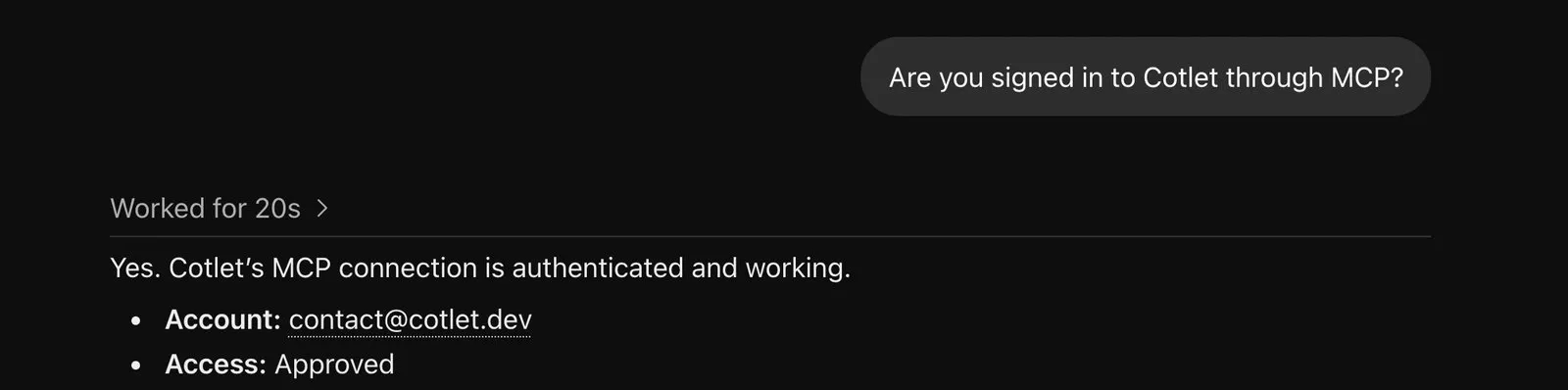
ChatGPT confirming the Cotlet connection, November 2026.
ChatGPT asks “Allow ChatGPT to use Cotlet?” before some steps. Pick Always allow, or the chat waits for your click. On a Business, Enterprise or Edu workspace, an admin has to allow custom MCP servers first.
How to connect LoopNet to Claude
- Open Connectors in Claude and click Add. In the desktop app it is under Customize, Connectors.
- Click Add custom connector.
- Paste the name
Cotletand the URLhttps://cotlet.dev/mcp/v1/connect, then click Continue. - Keep the settings and click Add.
- A Cotlet page opens. Click Allow access.
- In a chat, click the plus button, then Connectors, and turn Cotlet on.
- Ask Claude: “Are you signed in to Cotlet through MCP?”, then “How many views and leads did each of my LoopNet listings get in the last 7 days?”. Claude asks before it uses a Cotlet tool the first time. Click Allow.

Claude, Customize, Connectors, Add menu, November 2026.

Cotlet consent page after you add the connector in Claude, November 2026.
Claude’s free plan allows one custom connector. On a Team or Enterprise plan, an owner adds Cotlet in Organization settings, Connectors, and you click Connect next to it.
How to connect LoopNet to Claude Code
Add Cotlet without a key, then sign in once in the browser:
claude mcp add --transport http cotlet https://cotlet.dev/mcp/v1/connectRun /mcp in Claude Code, pick cotlet and sign in to Cotlet. Prefer an API key, for example on a server? Create one in the Cotlet console and use:
claude mcp add --transport http cotlet https://cotlet.dev/mcp/v1 \
  --header "Authorization: Bearer $COTLET_API_KEY"
How to connect LoopNet to Codex
Create an API key in the Cotlet console, put it in the COTLET_API_KEY environment variable and add this to ~/.codex/config.toml:
[mcp_servers.cotlet]
url = "https://cotlet.dev/mcp/v1"
bearer_token_env_var = "COTLET_API_KEY"
How to connect LoopNet to Cursor
Create an API key in the Cotlet console, put it in the COTLET_API_KEY environment variable and add this to ~/.cursor/mcp.json:
{
  "mcpServers": {
    "cotlet": {
      "url": "https://cotlet.dev/mcp/v1",
      "headers": { "Authorization": "Bearer ${env:COTLET_API_KEY}" }
    }
  }
}
How to connect LoopNet to Grok
Grok takes custom MCP servers on grok.com, per xAI’s connectors documentation (checked 8 November 2026).
- Open grok.com/connectors and click New Connector.
- Pick Custom and paste the server URL
https://cotlet.dev/mcp/v1/connect. - Sign in to Cotlet when Grok asks, then click Allow access.
- Ask Grok: “Are you signed in to Cotlet through MCP?”
On Grok Business, an admin adds the connector first in the xAI console, under Grok Business, Connectors. The Grok chat inside X has no custom connector menu.
How to connect LoopNet to Hermes Agent
Add Cotlet to ~/.hermes/config.yaml in the format of the Hermes MCP config reference:
mcp_servers:
  cotlet:
    url: "https://cotlet.dev/mcp/v1"
    headers:
      Authorization: "Bearer ${COTLET_API_KEY}"
    trust: untrusted
Put COTLET_API_KEY in ~/.hermes/.env and check it with hermes mcp test cotlet. With trust: untrusted, Hermes runs reads at once and asks before every write. More on Hermes in our post on the Hermes Agent browser.
How to connect LoopNet to n8n
Use the MCP Client node, or the MCP Client Tool inside an AI Agent node:
- Server Transport: HTTP Streamable
- MCP Endpoint URL:
https://cotlet.dev/mcp/v1 - Authentication: Bearer Auth, with your Cotlet API key as the token
- Tools: let the AI Agent node use Cotlet’s browser tools; it reads Cotlet’s LoopNet guide first and works in your signed-in LoopNet account
Use it for work that should run on its own, such as a 6 am copy of new LoopNet leads into your CRM.
Any other MCP client
Point the client at https://cotlet.dev/mcp/v1 over Streamable HTTP, with the header Authorization: Bearer <your Cotlet API key>. A client that supports OAuth sign-in can use https://cotlet.dev/mcp/v1/connect instead and needs no key. The full reference is in the MCP docs.
Run these on a Monday morning, before the first tour of the week.
Sort real tenants from scam inquiries
List this week’s leads on my LoopNet listings. Flag the ones that look like scams, with the reason, and draft a reply to each real lead. Send nothing yet.
Brokers in a r/CommercialRealEstate thread describe the same pattern: a Gmail address made of a name and random numbers, no company, a phone that does not work and a Zoom or document link sent before any call. The AI opens each listing’s Leads page, reads the full message, checks the company and the email domain, and splits the list in two. You read the flagged ones yourself and approve the replies to the rest.
Send each owner a Friday report
For each of my LoopNet listings, pull views, leads and favorites for the last 7 days. Draft a short update per owner with the numbers and one line on what we change next.
Owners ask how their space is doing, and the answer sits in a separate performance report per listing. The AI collects the week’s numbers for every listing, compares them with the week before and writes one email per owner. You edit the line about next steps and send them in one go.
Copy new leads into your CRM
Every morning, copy new LoopNet leads with name, company, email, phone and listing into my CRM sheet, and skip anyone already there.
LoopNet has no Zapier app, and its export works one listing at a time. The AI reads the Leads pages across all your listings each morning and adds only the new rows. Your CRM gets the lead before the tenant calls the broker down the street.
What it costs on top of LoopNet
The LoopNet plan you pay CoStar for stays untouched. Cotlet is prepaid: a $29 pack holds 5,000 credits for a year, and you buy another only when it runs low. Every call that does its job costs 10 to 100 credits, and a call that errors is free. Once the trial ends, keeping LoopNet switched on for agents adds 50 credits per day. The trial itself is a week with 500 credits and no card (pricing).
FAQ
Does LoopNet have an API?
No public one. As of 26 November 2026 LoopNet offers no API to brokers or owners, and CoStar sells data access only under enterprise licenses. Cotlet works through your signed-in account instead, so no API is needed.
Is there an official LoopNet MCP server?
No. LoopNet and CoStar publish no MCP server and no ChatGPT or Claude app. The community server on GitHub searches public listings only. Cotlet’s MCP server works in the account you signed in to, with your leads and reports.
Can I get LoopNet leads into my CRM without Zapier and email parsing?
Yes. With Cotlet the AI reads the Leads page of each listing in your account and writes name, email, phone and property to your CRM or a sheet on a schedule. No email rules are involved.
Can AI tell me which LoopNet leads are real?
It can sort them for you. The AI reads each lead with the company, the email domain and the message, and flags signs of a scam, such as no company, a dead phone number or a link to click before any call. You make the final call.
How do I export my LoopNet listings to Excel?
LoopNet has no listings export button for brokers. Ask the AI to put your active listings in a sheet with address, size, price and status, and it copies them from My Listings.
Is Cotlet affiliated with LoopNet or CoStar?
No. Cotlet is an independent company and has no partnership with LoopNet or CoStar Group. The agent works through your own LoopNet login.
Try it on your own LoopNet account
Ten listings, a dozen leads a week and owners who want numbers on Friday is a morning of copying. Give that morning to an agent. Start a free Cotlet week, sign in to LoopNet in the Cloud Browser and ask ChatGPT or Claude for this week’s leads. Other commercial tools, such as Crexi, are in the catalog.


