How to connect Maven to ChatGPT, Claude and any AI agent
Maven has no official MCP server and no public API, only webhooks (checked 27 Nov 2026). Let ChatGPT or Claude review applications and the waitlist.
Cotlet team 10 min read
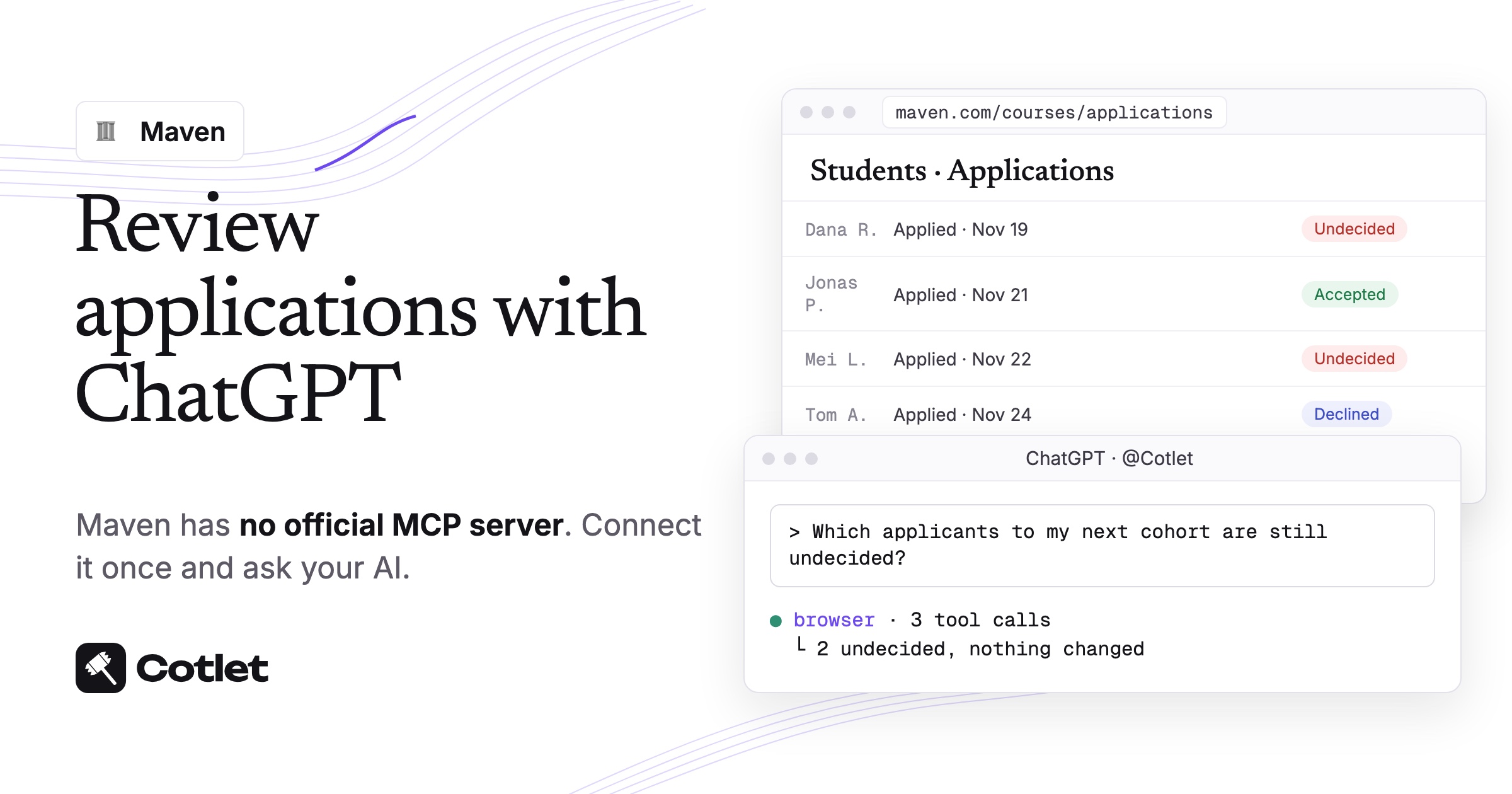
Your next cohort opens in nine days, and the Applications tab shows 61 people. Some wrote three paragraphs about why they want a seat. Some wrote one line. You need an answer for each of them by Friday, and the cohort page will not sort them for you. Our search on 27 Nov 2026 turned up no Maven MCP server, no ChatGPT app and no Claude connector. There is no public REST API either. It has outgoing webhooks, which push events to a URL but do not read your account when you ask. Cotlet signs in to your instructor account in a Cloud Browser, so the agent reads the very Applications tab you read.
This is for instructors who run cohort courses, workshops and Lightning Lessons on Maven. Students and company buyers are out of scope.
What ChatGPT and Claude can do in Maven once connected
Phrase it like a request to a colleague. Cotlet finds the right tab.
| Where in Maven | What you get |
|---|---|
| Students, Applications | Everyone who applied and is still undecided, with the date and their answers side by side |
| Students, Waitlist and Dropped off | Two groups with their sizes, ready for two different emails |
| Students list | Each student with enrollment stage, date and amount paid, as a table you can paste into a sheet |
| Session reports | Who missed two sessions in a row, from the Zoom attendance report you download |
| Discount codes | Active codes, how many students used each and which cohort has none |
| Emails | A draft for the group you pick, written in your voice |
Reading changes nothing. Sending an email or accepting an applicant is held until you say yes. More ideas sit on the Maven MCP page. A report that your own tools should fetch by URL is described on the API page.
Does Maven have AI, an API or an official ChatGPT app?
State on 27 November 2026:
- Webhooks: yes. The webhooks article says you paste a Webhook Endpoint into your course settings. Maven then posts events such as waitlist.joined, application.received, application.accepted, payment.success and user_cohort.enrolled. You need an instructor account for this.
- REST API: none found. The same article describes no API key and no endpoints, and we found no other API page in the Help Center.
- Zapier: through a generic hook. Maven recommends Webhooks by Zapier with the Catch Hook trigger. We did not find a Maven app listed on Zapier or Make.
- Student export: yes, in part. The Student CRM article says you can export student lists by status.
- Chat connector: none found. Maven publishes nothing in the MCP Registry.
Webhooks tell you that something just happened. They cannot answer “who applied last week and still waits for me”. The Maven access review scores each point.
Before you start
- Your instructor login with access to the course.
- One course with at least a few applications or a waitlist.
- ChatGPT or Claude.
- A Cotlet trial (pricing). Maven needs nothing from you here, no key and no webhook.
Step 1: sign in to Maven in your Cloud Browser
Go to maven.com inside the Cloud Browser and log in with your course account. Maven is the only one to receive the password. What Cotlet stores is an encrypted session, which a single click in the console deletes (security).
Step 2: connect Maven to ChatGPT, Claude or another AI agent
Add Cotlet once to your AI of choice. Every new chat after that can work in your Maven account.
Pick your AI above to see its steps.
How to connect Maven to ChatGPT
Do this on chatgpt.com in your browser. Cotlet then works in the ChatGPT desktop and phone apps too.
- Open Plugins in ChatGPT and click Add.
- Click Add custom MCP server. Not in the menu? Turn on Developer mode in Settings, Security and login, then come back.
- Paste the name
Cotletand the server URLhttps://cotlet.dev/mcp/v1/connect. Keep Authentication on OAuth. - Tick “I understand and want to continue” and click Create as a plugin.
- Click Connect Cotlet. A Cotlet page opens, click Allow access.
- In a new chat, type
@Cotletand pick it from the list. - Ask ChatGPT: “Are you signed in to Cotlet through MCP?” Then try a first Maven task: “In Maven, list the people who applied to my next cohort and are still undecided, with the date. Change nothing.”
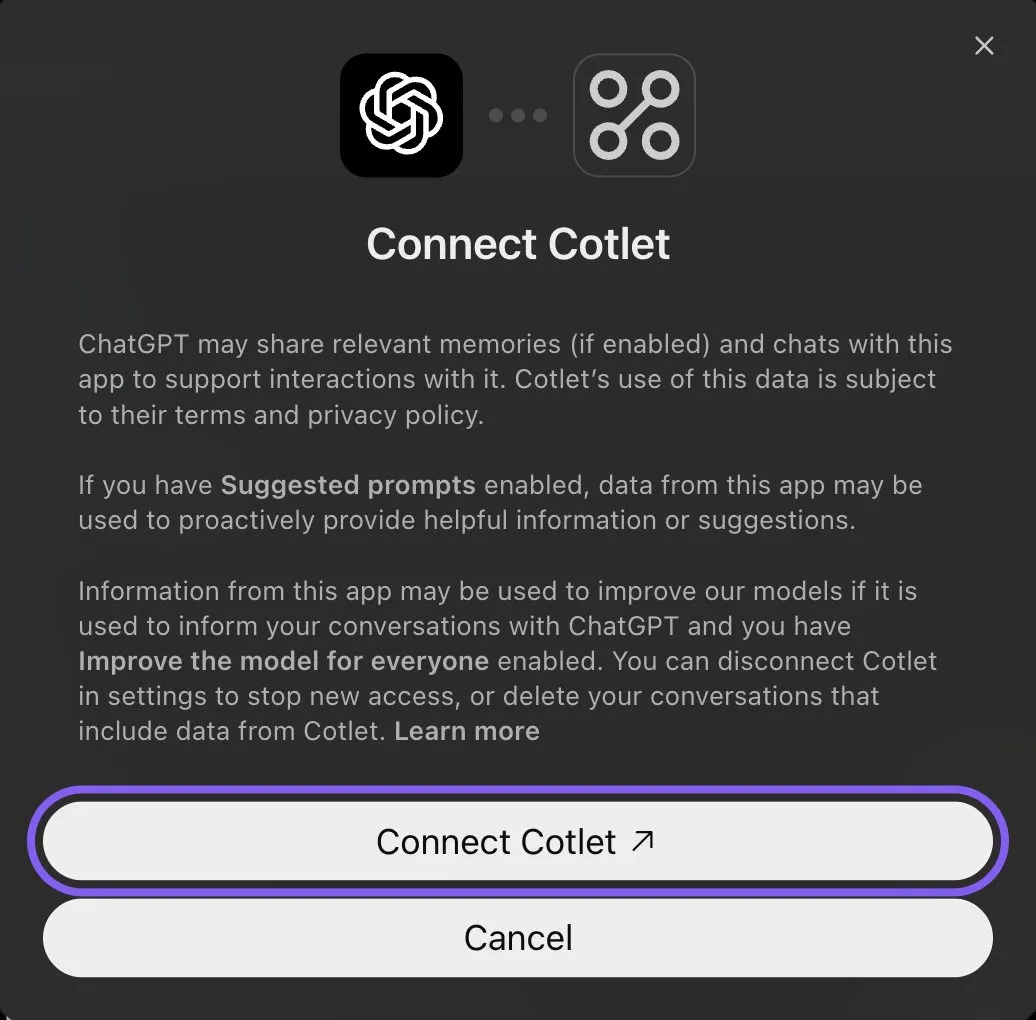
ChatGPT, connecting the Cotlet plugin, November 2026.
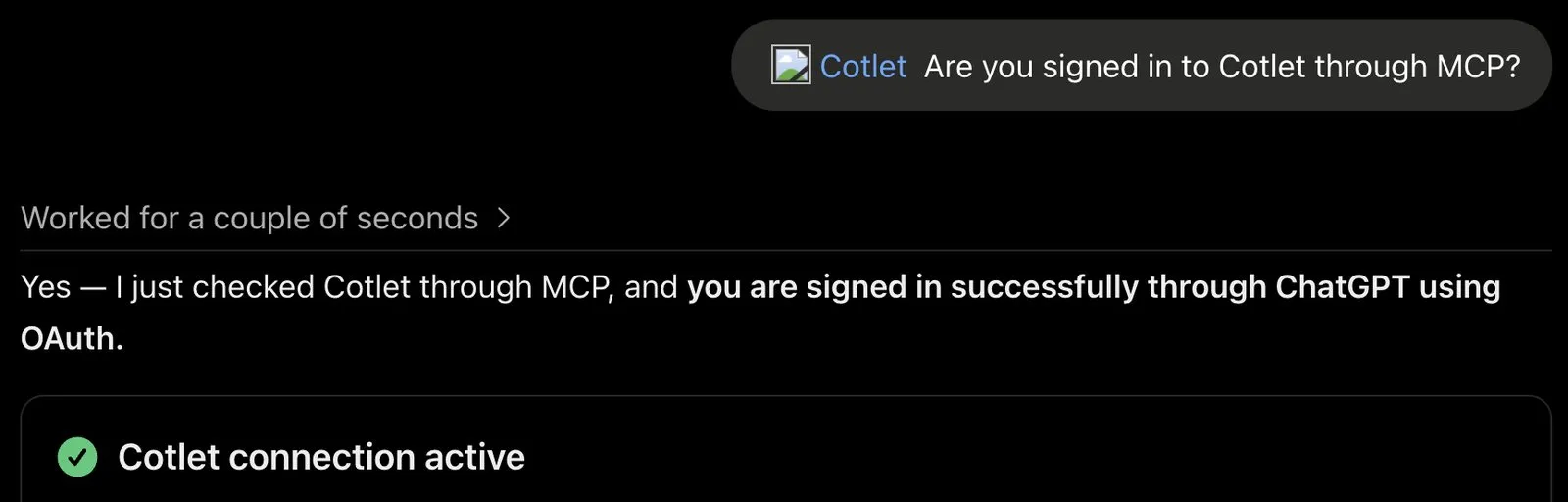
ChatGPT confirming the Cotlet connection, November 2026.
ChatGPT asks “Allow ChatGPT to use Cotlet?” before some steps. Pick Always allow, or the chat waits for your click. On a Business, Enterprise or Edu workspace, an admin has to allow custom MCP servers first.
How to connect Maven to Claude
- Open Connectors in Claude and click Add. In the desktop app it is under Customize, Connectors.
- Click Add custom connector.
- Paste the name
Cotletand the URLhttps://cotlet.dev/mcp/v1/connect, then click Continue. - Keep the settings and click Add.
- A Cotlet page opens. Click Allow access.
- In a chat, click the plus button, then Connectors, and turn Cotlet on.
- Ask Claude: “Are you signed in to Cotlet through MCP?”, then “In Maven, list my waitlist and the students who dropped off, with the size of each group. Change nothing.”. Claude asks before it uses a Cotlet tool the first time. Click Allow.

Claude, Add custom connector, last screen, November 2026.

Claude, chat menu, Connectors, November 2026.
Claude’s free plan allows one custom connector. On a Team or Enterprise plan, an owner adds Cotlet in Organization settings, Connectors, and you click Connect next to it.
How to connect Maven to Claude Code
Add Cotlet without a key, then sign in once in the browser:
claude mcp add --transport http cotlet https://cotlet.dev/mcp/v1/connectRun /mcp in Claude Code, pick cotlet and sign in to Cotlet. Prefer an API key, for example on a server? Create one in the Cotlet console and use:
claude mcp add --transport http cotlet https://cotlet.dev/mcp/v1 \
  --header "Authorization: Bearer $COTLET_API_KEY"
How to connect Maven to Codex
Create an API key in the Cotlet console, put it in the COTLET_API_KEY environment variable and add this to ~/.codex/config.toml:
[mcp_servers.cotlet]
url = "https://cotlet.dev/mcp/v1"
bearer_token_env_var = "COTLET_API_KEY"
How to connect Maven to Cursor
Create an API key in the Cotlet console, put it in the COTLET_API_KEY environment variable and add this to ~/.cursor/mcp.json:
{
  "mcpServers": {
    "cotlet": {
      "url": "https://cotlet.dev/mcp/v1",
      "headers": { "Authorization": "Bearer ${env:COTLET_API_KEY}" }
    }
  }
}
How to connect Maven to Grok
Grok takes custom MCP servers on grok.com, per xAI’s connectors documentation (checked 8 November 2026).
- Open grok.com/connectors and click New Connector.
- Pick Custom and paste the server URL
https://cotlet.dev/mcp/v1/connect. - Sign in to Cotlet when Grok asks, then click Allow access.
- Ask Grok: “Are you signed in to Cotlet through MCP?”
On Grok Business, an admin adds the connector first in the xAI console, under Grok Business, Connectors. The Grok chat inside X has no custom connector menu.
How to connect Maven to Hermes Agent
Add Cotlet to ~/.hermes/config.yaml in the format of the Hermes MCP config reference:
mcp_servers:
  cotlet:
    url: "https://cotlet.dev/mcp/v1"
    headers:
      Authorization: "Bearer ${COTLET_API_KEY}"
    trust: untrusted
Put COTLET_API_KEY in ~/.hermes/.env and check it with hermes mcp test cotlet. With trust: untrusted, Hermes runs reads at once and asks before every write. More on Hermes in our post on the Hermes Agent browser.
How to connect Maven to n8n
Use the MCP Client node, or the MCP Client Tool inside an AI Agent node:
- Server Transport: HTTP Streamable
- MCP Endpoint URL:
https://cotlet.dev/mcp/v1 - Authentication: Bearer Auth, with your Cotlet API key as the token
- Tools: let the AI Agent node use Cotlet’s browser tools; it reads Cotlet’s Maven guide first and works in your signed-in Maven instructor account
Use it for work that should run on its own, such as a Monday list of applications that still wait for a decision.
Any other MCP client
Point the client at https://cotlet.dev/mcp/v1 over Streamable HTTP, with the header Authorization: Bearer <your Cotlet API key>. A client that supports OAuth sign-in can use https://cotlet.dev/mcp/v1/connect instead and needs no key. The full reference is in the MCP docs.
Three Maven jobs to try first
All three read first. Nothing leaves Maven until you approve it.
Decide on applications faster
List the people who applied to my next cohort and have not been accepted or declined, with the date and their answers. Draft an accept or decline note for each. Send nothing yet.
Maven describes how applications work. The agent reads each answer and groups the people by how complete they are. You decide, and the notes wait as drafts.
Write to the waitlist and to the people who stalled
Write a short email to the people on my waitlist and to those who dropped off at the payment step, and show me both group sizes before I send.
The email article says you send to a student group from the course. A person on the waitlist needs a different message than a person who left at checkout, and the agent writes both.
Find students at risk after a session
From the last Zoom session report, list who missed two sessions in a row and draft a check-in message for each.
Maven’s Zoom reports article tells you to download the attendance report from Zoom, not from Maven. Give the agent that file in the chat. It compares names with your Students tab.
Later in the week
- Active discount codes with their usage.
- Newly enrolled students who have not opened the student portal.
- Whether last week’s recording is posted for the cohort.
What it costs
New accounts get 2,000 credits to use within a week, with no card on file. Afterwards you pick a pack from $29 that lasts a year, and a failed call is free (pricing). Maven itself costs the same as before.
FAQ
Does Maven have an API or MCP server I can use for my course?
Not an official one, and not a REST API. What exists is webhooks you set in the course, plus a generic Zapier hook. Cotlet works inside your instructor account instead, so you need no key.
Can ChatGPT or Claude help me run a Maven cohort?
It reads your Students tab, applications and session reports, then drafts the emails and follow-ups. Anything that sends or changes data waits for you.
Can I put my students in a sheet without a developer?
Yes. Ask for every student with stage, date and amount paid. The agent returns a table you can paste.
Is Cotlet affiliated with Maven?
No. They are separate companies.
Try it on your own Maven cohort
Begin with the applications nobody has answered yet. Start a trial, log in to Maven and let the agent read the first ten. More tools for course creators are under integrations.