How to connect RepairLink to ChatGPT, Claude and any AI agent
RepairLink has no official MCP server and no public API (checked 26 Nov 2026). Let Claude chase dealer orders and OEM quotes in your RepairLink Shop account.
Cotlet team 11 min read
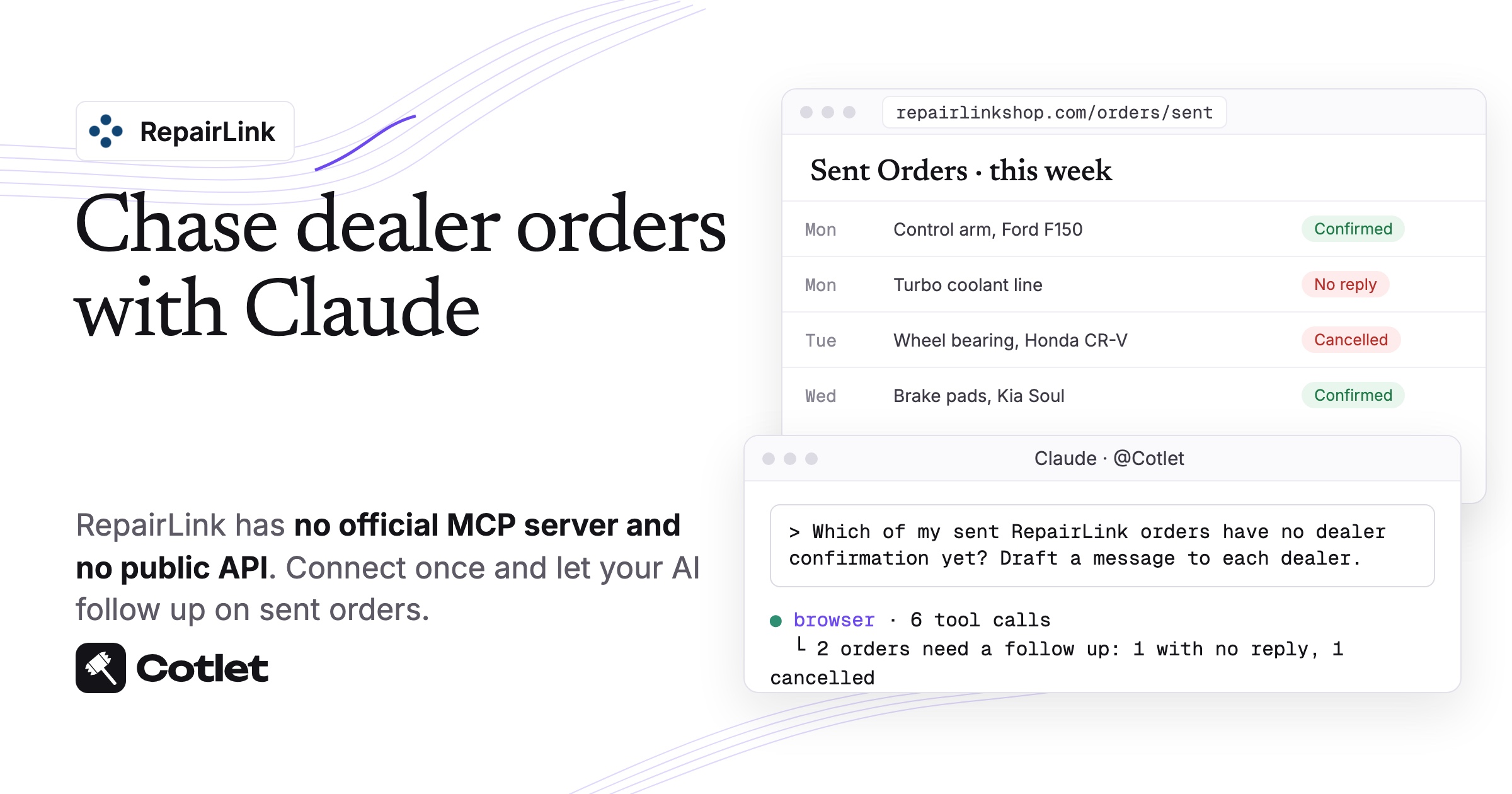
You sent an OEM part order to a dealer on Monday, and on Wednesday nobody has confirmed it. RepairLink shows the status, but only if you open each order. Today, 26 November 2026, RepairLink offers no MCP server, ChatGPT app, Claude connector or public API. An AI can still do the checking in your RepairLink Shop account. After one login in a cloud browser run by Cotlet, ChatGPT or Claude lists unconfirmed orders, asks dealers for OEM quotes and drafts the follow-up messages. The setup is a ten minute job, and none of it is code.
RepairLink Shop is for mechanical repair, so this is written for the service advisor, parts buyer or owner of a repair shop who orders genuine parts from franchised dealers. Cotlet serves whoever runs the shop’s RepairLink account. Collision shops order through a sister product, CollisionLink, which this post does not cover.
What ChatGPT and Claude can do in RepairLink once connected
The AI works on the screens you already use, in the order you would click them.
| Where in RepairLink | What the AI does |
|---|---|
| Parts list | Adds the parts for a vehicle and job, then reads the OEM part number, price and stock from your dealers |
| Sent Orders | Lists orders the dealer has not confirmed or has cancelled, with the dealer and the age of the order |
| Parts list, alerts | Finds lines marked obsolete or “contact dealer” and gives you the dealer phone |
| Upload a parts list | Takes the list from an estimate, loads it and shows you the order before anything goes out |
| Transactions | Lists a month of payment transactions and surcharges with the repair order for each |
| Order history | Writes three months of orders to a sheet with dealer, part number, price and status |
Reading a screen changes nothing. Sending an order, messaging a dealer or paying for something waits for your OK, and payments stay blocked. Details are on the RepairLink MCP server page. Teams that want the order history inside a sheet or n8n can read the RepairLink API page.
Does RepairLink have AI, an API or an official ChatGPT app?
Checked on 26 November 2026:
- No public API or developer portal. OEC’s RepairLink Shop page mentions only integrations with shop management systems. Those are managed partnerships, for example with Tekmetric, Shopmonkey, Mitchell 1 and PartsTech, and a shop owner cannot sign up for a key.
- Nothing official for AI chats. A search of the MCP Registry finds neither RepairLink nor OEConnection, and no chat directory lists them.
- It works in a browser. OEC describes RepairLink Shop as web-based, with nothing to install. It lets you order OEM mechanical parts from dealers around the clock, with VIN-level accuracy and live availability.
- It is free for the shop. Dealers pay for RepairLink, so a repair shop opens an account without a fee. Check the terms of your own account.
- PartsTech has a RepairLink connection. The PartsTech pricing page lists OEM parts through a RepairLink integration as new. It lets you see dealer parts inside PartsTech search. It does not chase your sent orders.
If your shop software already sends a parts list to RepairLink, keep it. The gap is what happens after the order leaves: confirmations, cancellations and obsolete parts. Only a server that sits in your own logged-in session sees those screens. Every route is scored side by side on Does RepairLink have an API or MCP server?.
What to prepare
- A RepairLink Shop login, with your preferred dealers already added.
- A short list of open orders you know are waiting, to test the first answer.
- The repair orders or estimates behind them, if you want the AI to match them.
- An AI chat. Claude’s free plan works because it takes one custom connector.
- Cotlet, which starts with a no-card trial week (pricing).
Step 1: sign in to RepairLink in your Cloud Browser
From your Cotlet console, start the Cloud Browser and visit repairlinkshop.com. Log in the way you do each morning. Working for several shops? Choose the one whose dealers matter here.
The password goes into RepairLink’s own page, so Cotlet cannot see it. Only an encrypted session stays in the browser, and a single click in the console takes agent access away. Should RepairLink drop the session, you get a link to sign in again. See the security page.
Step 2: connect RepairLink to ChatGPT, Claude or another AI agent
Put Cotlet’s address into your AI tool once. The saved RepairLink session does the rest. Choose the tool you use.
Pick your AI above to see its steps.
How to connect RepairLink to ChatGPT
Do this on chatgpt.com in your browser. Cotlet then works in the ChatGPT desktop and phone apps too.
- Open Plugins in ChatGPT and click Add.
- Click Add custom MCP server. Not in the menu? Turn on Developer mode in Settings, Security and login, then come back.
- Paste the name
Cotletand the server URLhttps://cotlet.dev/mcp/v1/connect. Keep Authentication on OAuth. - Tick “I understand and want to continue” and click Create as a plugin.
- Click Connect Cotlet. A Cotlet page opens, click Allow access.
- In a new chat, type
@Cotletand pick it from the list. - Ask ChatGPT: “Are you signed in to Cotlet through MCP?” Then try a first RepairLink task: “Which of my sent RepairLink orders have no dealer confirmation yet? List the dealer, part number and how old each order is.”

ChatGPT, Plugins page, November 2026.
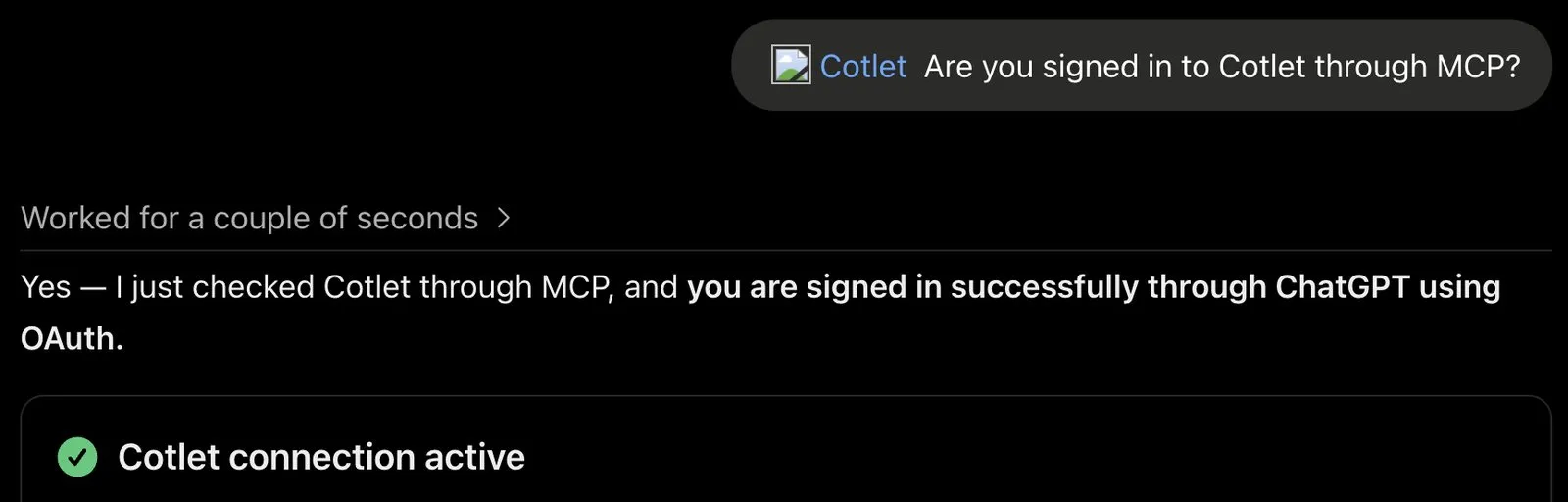
ChatGPT confirming the Cotlet connection, November 2026.
ChatGPT asks “Allow ChatGPT to use Cotlet?” before some steps. Pick Always allow, or the chat waits for your click. On a Business, Enterprise or Edu workspace, an admin has to allow custom MCP servers first.
How to connect RepairLink to Claude
- Open Connectors in Claude and click Add. In the desktop app it is under Customize, Connectors.
- Click Add custom connector.
- Paste the name
Cotletand the URLhttps://cotlet.dev/mcp/v1/connect, then click Continue. - Keep the settings and click Add.
- A Cotlet page opens. Click Allow access.
- In a chat, click the plus button, then Connectors, and turn Cotlet on.
- Ask Claude: “Are you signed in to Cotlet through MCP?”, then “Which parts on my open RepairLink lists show an obsolete alert or say contact dealer? List them with the dealer phone.”. Claude asks before it uses a Cotlet tool the first time. Click Allow.

Claude, chat menu, Connectors, November 2026.

Claude, Add custom connector form, November 2026.
Claude’s free plan allows one custom connector. On a Team or Enterprise plan, an owner adds Cotlet in Organization settings, Connectors, and you click Connect next to it.
How to connect RepairLink to Claude Code
Add Cotlet without a key, then sign in once in the browser:
claude mcp add --transport http cotlet https://cotlet.dev/mcp/v1/connectRun /mcp in Claude Code, pick cotlet and sign in to Cotlet. Prefer an API key, for example on a server? Create one in the Cotlet console and use:
claude mcp add --transport http cotlet https://cotlet.dev/mcp/v1 \
  --header "Authorization: Bearer $COTLET_API_KEY"
How to connect RepairLink to Codex
Create an API key in the Cotlet console, put it in the COTLET_API_KEY environment variable and add this to ~/.codex/config.toml:
[mcp_servers.cotlet]
url = "https://cotlet.dev/mcp/v1"
bearer_token_env_var = "COTLET_API_KEY"
How to connect RepairLink to Cursor
Create an API key in the Cotlet console, put it in the COTLET_API_KEY environment variable and add this to ~/.cursor/mcp.json:
{
  "mcpServers": {
    "cotlet": {
      "url": "https://cotlet.dev/mcp/v1",
      "headers": { "Authorization": "Bearer ${env:COTLET_API_KEY}" }
    }
  }
}
How to connect RepairLink to Grok
Grok takes custom MCP servers on grok.com, per xAI’s connectors documentation (checked 8 November 2026).
- Open grok.com/connectors and click New Connector.
- Pick Custom and paste the server URL
https://cotlet.dev/mcp/v1/connect. - Sign in to Cotlet when Grok asks, then click Allow access.
- Ask Grok: “Are you signed in to Cotlet through MCP?”
On Grok Business, an admin adds the connector first in the xAI console, under Grok Business, Connectors. The Grok chat inside X has no custom connector menu.
How to connect RepairLink to Hermes Agent
Add Cotlet to ~/.hermes/config.yaml in the format of the Hermes MCP config reference:
mcp_servers:
  cotlet:
    url: "https://cotlet.dev/mcp/v1"
    headers:
      Authorization: "Bearer ${COTLET_API_KEY}"
    trust: untrusted
Put COTLET_API_KEY in ~/.hermes/.env and check it with hermes mcp test cotlet. With trust: untrusted, Hermes runs reads at once and asks before every write. More on Hermes in our post on the Hermes Agent browser.
How to connect RepairLink to n8n
Use the MCP Client node, or the MCP Client Tool inside an AI Agent node:
- Server Transport: HTTP Streamable
- MCP Endpoint URL:
https://cotlet.dev/mcp/v1 - Authentication: Bearer Auth, with your Cotlet API key as the token
- Tools: let the AI Agent node use Cotlet’s browser tools; it reads Cotlet’s RepairLink guide first and works in your signed-in RepairLink Shop account
Use it for work that should run on its own, such as a 7 am list of sent orders the dealer has not confirmed, sent to your inbox.
Any other MCP client
Point the client at https://cotlet.dev/mcp/v1 over Streamable HTTP, with the header Authorization: Bearer <your Cotlet API key>. A client that supports OAuth sign-in can use https://cotlet.dev/mcp/v1/connect instead and needs no key. The full reference is in the MCP docs.
Three RepairLink jobs to try first
Begin with the order that holds up a car.
Orders the dealer has not confirmed
Which of my sent RepairLink orders are not confirmed by the dealer yet or were cancelled? Draft a message to each dealer.
A parts counter worker on r/partscounter wrote that many lines say “contact dealer”, and sometimes a dealer cancels an order for a part it does not have on hand. The AI opens Sent Orders, sorts by age, and lists each order with no confirmation or with a cancel. It drafts one short message per dealer with the order number. You approve the messages, and the cars with a part at risk go first.
Parts that are obsolete or need a phone call
Which parts on my open RepairLink lists show an obsolete alert or say contact dealer? List them with the dealer phone.
RepairLink’s help center has a page on obsolete part alerts in the parts list. The AI walks through every open list, collects the flagged lines and puts them in one table with the dealer’s number. You make five calls in a row instead of opening twelve lists. Do this in the morning and the answers come back before the car is on the lift.
OEM against aftermarket
For the parts on this repair order, compare the RepairLink OEM price with the aftermarket price in my other suppliers and tell me where OEM is close.
A service advisor who moved to an independent shop described quoting twenty different things with multiple parts each, hunting prices on websites and by phone. The AI reads the OEM price in RepairLink and the aftermarket price in suppliers you are signed in to in Cotlet, or in numbers you paste. It marks the parts where the gap is small. The decision stays with you, and nothing is ordered.
What it costs
The shop pays nothing more to RepairLink. Cotlet sells credits in single packs, with no subscription. For $29 you get 5,000, good for twelve months. A successful call uses 10 to 100 credits, while a failed one is free. The first week is a trial with 500 credits, and no card is asked. Once it ends, keeping RepairLink open to agents costs 50 credits per day for the Cloud Browser (pricing).
FAQ
Can AI chase RepairLink orders that dealers have not confirmed?
Yes. It reads the Sent Orders screen, lists orders without a dealer response or with a cancel, and drafts a message for each dealer. Nothing is sent without your OK.
Does RepairLink have an API for shops?
No public API or developer portal (checked 26 Nov 2026). Integrations are managed partnerships. The AI works in your RepairLink Shop account in the browser instead.
Is there an official RepairLink MCP server?
No. The MCP Registry knows neither RepairLink nor OEConnection, and the ChatGPT and Claude directories list no connector. Cotlet is a separate hosted server, and it acts inside your account.
Can it upload a parts list from an estimate?
Yes. It loads the list on the upload screen and shows you the order. It sends it to your preferred dealer only after you say so.
Can ChatGPT or Claude pay a dealer for me?
No. Payments are blocked. The AI can list your payment transactions and surcharges, so you see what was charged for each repair order.
Does this cover collision work?
No. RepairLink Shop is for mechanical parts. Collision shops order through CollisionLink, which Cotlet does not cover here.
Is Cotlet part of RepairLink or OEC?
No. Cotlet is a separate company, and it works only through your login.
Find the unconfirmed order today
Somewhere in Sent Orders a part has sat without an answer. Open a Cotlet trial, log in to RepairLink in the Cloud Browser and let your AI hunt it down. Using a different tool for parts? See the catalog.


