Parse.bot alternatives for agents and logged-in apps (2026)
Parse builds an API for any site from a sentence. When a hosted MCP server for your own signed-in accounts fits better, and the other options compared.
Cotlet team 10 min read
The best parse.bot alternative depends on what you want from it. If you need data from public pages, a scraping API or a browser agent like Browser Use may do the job. If the app has an official API, use that API, or a connector platform like Composio. If your agent needs to act inside apps you are signed in to, a hosted MCP server such as Cotlet is the closer fit: one MCP server for all your connected accounts, failed calls refunded, and no stored passwords.
This post explains what Parse does today, where it shines, why some people look elsewhere, and how to pick. Facts about Parse come from its own public pages, as of October 2026.
What is Parse (parse.bot)?
Parse is a YC company (Y Combinator, Fall 2025 batch), based in San Francisco. Its YC profile sums it up as “Build an API to interact with any website.” It is not the old Parse, the mobile backend that was in YC’s Summer 2011 batch and became a Facebook subsidiary; that one lives on as the open source Parse Server and has its own list of alternatives (Firebase and friends).
What parse.bot offers, as of October 2026:
- An API from a sentence. You paste a URL and describe what you want. Its agent builds a private, typed REST API “and an MCP server” in about a minute. It works from the network calls the site’s own front end makes, not by running a browser.
- Reads and actions. GET endpoints return typed JSON; POST endpoints fill forms, book and reserve.
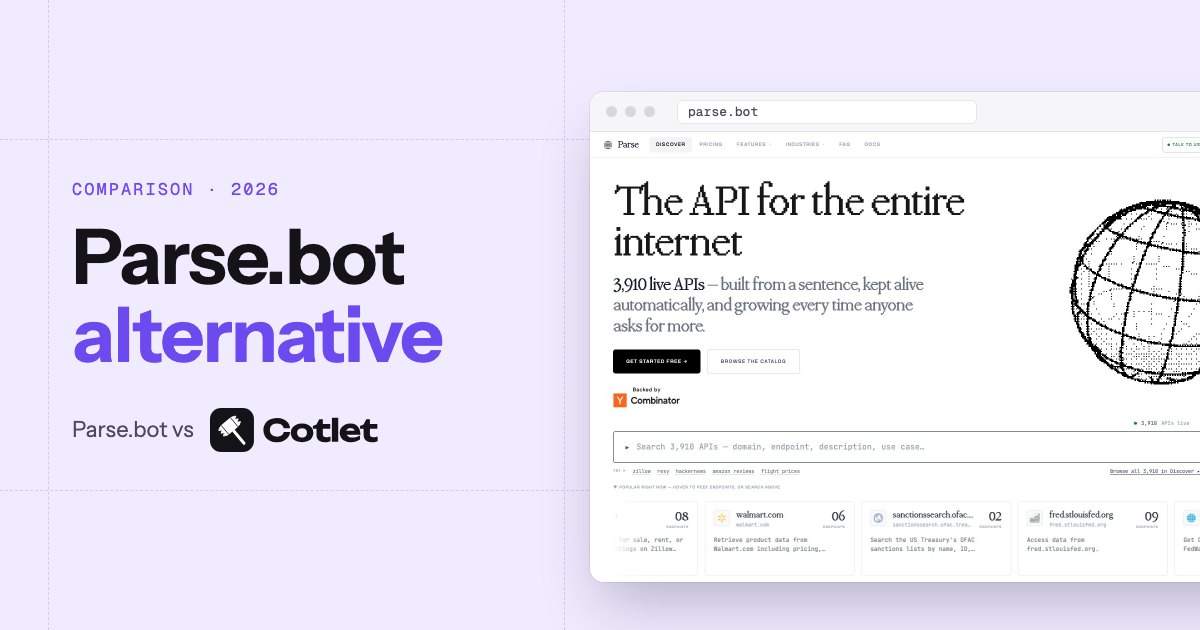
- A marketplace. The home page lists 3,910 live APIs that you can subscribe to, fork and improve.
- Self-healing. Endpoints are health-checked by automated probes, and when a site changes the agent re-reads it, patches the endpoint and re-tests it.
- Hosted anti-bot handling. In Parse’s words: “Proxies, captcha-solving, rotation, retries, antibot: all hosted, all handled on our side.”
- The parse.bot API and one MCP server. Every API you build or subscribe to is called over REST with an
X-API-Keyheader. The MCP docs give a single URL (https://api.parse.bot/mcp, OAuth or API key) with platform tools such asmarketplace_search,create_apiandcall_endpoint.
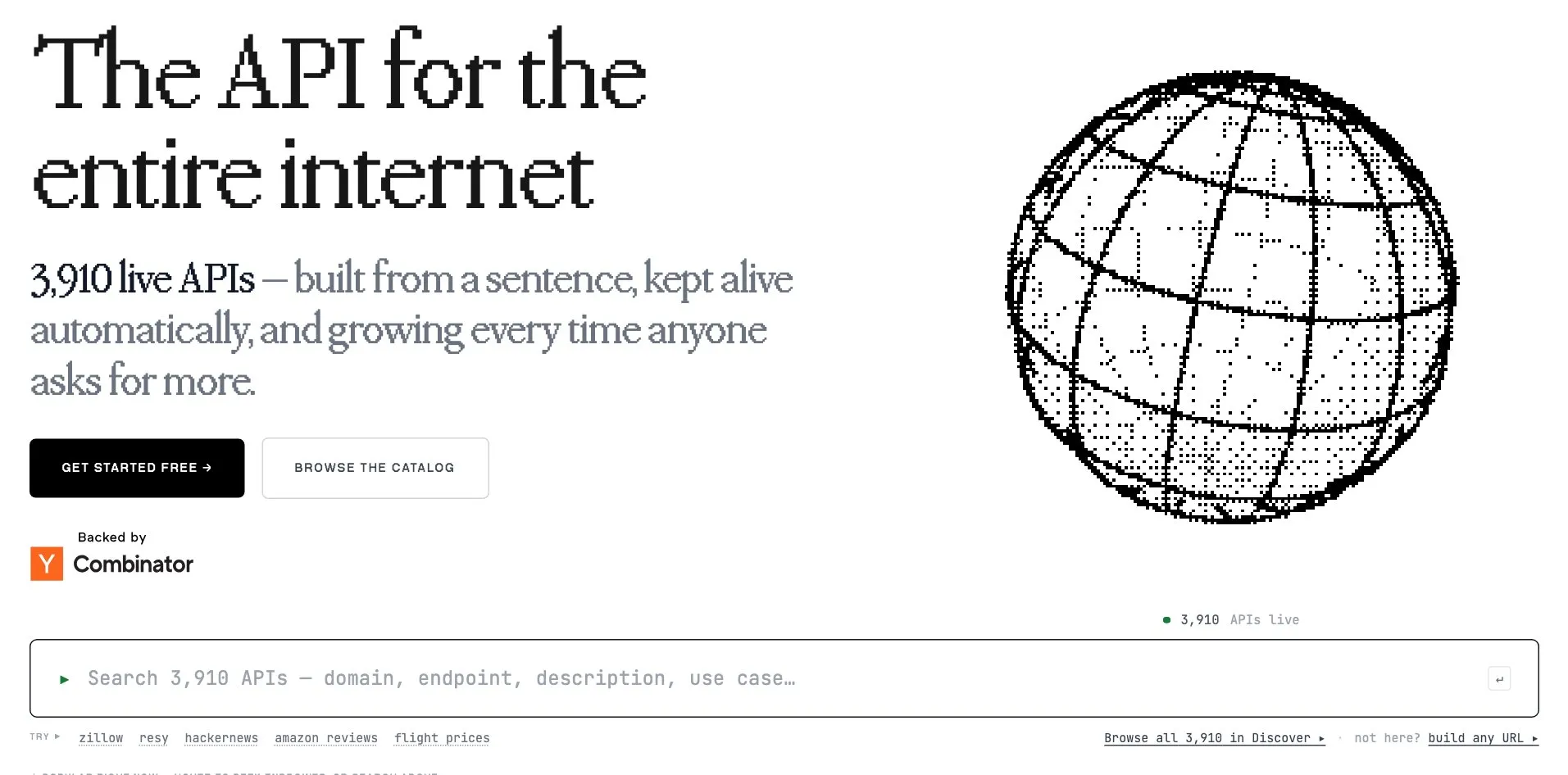
Parse home page, hero and catalog search, October 2026 (source).
Its pricing page is public: a free plan with 200 credits, then Hobby at $30 a month (1,000 credits), Developer at $100 (5,000), Team at $300 (20,000), Company at $1,000 (100,000) and a custom Enterprise plan. The per-call cost “varies by API”. Building a private API costs 75 credits and a revision 50.
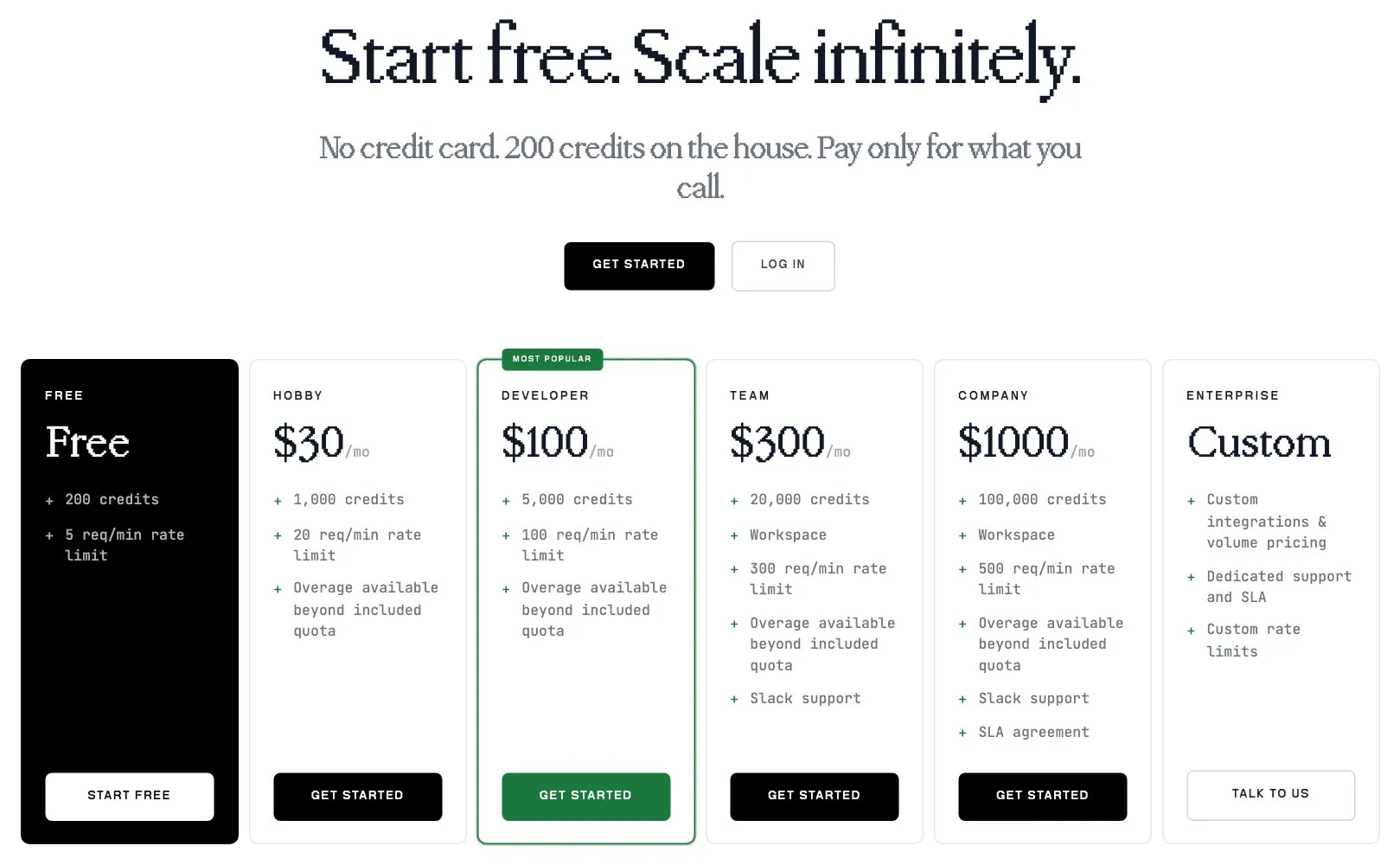
Parse pricing page, plans, October 2026 (source).
That is a strong product for a developer who wants to turn a site into an API on their own terms.
Why people look for a Parse alternative
Nothing here is a flaw in Parse. These are the gaps that show up when your task does not match what it was built for.
Logged-in work is a beta feature. Parse’s Authenticated APIs page calls creation “experimental”, limits it to paid plans and asks you to use it “only with test accounts on sites that hold no sensitive information.” If the job is “send the invoice from my real account”, that is a clear signal from the vendor itself.
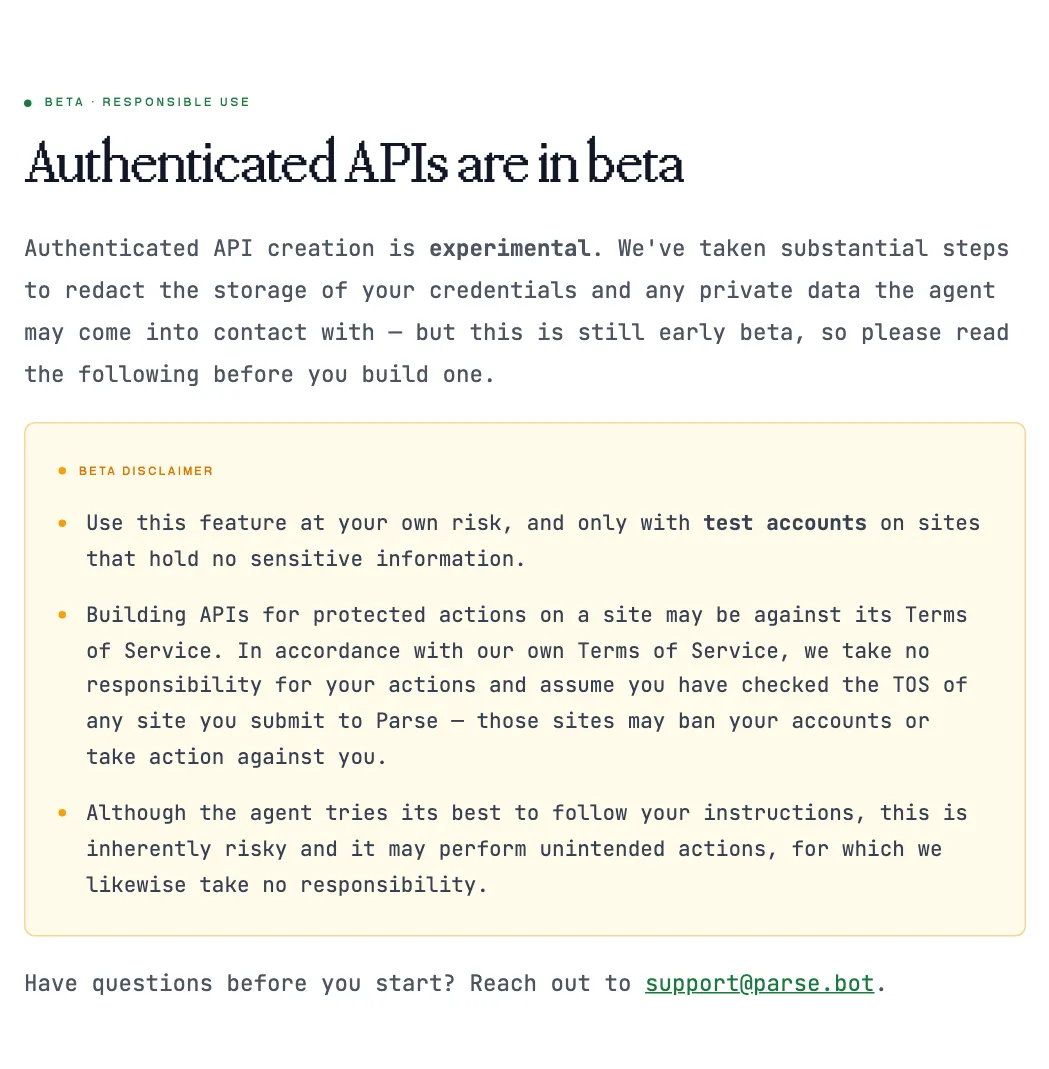
Parse, Authenticated APIs feature page, “Authenticated APIs are in beta” section, October 2026 (source).
Your password goes through the login endpoint. In the authenticated APIs docs, you call a login endpoint with a username and password, and get back a session_id and an encryption_key that Parse does not store. That design keeps session data encrypted with a key only you hold, which is careful work. It also means your script or secret store holds the password and passes it on each login. Some people would rather never hand a password to any service at all.
CAPTCHAs are solved for you. Parse lists captcha-solving as a hosted feature. Its own terms (last updated September 26, 2025) forbid circumventing CAPTCHAs “except where such measures are completed as presented in the ordinary course (e.g., solving a CAPTCHA)”, in compliance with the third-party site’s terms. If your security team or the app’s terms treat automated CAPTCHA solving as a red line, check this before you sign up. Our post on CAPTCHA and MFA for AI agents covers the law around it.
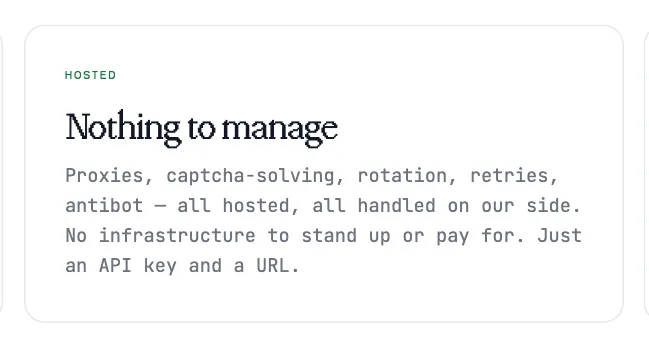
Parse home page, “Why Parse” section, October 2026 (source).
You build and maintain the API. Parse’s self-healing does a lot of the upkeep, but the starting point is still you: you describe the site, review the endpoints and decide which version to pin. Some people want a ready catalog of apps with named tools and someone else watching them.
Parse vs Cotlet: how do they compare?
| Parse | Cotlet | |
|---|---|---|
| Who it is for | Developers who want an API for any website, public or logged in | Developers and agent users who want their agent to work inside apps they use |
| Main use | Public data and actions on any URL | Work on your own accounts: read, edit, send |
| How you get access | Self-serve sign-up, free plan | Sign up free; apps are added per account |
| MCP | One hosted server with platform tools (search, build, call) | One server for every connected app, a read and a write tool per app, such as skool_read with its operation list_members |
| REST | Yes, per API | Yes, your own saved endpoints, same key |
| How accounts are connected | Login endpoint with username and password; 2FA codes typed during the build | You sign in yourself, once, in your own Cloud Browser, then enable the app for agents |
| Passwords stored | Not in plaintext; session encrypted with your key | Never; password saving is off, the browser profile is AES-256-GCM encrypted |
| CAPTCHA and MFA | CAPTCHA solving hosted on their side | You sign in and pass MFA yourself; never bypasses MFA; a call returns a link when a check needs you |
| Pricing | Free to $1,000 a month, per-call cost varies by API | Credit packs from $29, one-time, no subscription; one rate for every app |
| Catalog | 3,910 APIs, plus any URL you build | Fixed catalog of apps, shaped by what people request |
| Who maintains integrations | Automated probes and repair; you can fix or extend | You and your AI; Cotlet pauses an endpoint after 3 failures in a row and refunds failed calls |
Parse facts from parse.bot, its pricing and docs, October 2026. Cotlet facts from how it works, security and pricing.
Two rows deserve a closer look.
MCP. Both give your agent a single server. The difference is what the agent sees. With Parse, the agent gets tools to find, build and call APIs, and passes an API ID and an endpoint name to call_endpoint. With Cotlet, every connected app adds a read tool and a write tool named after it, and each lists its operations with their input schemas. The agent calls vagaro_read with {"operation": "list_appointments"} or substack_write with {"operation": "create_draft"}, without a search step first. The MCP docs show the call.
Coverage. Parse can point at any URL; Cotlet cannot. If your app is not in the catalog, you request it and it gets built if enough people ask. That is a real limit, and for one-off or niche sites Parse is the faster path.
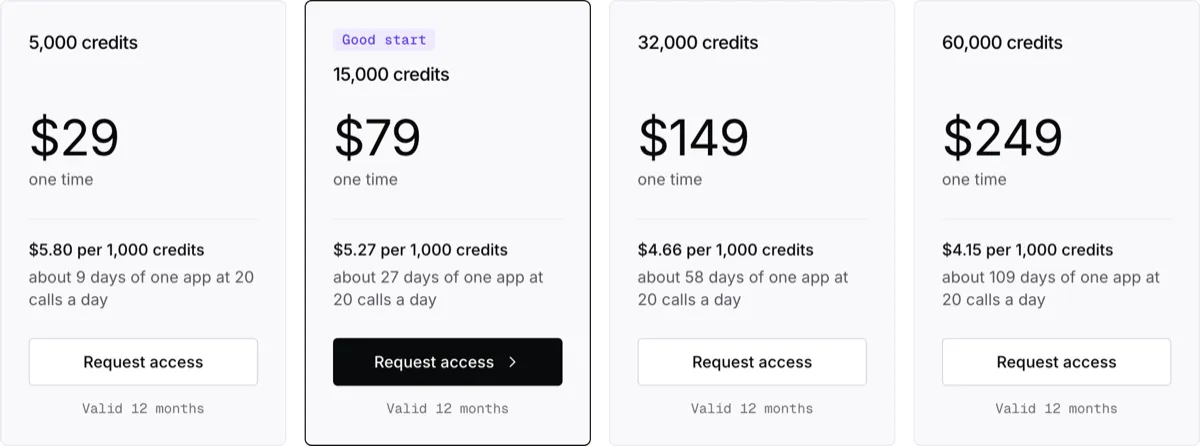
Cotlet pricing page, credit packs, 16 October 2026 (source).
Other alternatives to Parse
Parse sits between several kinds of tools. Pick by the job, not by the brand.
| Option | Best when | Watch out for |
|---|---|---|
| The app’s official API | The app has one and it covers your task | Always check this first; it is the stable, sanctioned path |
| Composio and other connector platforms | Apps with official APIs; it lists “1,500+ apps” with managed OAuth | Apps without an API are not covered |
| Browser Use and other browser agents | One-off tasks on any page; open source, MIT licensed | Slower per task and more fragile; see browser automation vs API |
| Wire by Anakin | A catalog of ready actions for sites without an API | Compared in our Wire by Anakin post |
| Supergood | Enterprise teams with sales-led integration work | Compared in our Supergood post |
| Zatanna | Workflows recorded once and replayed | Compared in our Zatanna post |
| A GitHub script | You can read the code and fix it yourself | You become the maintainer; see open source MCP servers |
How to choose: a five-question check
Run through these before you sign up for anything.
- Does the app have an official API that covers the task? Use it. Nothing unofficial beats a documented contract.
- Is the data public, or behind your login? Public data points to Parse or a scraping API. Your own account points to a tool built around connected accounts.
- Does the task write? Sending, booking and editing need scoped permissions and a way to approve what reaches other people. Check that the tool has both.
- Who types the password? Decide your rule first: never share a password, or allow it with encryption.
- Who notices when the site changes? Ask for the mechanism (probes, canaries, status pages) and what you pay for failed calls.
If your answers are “no API, public data, any site, I am fine building”, Parse is a good choice. If they are “no API, my own account, writes, no password”, read on.
When to stay with Parse
Stay with Parse if:
- You need an API for a site that no catalog covers, today, and you are happy to build it yourself.
- Most of your work is public data: prices, listings, search results, monitoring.
- You want to fork and extend endpoints, or contribute them back to a shared marketplace.
- Your logged-in use is a test account on a low-risk site, which is what Parse’s beta page asks for.
- You want a free plan to try things without asking anyone for access.
For many developers, that covers it. Parse is built for exactly that.
Where Cotlet fits
Cotlet is built for the other case: your agent needs to do the work inside apps you already use, on your own account, where the vendor never shipped an API. Think of a Skool community you manage (Skool integration), client bookings in Vagaro, or contracts in Dubsado.
How Cotlet works:
- You sign in yourself, once per app, in your own Cloud Browser, a Chrome Cotlet runs for you. Password saving is off, the profile is encrypted with AES-256-GCM, and Disable for agents cuts access in one click.
- You pass MFA yourself. Cotlet never bypasses MFA. When a check needs you, the call returns
MFA_REQUIREDorAUTH_EXPIREDwith a link to your Cloud Browser, and you finish it there. - One MCP server for every connected app, plus your own saved endpoints over REST, under one key. Each key is read only or read and write, and the ready tools of a few apps wait for your approval before anything reaches other people.
- Failures pause, free. A saved endpoint that fails 3 times in a row pauses until you save a new version, and failed calls cost nothing.
- Transparent pricing. One-time credit packs from $29, valid 12 months, no subscription, and a free 7-day trial that starts when you sign up.
The limits are just as clear: Cotlet does not build an API for any URL you paste, it does not automate LinkedIn, Instagram or banks without a licence, and it keeps no payloads after a call apart from the exceptions in its privacy policy. If the app you need is not listed, your agent still works in it through the browser tools.
Sign-up is self-serve. You add your apps in the console, and nothing is charged until you buy a pack. Sign up or browse the catalog.