
 Not signed in
  Trengo

 Log in to Trengo
 API MCP
 Customer support
Zendesk
Tickets, replies, macros and views in your Zendesk, worked by your agent.
12 endpoints
Trengo's own API has no quick replies or ticket reminders, and nothing built for an AI agent to work your inbox. Sign in to Trengo once in your own Cloud Browser, and your AI agent does the work there for you. The same tools work over MCP for agents and as a REST API for scripts.
Not affiliated with Trengo.
| What you need | Trengo's API | GitHub MCP server | Cotlet |
|---|---|---|---|
| Agent tools, quick replies, reminders | No | No | Yes, 13 tools |
| Acts as you, signed in 24/7 | No | No | Yes, Cloud Browser |
| Fixed for you when Trengo changes | N/A | No | Yes, tested every 6h |
| Runs with your laptop off | N/A | No | Yes, hosted |
Checked Oct 20, 2026. Sources: Trengo API: Making requests · Trengo API reference: List all tickets · Trengo feature board: MCP server integration for AI · Trengo Help: Integrating Zapier with Trengo
AI agents connect over MCP, scripts call the REST API. Both reach the same 13 tools with one API key.
Add Cotlet to your agent once. Trengo and every other app you connect show up as its tools.
 Claude
  ChatGPT
  OpenClaw
  Hermes
  GrokBot
  Cursor
  n8n
n8n  Any MCP client
 claude mcp add --transport http cotlet \
https://cotlet.dev/mcp/v1 \
--header "Authorization: Bearer $COTLET_API_KEY"{
"mcpServers": {
"cotlet": {
"url": "https://cotlet.dev/mcp/v1",
"headers": {
"Authorization": "Bearer ${COTLET_API_KEY}"
}
}
}
}# ~/.codex/config.toml
[mcp_servers.cotlet]
url = "https://cotlet.dev/mcp/v1"
bearer_token_env_var = "COTLET_API_KEY"Paste the snippet for your client. The same server and key serve every app you connect, so you do this once.
Every tool is an endpoint under /api/v1/trengo with its own method and path, such as POST /api/v1/trengo/conversations/{conversation_id}/assign, with the same API key. Our open-source repo has ready scripts to start from.
13 tools on your own Trengo account. Agents call them as operations of the MCP tools trengo_read and trengo_write; scripts call each one at its own REST endpoint, with the same inputs and answers.
| Tool | What it does | Access |
|---|---|---|
| list_conversations | Conversations in an inbox folder, with channel, labels, assignee and the last message. | read |
| search_conversations | Conversations that match a ticket number, name, phone number, email address or keywords. | read |
| get_conversation | One conversation with its contact, labels, assignee and every message, internal notes included. | read |
| list_labels | The labels set up in your Trengo, with colour, channels and whether they are archived. | read |
| list_assignees | The users and teams a conversation can be assigned to. | read |
| list_quick_replies | The quick replies of your Trengo with their type and text. | read |
| add_label | Adds a label to a conversation. | write |
| remove_label | Removes a label from a conversation. | write |
| set_reminder | Sets or clears the reminder that reopens a conversation in your inbox. | write |
| add_internal_note | Writes an internal note on a conversation, visible to your team and not to the customer. | writeasks first |
| assign_conversation | Assigns a conversation to a user or to a team. | writeasks first |
| reply_to_conversation | Sends a reply to the customer in the conversation's own channel. | writeasks first |
| close_conversation | Closes a conversation without sending a message. | writeasks first |
Scroll the table for all 13 tools.
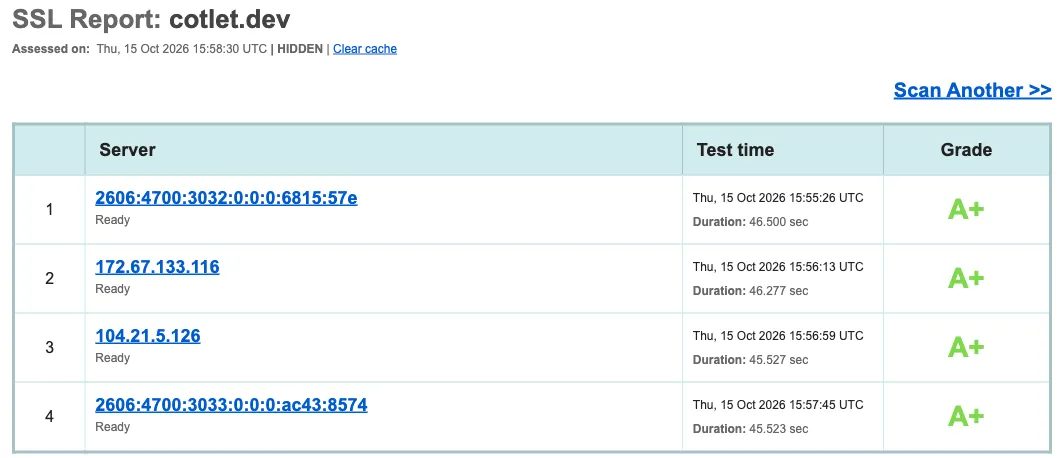
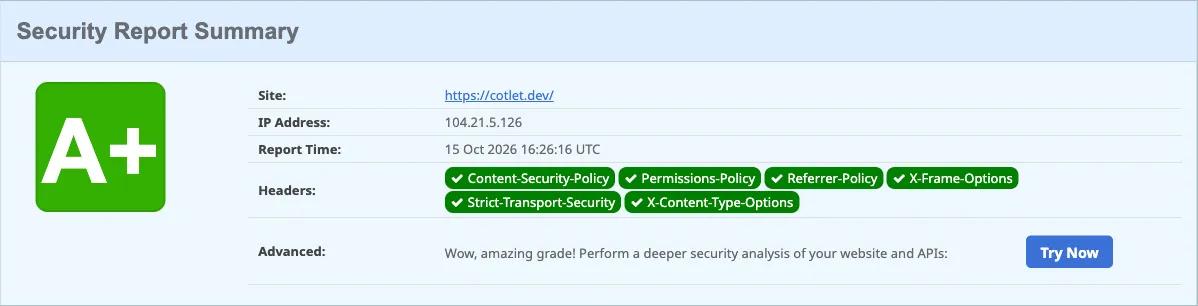
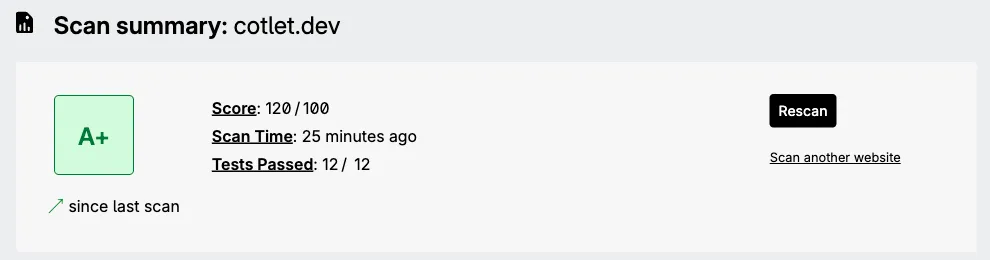
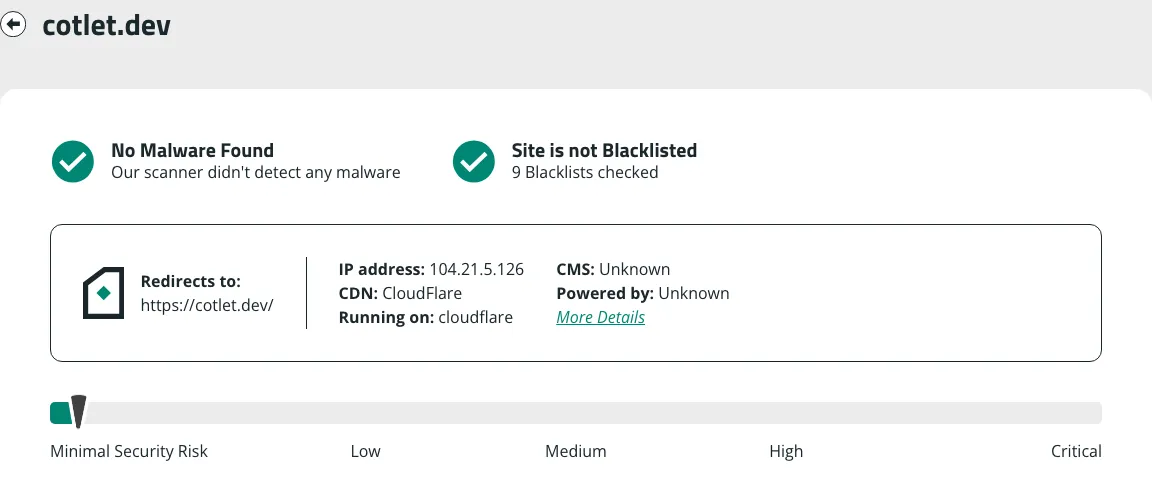
You sign in yourself in your own Cloud Browser, we never save your password, and anything that reaches your readers waits for your OK. The browser profile is encrypted in the EU. Independent scanners grade cotlet.dev A+.
One price for both: a tool call costs the same over MCP or REST. Free 7-day trial with 2,000 credits, no card needed. Then one-time credit packs, no subscription, valid 12 months. Most calls use 25 credits, and your Cloud Browser uses 50 credits a day while Trengo is enabled for agents, so 20 calls a day come to 550 credits.
| Credits | Price, one time | Calls at 25 credits | Per 1,000 credits |
|---|---|---|---|
| 5,000 | $29 | 200 | $5.80 |
| 15,000 | $79 | 600 | $5.27 |
| 32,000 | $149 | 1,280 | $4.66 |
| 60,000 | $249 | 2,400 | $4.15 |
Only successful calls use credits; failed calls and timeouts cost nothing. At a balance of 0 calls pause, never a surprise charge. Authenticate with the Authorization: Bearer header.
Trengo has a REST API for conversations, messages, contacts, labels, WhatsApp templates and reporting, but no official MCP server (checked 20 Oct 2026). The API needs a personal access token and allows 120 requests per minute. Trengo's feature board lists an MCP server request with the status Building and no date.
Sign up free, open Trengo under Integrations in the console and press Request access. Your free trial starts with your account, no card needed.
No, only the way in. Cotlet builds each integration as a REST API and puts an MCP server on top, so both have the same 13 tools, the same inputs and answers, one API key and one price. AI agents such as Claude, ChatGPT or Cursor use MCP; scripts, cron jobs and HTTP steps in n8n, Make or Zapier use the REST API.
Your own Chrome that Cotlet runs for you in the EU, around the clock. You open it from the console, sign in to Trengo yourself and press Enable for agents. Your agent's calls go through it, from its IP with its cookies, so Trengo sees the browser you signed in with. Password saving is off and the profile is stored encrypted with AES-256-GCM.
Not on anything that reaches other people: add_internal_note, assign_conversation, reply_to_conversation, close_conversation wait for your OK by default. You can switch that off per tool for scheduled runs.
No. Cotlet works in your own signed-in Trengo, so it needs no personal access token. The REST API, which Trengo limits to 120 requests per minute, is a separate way in.
Trengo's feature board lists "MCP server integration for AI" with the status Building and no date (read 20 Oct 2026). Votes there do not guarantee development, says Trengo. Cotlet covers the inbox jobs today.
No. Trengo starts a WhatsApp conversation only with an approved template from Inbox > Start a conversation, and the customer must have opted in. The tools here answer conversations that already exist, within WhatsApp's 24-hour limitation.
Pick one if you want the code on your own computer and do not mind the upkeep: you install it, sign it in and fix it when Trengo changes. Pick Cotlet if you want it hosted and kept working for you.
Yes. Add https://cotlet.dev/mcp/v1 in n8n's MCP Client node, or call the REST endpoints from an HTTP step in Make or Zapier.
Cotlet is run by Take Group, a Polish software company working since 2019. Take Group runs about 3,200 websites on its own systems and has its own DevOps team for infrastructure security. We built and used integrations like this inside the company for years before opening them as Cotlet.
No. Cotlet is independent and not affiliated with Trengo.
API MCP Customer support
Tickets, replies, macros and views in your Zendesk, worked by your agent.
12 endpoints
 API MCP
 Customer support
Conversations, replies, tags and Docs in Help Scout, from your agent.
14 endpoints
 API MCP
 Customer support
Conversations, replies, labels and assignments in your Chatwoot inbox.
14 endpoints
Free 7-day trial with 2,000 credits, no card needed.
May we use Google Analytics to see which pages help people? It sets cookies only if you accept. No ads, and we never sell data. Cookie policy